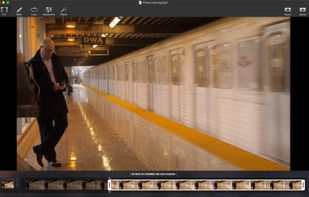
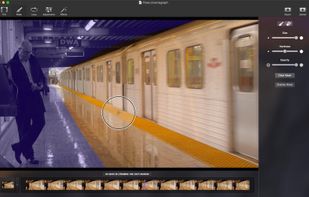
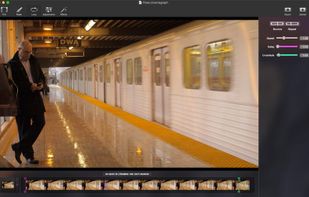
Cinemagraph Pro makes creation super-easy and fast. Simply import a video, select a still frame and paint motion directly on the screen.
Cost / License
- Paid
- Proprietary
Platforms
- Mac
- iPhone
- iPad
- Apple Watch
- Apple TV
 United States




Apps similar to Cinemagraph Wallpaper include Cinemagraph Pro. It's paid, but PixaMotion is free. Other options are Motionleap, StoryZ, Cinemagraph and VIMAGE. You can choose from more than 10 Video Editors like Cinemagraph Wallpaper for Android, iPhone, iPad, Windows and Mac.
Cinemagraph Pro makes creation super-easy and fast. Simply import a video, select a still frame and paint motion directly on the screen.
United States
Motionleap by Lightricks is a photo editing software that allows users to animate their photos using advanced animation tools.
 Israel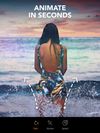
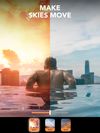
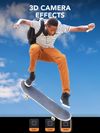


Storyz is a unique app to create and share photo motion art. Bring your photographs to life with user-friendly and simple tools. A Photo animation suite equally suitable for beginners as well as experts.
 United Kingdom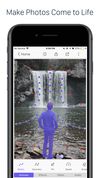
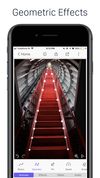
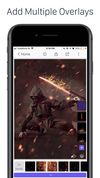


Ashampoo Cinemagraph creates stunning and eye-catching animated photographs. Turn videos into cinemagraphs to capture special moments in stylish...
 Germany
 EU
EU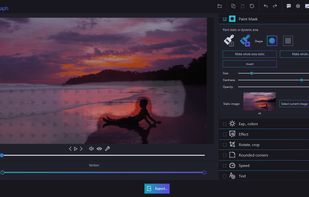
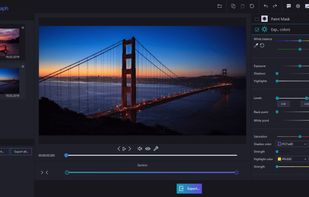


VIMAGE is a cinemagraph creating app that lets you add moving effects and elements to your photos, turning them into live pieces of art.
 HungaryEU
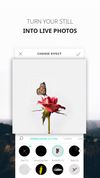



In Movepic, you have many options to edit your loop photos & gifs, like filters/overlay/text/adjust, etc. Make your loop photos & gifs into stunning living photos.
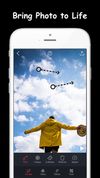
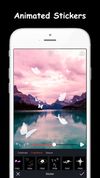
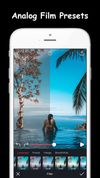


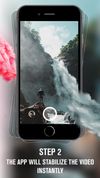
With Loopsie you can create original video motion effects. With integrated camera and advanced motion stabilization, Loopsie lets you easily create video loops on the go.
 ItalyEU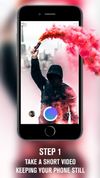
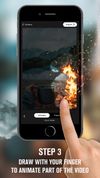


PixaMotion app is a “motion on image editor” that lets you create stunning living photos in motion on the go.
 India
India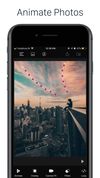
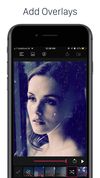
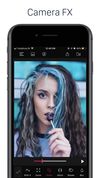


With Zoetropic you give life to your photos, applying a fantastic motion picture effect, also known as the Cinemagraph effect.


Take a selfie, and make it dance! Animate faces and old photos with hundreds of animations to choose from. Try FaceDance today for free!
 Türkiye



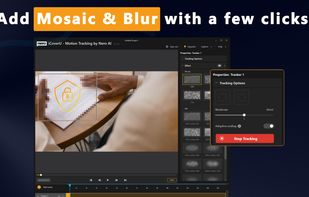
iCoverU (Nero AI Motion Tracker) can track the specific area continuously in your video. After tracking is complete, you can choose to apply the blur or mosaic effect to this area in order to cover or protect private information like human faces, car license plates, logos, and...
GermanyEU