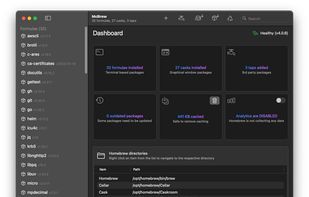
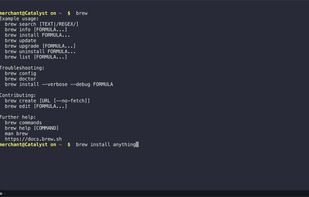
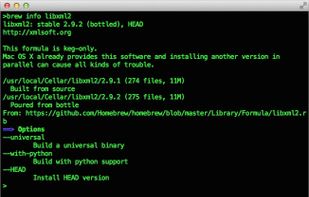
Homebrew is the easiest and most flexible way to install the UNIX tools Apple didn’t include with macOS. Also available for Linux.
Cost / License
- Free
- Open Source (BSD-2-Clause)
Application typeApplication types
Platforms
- Mac
- Linux
 United Kingdom



Apps similar to CaskHub include Homebrew, which is free and open source. Other options are WailBrew, Homebrew Cask, Brewer X and Applite. You can choose from more than 10 Package Managers like CaskHub for Mac and Linux.
Homebrew is the easiest and most flexible way to install the UNIX tools Apple didn’t include with macOS. Also available for Linux.
United Kingdom
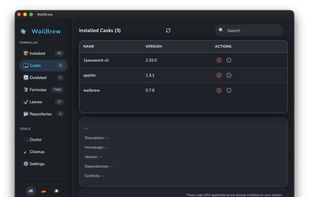
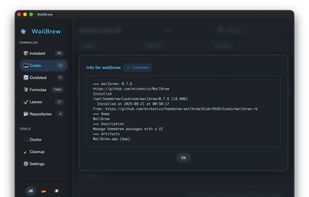
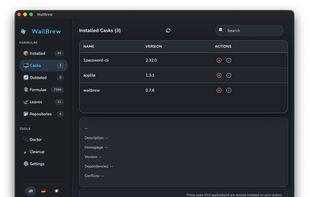
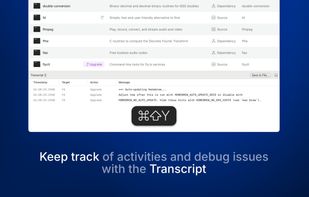
A minimalistic and beautiful GUI for Homebrew package management on macOS. Experience the power of command-line tools through an intuitive, modern interface.
 Germany
 EU
EU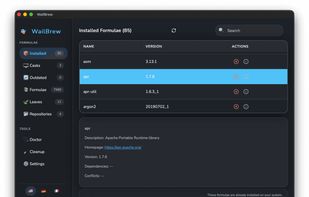


Homebrew-cask provides a friendly homebrew-style CLI workflow for the administration of Mac applications distributed as binaries.
It's implemented as a homebrew external command called cask.


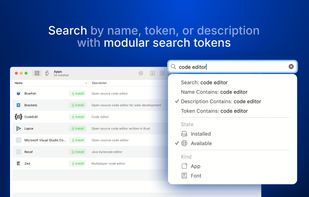
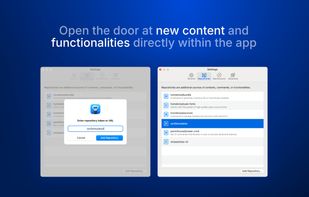
Brewer X is a refreshing user interface for Homebrew. Manage your apps, scripts, and fonts with ease and dive into the most comprehensive software library for macOS.
 ItalyEU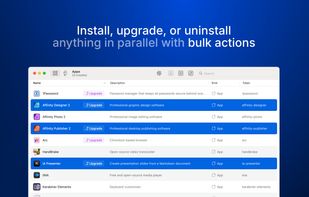


 HungaryEU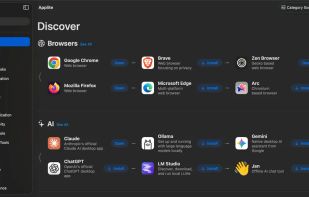

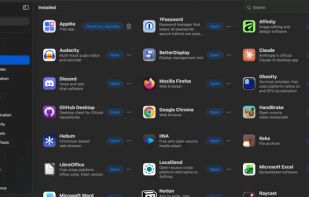


BrewMate is a macOS GUI application that makes it easy to search for, install, and uninstall Homebrew casks. You can also see the top downloaded casks for the last month.
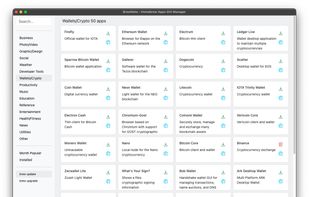


Cakebrew is the most convenient way to use Homebrew for your daily tasks! It does for Homebrew what Synaptics does to Linux package managers. From the Cakebrew UI, you can:
 Brazil
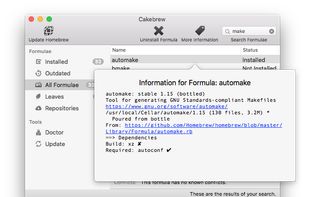
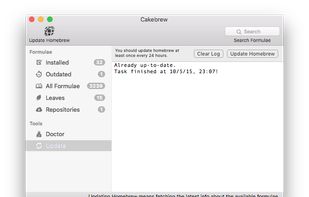
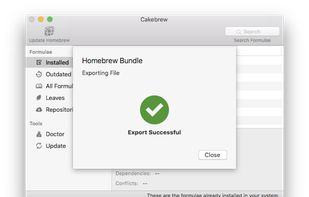


Native macOS GUI for Homebrew. Browse, search, install, and manage packages, casks, services, and taps with a beautiful interface.
 GreeceEU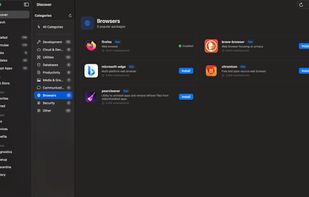


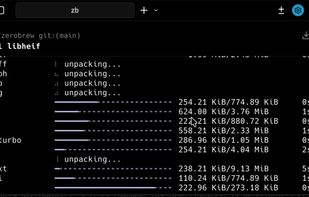
A fast package manager for macOS and Linux. Written in Zig. Uses Homebrew's bottles and formulas under the hood, plus native .deb support for Docker containers.
 United States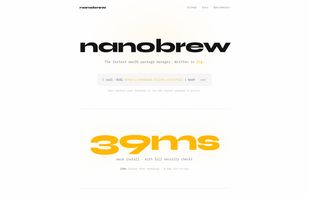


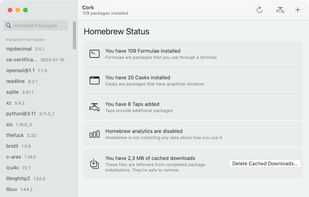
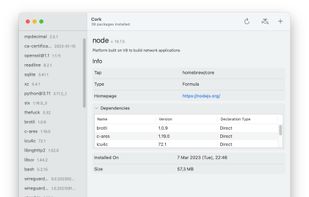
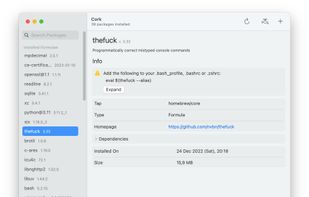
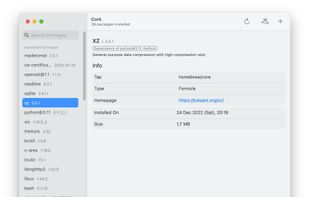
Cork is not just an interface for Homebrew. It has many features that are either very hard to accomplish using Homebrew alone, or straight-up not possible.
 United States

A fast GUI for Homebrew written in SwiftUI. This is my personal spin on the awesome version from buresdv. Adding in features and redesigning the look to fit more of my needs. Also using this as a learning opportunity for Swift as I'm new to it.
 RomaniaEU