





Capture It
Like
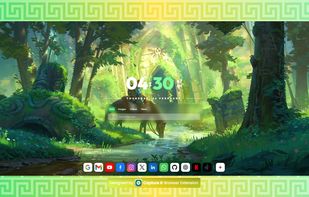
"Capture it" is the best screenshot Chrome extension; it is a lightweight, fast, and reliable tool for turning webpage elements and screenshots into high-quality images, in beautiful designs.

Cost / License
- Free
- Proprietary
Application type
Platforms
- Google Chrome
- Mozilla Firefox
- Microsoft Edge


Features
Highlights All activities
Capture It News & Activities
Recent activities
- Paul updated Capture It
 Muhammad Muzammil added Capture It as alternative to ScreenSnap Pro
- Muhammad Muzammil added Capture It
 Muhammad Muzammil added Capture It as alternative to Shots, Better Shot, CleanSnap, Capcha Screenshot and 14 more


Developed by
 Muzammil
 Licensing
Proprietary and Free product.Alternatives
19 alternatives listedBadge
Get an embeddable badge for Capture ItSupported Languages

No comments or reviews, maybe you want to be first?