


Cost / License
- Free
- Open Source (MIT)
Application type
Platforms
- Mac
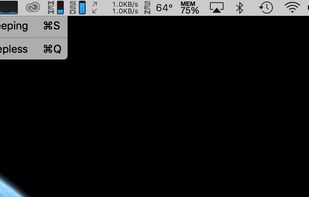


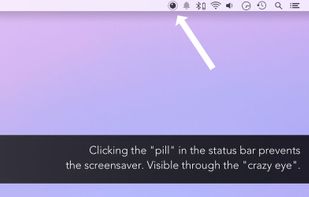
Caffeine for Mac is described as 'Caffeine is a tiny program that puts an icon in the right side of your menu bar. Click it to prevent your Mac from automatically going to sleep, dimming the screen or starting screen savers' and is a popular prevent sleep mode app in the os & utilities category. There are more than 50 alternatives to Caffeine for Mac for a variety of platforms, including Mac, Windows, Android, Linux and Web-based apps. The best Caffeine for Mac alternative is Vorssaint, which is both free and Open Source. Other great apps like Caffeine for Mac are Amphetamine, Green Dotter, Caffeine for Windows and PowerToys - Awake.

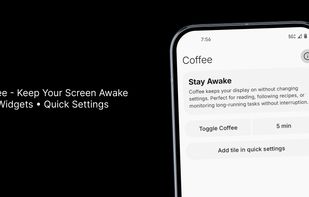
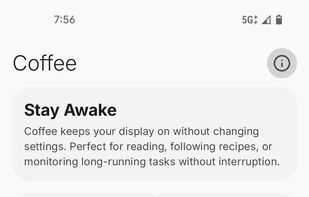
Coffee is a modern, open-source Android utility built with Jetpack Compose and Material Design 3. It provides a Quick Settings tile to prevent screen dimming or locking during reading, navigation, or focused tasks, with customizable timers including indefinite mode.


This app will keep your system awake for a defined period of time. It will pause the energy settings and prevent the screensaver from starting.
 Germany
 EU
EU



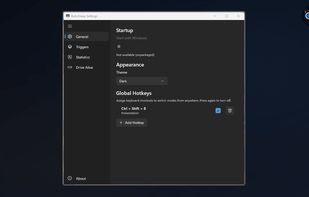
Provides Windows tray-based management for staying awake, preventing sleep, keeping displays on, or changing power plans. Includes session timer, hotkeys, and crash recovery with Pro-only smart triggers, stats export, Drive Alive for USB devices, and minimal resource use.
 Russia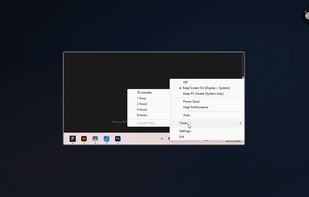


Clapet is a utility that aims to improve clamshell mode on your Macbook by automatically managing sleep when an external display is detected.


NoSleep makes closing of your MacBook lid possible without going to a sleep mode. Now you shouldn't have to plug your mouse and monitor to stay computer awake - just activate it by clicking a menu bar icon or check a tick in the System Preferences and continue downloading...
Russia


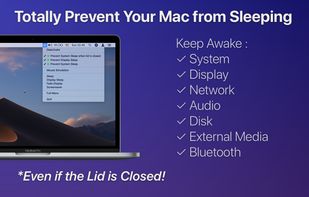
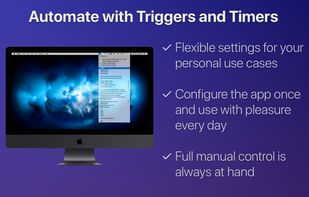
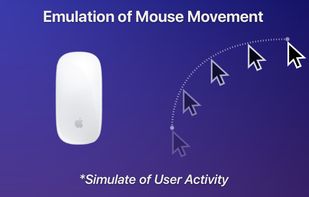


MoccaFaux is a flexible scheduler that prevents the activation of screen savers and power-saving modes when certain conditions are met.


When it's not possible to change the screensaver settings in your Windows environment, then it's almost impossible to show things on your screen for a longer period without activating the screensaver.


Espresso is a Caffeine alternative with support for retina displays and the black or white menu bar introduced in OS X Yosemite.
GermanyEU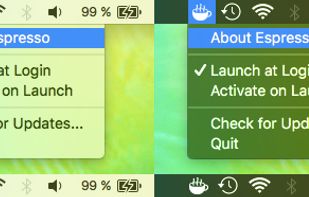


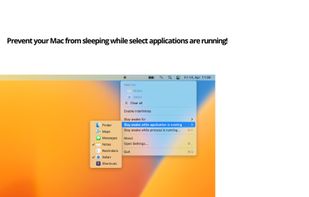
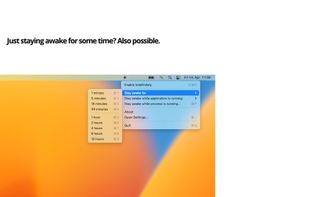
"Don't Go to Sleep Please" prevents sleep mode on the Mac until applications or processes are done.
GermanyEU



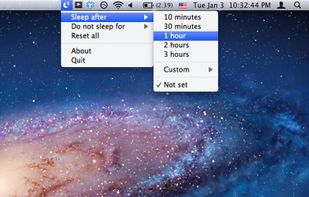
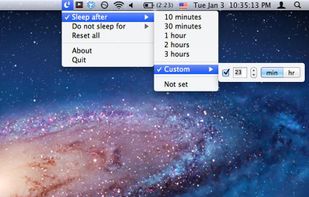
SleepTime is a light-weight app that lives on your menu bar, letting you easily set a timer to put your Mac on sleep automatically after a specified time period you choose.





 United States


