Cost / License
- Freemium
- Proprietary
Platforms
- Android

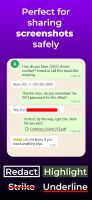

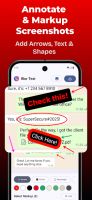


Apps similar to Blur Photo include Screenshot Editor - Blur Text, which has a free version. Other options are GNOME Obfuscate, ObscuraCam, Point Blur and Motion Blur Photo Effect. You can choose from more than 10 Photo Editors like Blur Photo for iPhone, iPad, Android, Mac and Windows.

 Czechia
 EU
EU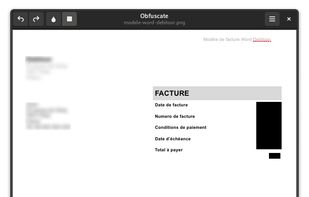

Automatically detects faces in photos and videos, offers privacy modes like pixelation, blurring, or masking, removes identifying metadata including GPS, lets users take photos or import media, and enables secure sharing to social platforms or local storage.
 United States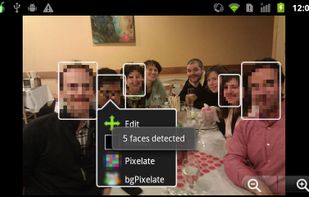


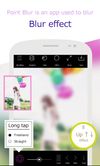
Apply customizable blur, mosaic, or pixelation to entire images or specific traced areas with adjustable strength, using three brush types, an eraser, and cropping tools for privacy protection and quick social media-ready edits on Android.
 Japan
Japan
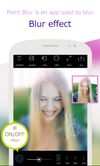


Transform your photos into stunning artworks with The Blur App—your ultimate tool for creating mesmerizing blur effects with a single tap! Whether you're looking to highlight a subject or hide something in the background, our app makes it incredibly simple and fast.
 Russia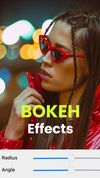
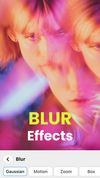
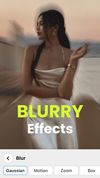


Blur FX helps you quickly blur photos to use as wallpaper for your phone or PC. Cut out all the distractions by blurring seemingly ordinary photos into stunning backgrounds for your device. Use any photo.
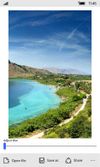
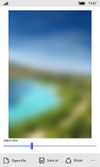
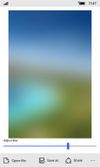


Simply edit your photo with the tone of awesome blur effects. Blur photo editor helps you to obscure backgrounds, faces, and subjects. It enables you to remove objects and noise from the photos and dims the specific areas with stunning blur effects.
 Singapore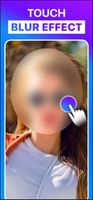
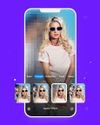
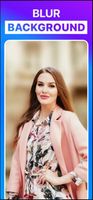


Automatically detects and hides faces in any number of photos with customizable blur, pixelation, emoji, or shape effects per face. Runs entirely offline, ensures all image metadata is stripped, supports instant previews, and uses a one-time purchase model.
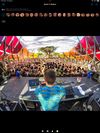
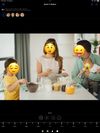
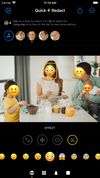

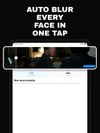
Deface finds and blurs every face in your videos and photos automatically — in one tap, 100% on your device.
 Ecuador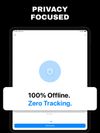
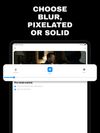


Redacted is a fast and efficient way to quickly hide sensitive parts of an image, using a blur, pixelation or black bar. Just drop an image into the app or paste it in and make your changes. Then share on social networks right from the app.
United States