





Bean Network Tester
2 likes
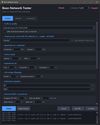
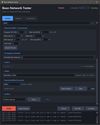
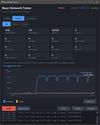
Simulate bad network conditions on Windows - latency, packet loss, jitter, bandwidth limits, drops - to test how your app behaves on a poor connection. GUI + CLI, powered by WinDivert.


+1

Cost / License
- Free
- Open Source (GPL-3.0)
 EU
EUPlatforms
- Windows

Features
Highlights All activities
Bean Network Tester News & Activities
Recent activities
 DonislawDev added Bean Network Tester as alternative to WinMTR
- DonislawDev liked Bean Network Tester
- niksavc liked Bean Network Tester
- DonislawDev added Bean Network Tester
- Paul updated Bean Network Tester
 DonislawDev added Bean Network Tester as alternative to clumsy and WinDivert


Developed by
 donislawdev
 Licensing
Open Source (GPL-3.0) and Free product.Written in
Alternatives
3 alternatives listedBadge
Get an embeddable badge for Bean Network TesterSupported Languages

AlternativeTo Categories
Development, Security & PrivacyGitHub repository
- 65 Stars
- 2 Forks
- 0 Open Issues
- Updated

No comments or reviews, maybe you want to be first?