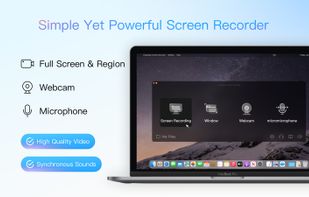
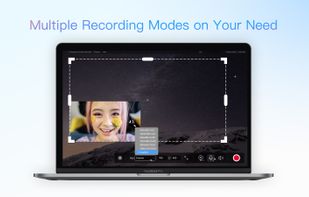
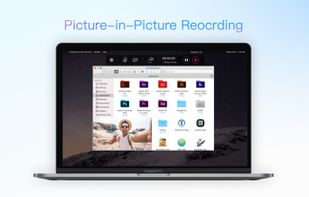
Screencast Capture Lite is a tool to continuously capture the desktop screen, storing this information in video files. The application supports recording from the primary screen, from a chosen window or from a fixed region.
Platforms
- Windows
 Brazil
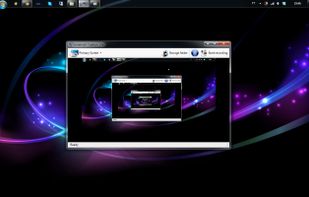





FlashBack is described as 'Free screen, sound, and webcam recorder with frame review, picture-in-picture, lossless file storage, varied export formats, and one-click YouTube upload' and is a Screen Recorder in the video & movies category. There are more than 100 alternatives to FlashBack for a variety of platforms, including Windows, Mac, Linux, Web-based and Android apps. The best FlashBack alternative is OBS Studio, which is both free and Open Source. Other great apps like FlashBack are GPU Screen Recorder, SimpleScreenRecorder, Camtasia and Bandicam.
Screencast Capture Lite is a tool to continuously capture the desktop screen, storing this information in video files. The application supports recording from the primary screen, from a chosen window or from a fixed region.
Brazil
High performance screen recording software for Windows. Real-time screen & sound capture into H.264/AAC encoded high frame rate HD video with low CPU usage.
 China
China



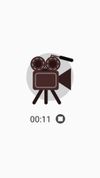


AZ screen recorder lets you record your screen to HD and FullHD videos, no time limit and no watermarks. It can record audio from the mic and users can even pause while recording. The recorder is totally free with an option to upgrade to get extended features like a video...
 Vietnam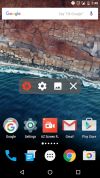
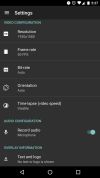
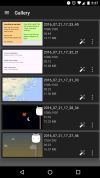


Tipard Screen Capture is able to capture any video/audio. This software allows you to record any video like webcam video, streaming video or other video tutorials on PC. Besides, it allows you to adjust the size of your screen.
 Hong Kong SAR China
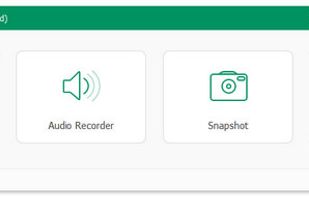


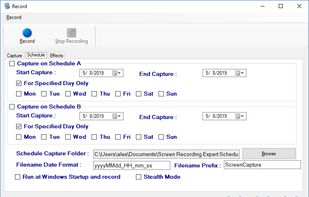
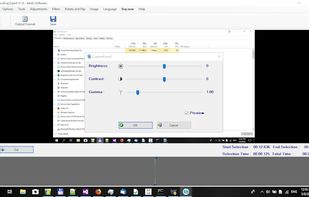
Screen Recorder Expert - Screen recorder with audio and many effects - Screen recorder windows supported - Screen capture on schedule - Cut video, image editing.
 Greece
 EU
EU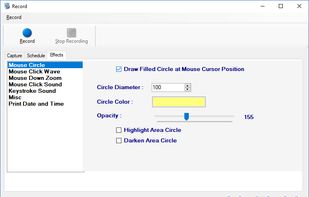



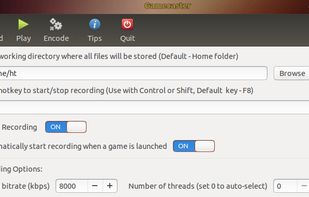
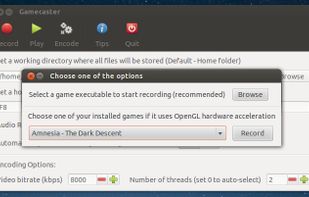
Gamecaster is a graphical user interface for open source framework 'glc'. It can capture real time footage of any game that uses ALSA for sound and OpenGL for drawing. Gamecaster can also encode any captured .glc file into webm video format.


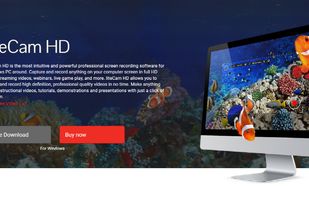
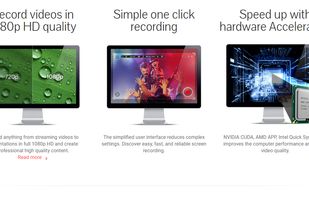
liteCam HD is the most intuitive and powerful professional screen recording software for Windows PC around. Capture and record anything on your computer screen in full HD from streaming videos, webinars, live game play, and more.
 South Korea


SCREEN2EXE is a free utility designed in order to create instant screen demos with the highest compression ratio in the world!
China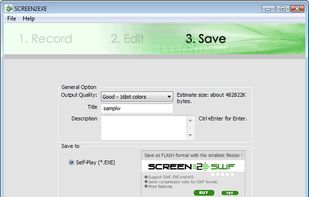


Record screen and webcam in HD videos with no watermark. Simultaneously or separately record from system sounds and microphone. Support recording editing and real-time annotation.
 Philippines


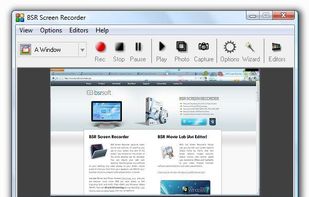
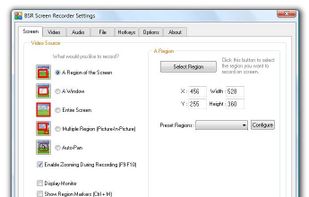
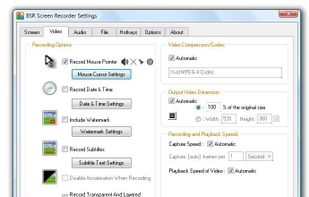
BSR Screen Recorder captures video, sound, and pictures of anything you see on your screen and records to AVI (Standard Video Format), SWF (Flash File), WMV (Windows Media Video), and EXE (Executable File). Any portion of the screen can be selected for recording.


Kingshiper Screen Recorder for Mac is a powerful and user-friendly software tool designed for capturing screen activity on your Mac. It provides various recording modes, you can select one to begin your recording to suit your specific needs.