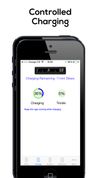
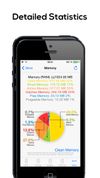
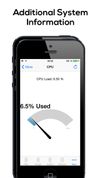
Windows 7 Battery Bar is a freeware from door2windows that monitors the status of your battery and displays it in the taskbar.
Cost / License
- Free
- Proprietary
Platforms
- Windows
W


Apps similar to Battery Percentage Icon include Battery Guru, which is free. Other options are BatteryBot, AirBattery, AccuBattery and BatteryCare. You're spoiled for choice with Battery Monitors like Battery Percentage Icon: we list more than 25 alternatives for Windows, Android, Mac, iPhone and iPad.
Windows 7 Battery Bar is a freeware from door2windows that monitors the status of your battery and displays it in the taskbar.

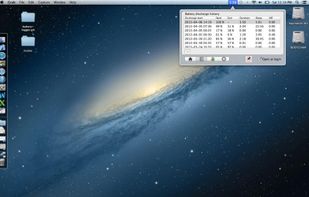
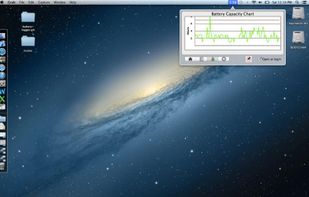
An application to count battery usage.
Application will start count whenever power cable was disconnected from notebook, and will reset the count whenever the power is connected.
Application will ignore the count during sleeping, or powered off, but still record these activitie.
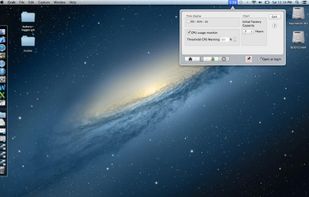


BATExpert gives you a crystal-clear vision of your laptop battery health status. It then recommends upgrade if appropriate.
 France
 EU
EU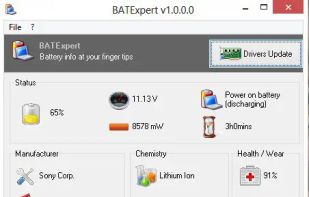


Simple Battery Monitor shows remaining time, charge percentage and battery status in a compact menu bar app.
 Türkiye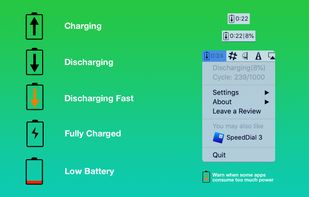


This relatively small application displays a floating semi-transparent battery meter on your screen, and the level of transparency changes as the battery drains.


 United States


Optimizing battery life just by disabling services that are currently not needed is a simple task with this app.
 GermanyEU