


AudioCutter Online
2 likes
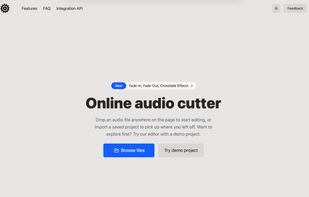
AudioCutter Online is a free, browser-based audio editor for cutting, trimming, splitting, merging, and converting audio files. All processing happens locally in the browser, so audio files are never uploaded to a server — your data stays on your device.

Cost / License
- Free
- Proprietary
Application type
Platforms
- Online


Features
Highlights All activities
AudioCutter Online News & Activities
Recent activities
- OLEKSANDR-CHUIEV liked AudioCutter Online
- alex-chuev updated AudioCutter Online
 alex-chuev added AudioCutter Online as alternative to Sodaphonic
 alex-chuev added AudioCutter Online as alternative to AudioMass and TwistedWave
- alex-chuev liked AudioCutter Online
- alex-chuev added AudioCutter Online


Developed by
Alex ChuevLicensing
Proprietary and Free product.Alternatives
7 alternatives listedBadge
Get an embeddable badge for AudioCutter OnlineSupported Languages

No comments or reviews, maybe you want to be first?