Cost / License
- Paid
- Proprietary
Platforms
- Windows
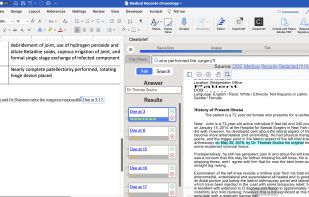

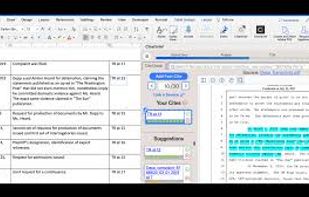


Apps similar to AnythingLLM include ChatGPT, which has a free version. Other options are Lumo by Proton, DeepSeek, Ollama and Claude. AI Chatbots like AnythingLLM are a crowded field, with more than 100 alternatives for Mac, the web, Windows, Linux and iPhone.

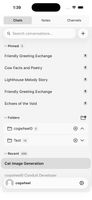
Conduit is a mobile client for self-hosted Open WebUI servers. It supports streaming chat, the standard authentication methods, and home-screen integrations on both platforms.

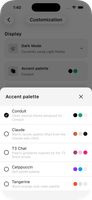


SmolChat allows you to download and run popular LLMs on your Android device, locally, without needing an internet connection. Customize the model used for each chat, tune settings like temperature and min-p, and pin your favourite chats on the home-screen with shortcuts.
 India
India




AI-powered application supported by GPT-4o.





Empowering your conversations with real-time AI insights. CueFlow transcribes locally, analyzes dialogue, understands context, and provides timely assistance, helping you navigate various scenarios with confidence. And no any data privacy concerns.
 Russia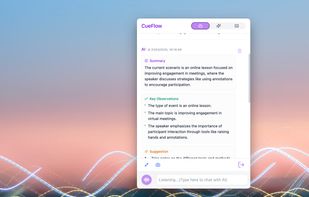


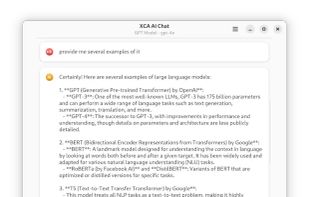
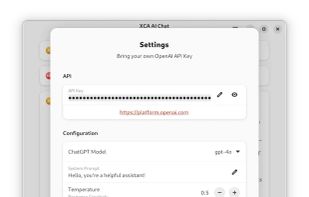
XCA AI Chat is a native GNOME application that lets you interact with OpenAI's ChatGPT API. Simply bring your own OpenAI API key to start a conversation. Your API key is stored locally on your machine for security. Key features include:
 Indonesia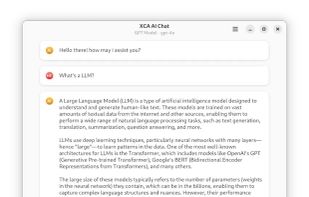


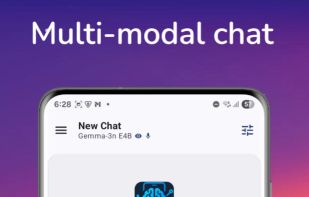
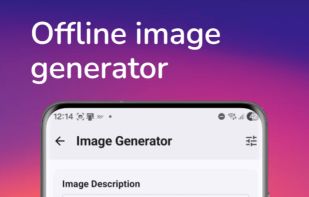
LLM Hub is an open-source Android app for on-device LLM chat and image generation. It's optimized for mobile usage (CPU/GPU/NPU acceleration) and supports multiple model formats so you can run powerful models locally and privately.
 Australia


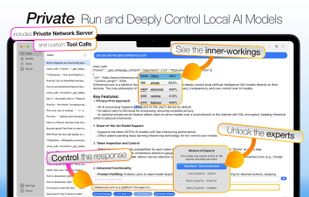
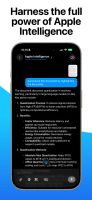
Inferencer lets you run, host and deeply control the latest SOTA AI models (OSS, DeepSeek, Qwen, Kimi, GLM, MiniMax and more) from your own computer.
Australia


 France
 EU
EU


In Chat Stream, you can complete writing, run code, view images and organize content in one conversation, and call thousands of scenario-based GPT assistants with one click.
 United States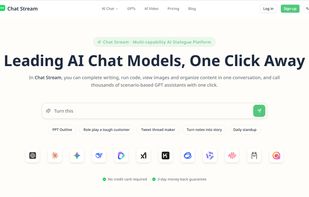
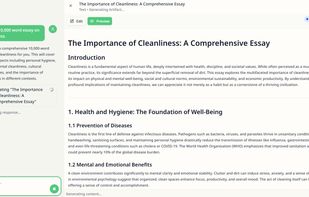


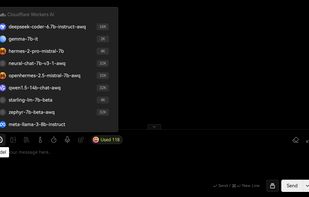
Cloudflare Workers AI provides a serverless platform to execute AI models utilizing GPUs in its network, eliminating infrastructure needs. Access over 50 open-source models, use AI Gateway for app control, and deploy globally with tools like Vectorize, R2, and D1.
United States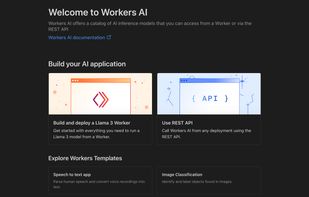


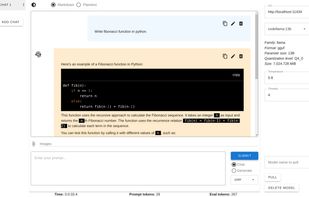
You need Ollama running on your localhost with some model. Once Ollama is running the model can be pulled from Follamac or from command line. From command line type something like: Ollama pull llama3 If you wish to pull from Follamac you can write llama3 into "Model name to...