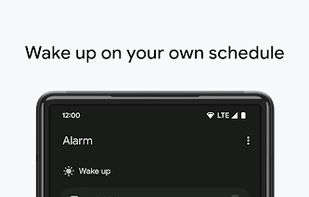
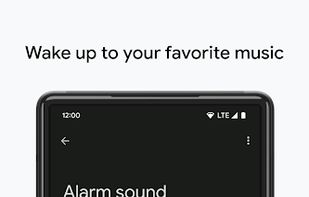
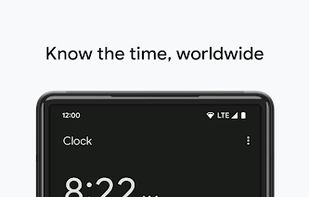
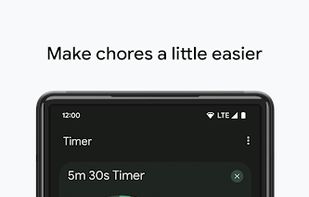
Clock combines all of the functionality that you need into one simple, beautiful package.
Cost / License
- Free
- Proprietary
Application type
Platforms
- Android
- Chrome OS
- Android Tablet
- Android Wear
 United States



+9


Apps similar to Alarm Clock Xtreme include Fossify Clock, which is free and open source. Other options are Clock (by BlackyHawky), Chrono Clock, I Can't Wake Up! Alarm Clock and ClockYou. Alarm Clocks like Alarm Clock Xtreme are a crowded field, with more than 50 alternatives for Android, iPhone, Mac, Windows and Linux.
Clock combines all of the functionality that you need into one simple, beautiful package.
United States
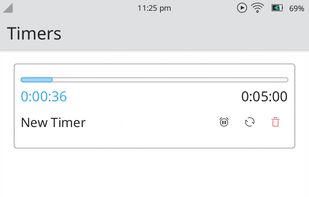
It allows you to enter several tasks and to set a timer for each of them. The timers for each task can be started, stopped, changed, or looped.
 Germany
 EU
EU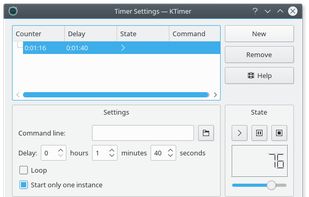


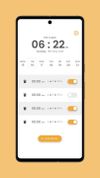
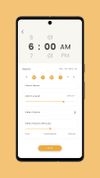
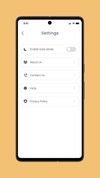
Sveglia is a powerful and intuitive Android application that helps you wake up on time and face the day with confidence.


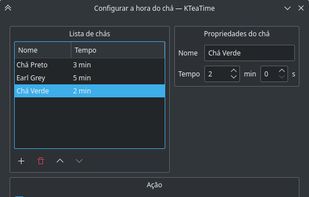
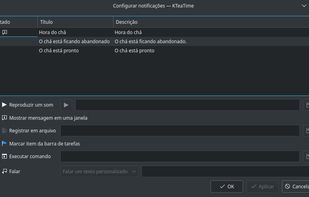
KTeaTime is a handy timer for steeping tea. No longer will you have to guess at how long it takes for your tea to be ready. Simply select the type of tea you have, and it will alert you when the tea is ready to drink.
GermanyEU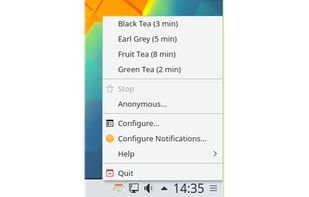

 GermanyEU


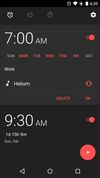
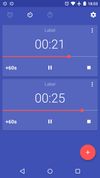
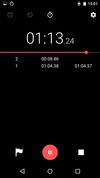


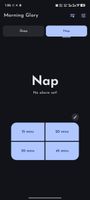
A minimalist alarm app that I made according to my own personal needs of having trouble waking up, needing to quickly setup nap alarms and more. The features may not be your cup of tea but that's for you to decide.
 India
India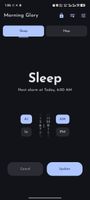


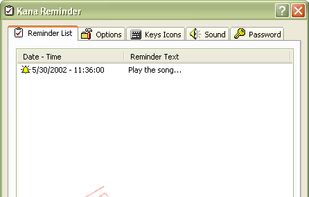
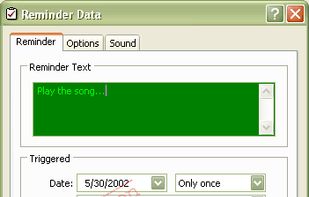
Kana Reminder is a program which can be used to set a reminder to be triggered at a specified time. It can also be used to run another program at a specified time.



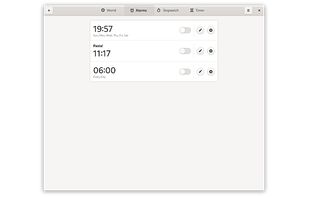
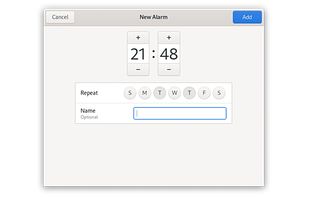
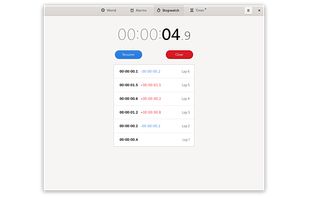
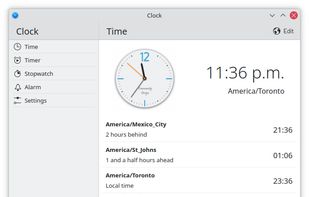
A simple and elegant clock application. It includes world clocks, alarms, a stopwatch and a timer.
United States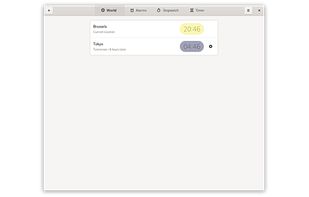


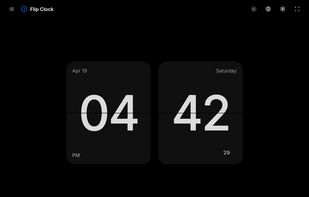
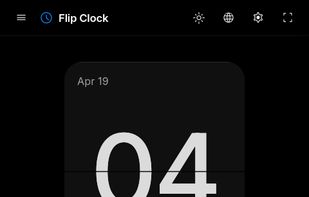
Turn your device into an aesthetic flip clock, complete with seconds and full screen mode. A simple, stylish, and always accurate web clock.

 GermanyEU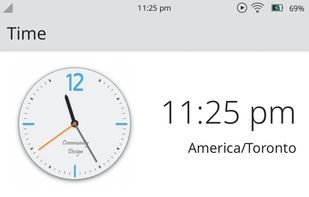


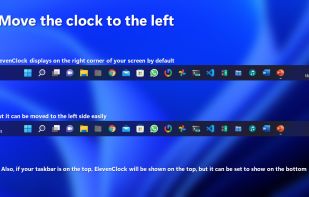
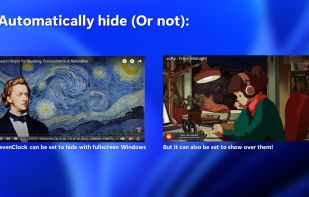
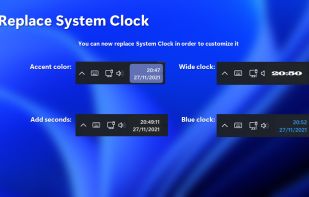
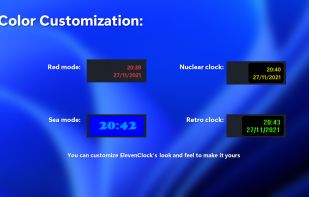
The whole point of ElevenClock is to have a customizable clock on your Windows 11 taskbars. When Microsoft's engineers were creating Windows 11, they forgot to add a clock on the secondary screen taskbar. So I did that.
 SpainEU