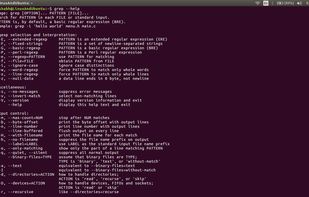
grep is a command-line utility for searching plain-text data sets for lines matching a regular expression.
Cost / License
- Free
- Open Source
Application type
Platforms
- Mac
- Windows
- Linux
- Haiku
- Linux Mobile


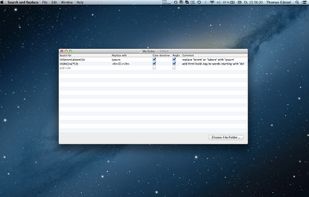
Advanced Find and Replace is not available for Mac but there are some alternatives that runs on macOS with similar functionality. The best Mac alternative is grep, which is both free and Open Source. If that doesn't suit you, our users have ranked more than 25 alternatives to Advanced Find and Replace and eight of them are available for Mac so hopefully you can find a suitable replacement. Other interesting Mac alternatives to Advanced Find and Replace are Searchmonkey III, FAR - Find And Replace, Find Any File and SeaGOAT.
grep is a command-line utility for searching plain-text data sets for lines matching a regular expression.

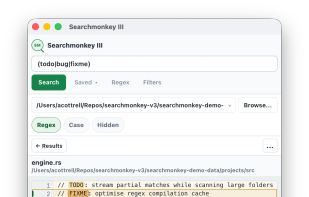
Cross-platform desktop search application offering rapid full-text and regular expression search, recursive folder filtering, result highlighting, large file support, and a lightweight native UI built with Tauri and powered by ripgrep, ideal for complex codebases.
 United Kingdom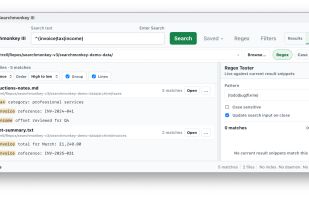


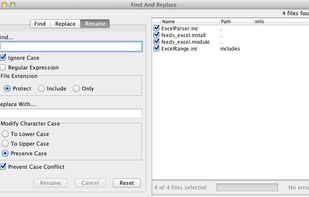
FAR is a simple tool for search and replace operations over multiple files. You can apply ordinary "word by word" replacement, or choose to use fully featured regular expressions.
 Germany
 EU
EU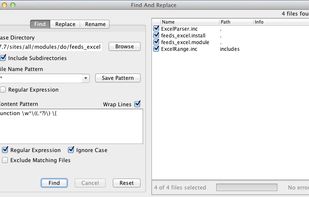



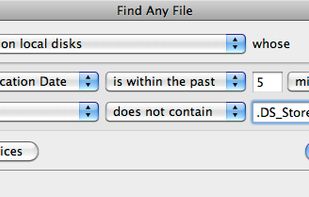
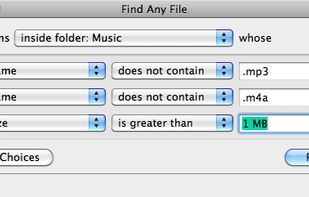
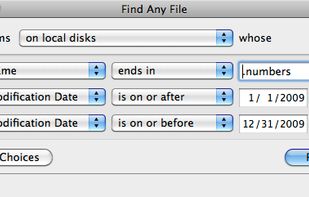
Find Any File searches your local disks for files by name, creation or modification date, size, or type and creator code (not by content, though). As there are other tools with a similar search operation, here are the special features unique to Find Any File:
GermanyEU


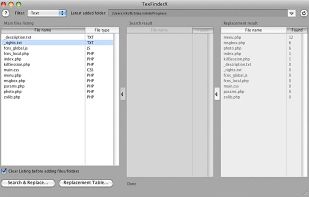
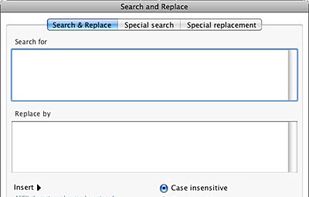
TexFinderX is a freeware tool to search and replace text inside entire folders.
TexFinderX is MacOS X, Snow Leopard, Windows XP, Vista and Seven compatible.
Main features Search and replace text - with regular expression or not - in entire folders with the ability to filter de.


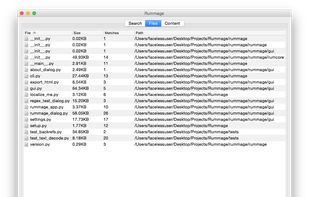
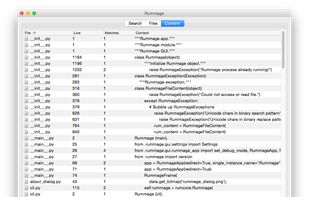
Rummage is a cross platform tool for crawling directories and searching and replacing in text files. It is written in Python and uses wxPython for the GUI. Rummage allows for literal or regex searches and has configurations for limiting the files etc.
 United States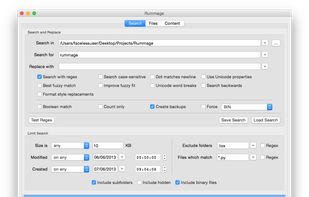


Don't worry about those many files where you have to change a few things! There's no need to open every single file and edit them manually, Search and Replace does it all for you!
GermanyEU