


Useful window arrangement ("snap-to-edge") utility that works well with multiple screens.
Cost / License
- Paid
- Proprietary
Application type
Platforms
- Mac


Apps similar to ActiveDock 2 include Rectangle, which is open source with a free version. Other options are RocketDock, ObjectDock, Compiz and DockProfiles. Window Managers like ActiveDock 2 are a crowded field, with more than 100 alternatives for Mac, Windows and Linux.
Useful window arrangement ("snap-to-edge") utility that works well with multiple screens.

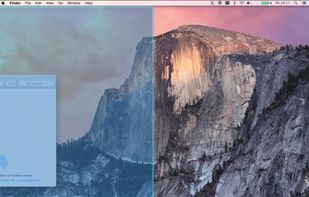
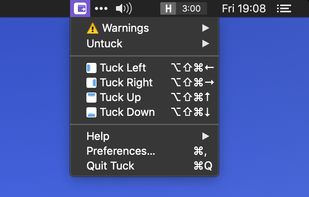
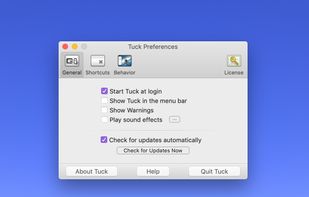
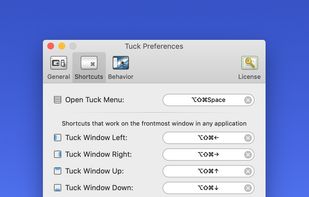
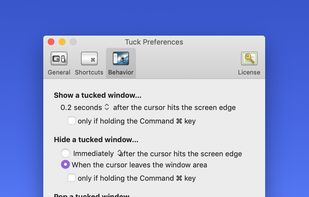
Tuck is a handy menu bar application that allows you to quickly and simply clear multi-window clutter by hiding windows under your screen edges.


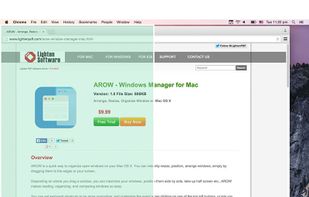
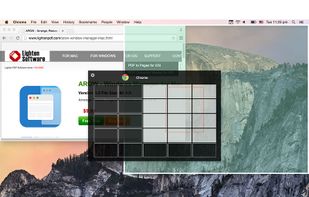
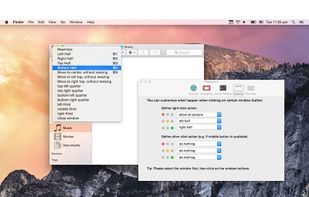
Arrange, resize, snap, and move windows in OS X with the help of keyboard shortcuts, certain window dragging gestures, or using OS X's window buttons.
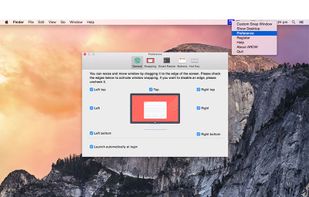


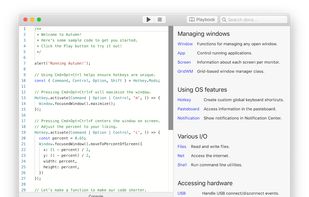
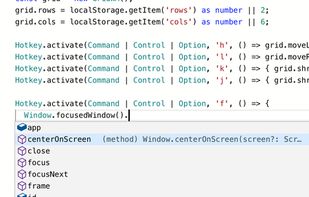
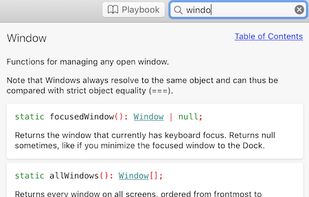
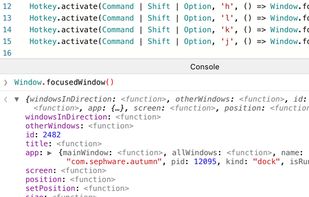
Autumn is a full customizable window manager for Mac with a built-in IDE for coders to configure everything with JavaScript or TypeScript.


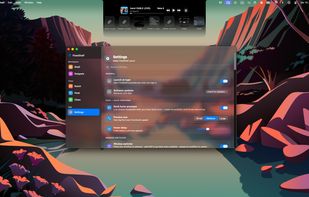
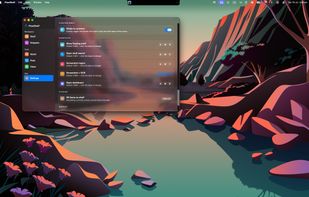
FlowShelf a free Mac app that turns your notch into a Dynamic Island and gives everything you copy, drop, or screenshot a temporary home.
 Australia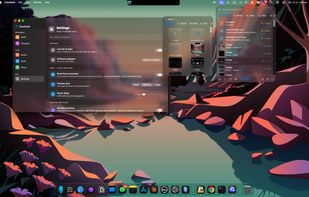


TileWindows helps you to easily organize your desktop: Move and resize your application windows, so you can view them side by side, by using keyboard shortcuts.
 Germany
 EU
EU
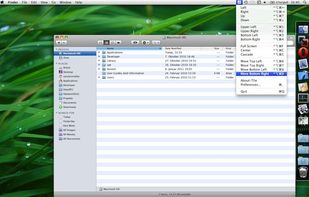
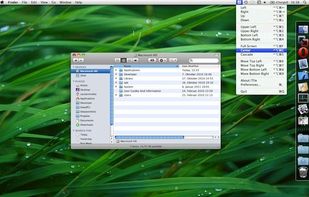
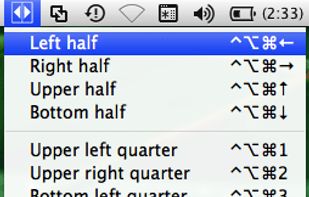


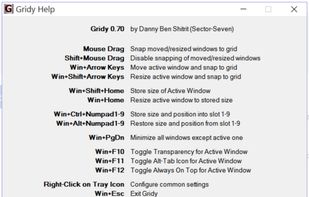
Gridy adds an invisible grid to Windows, so that any window you move or resize is snapped to it. Snapping is enabled with mouse drag or keyboard a...


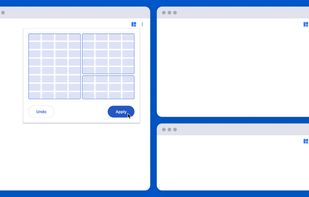
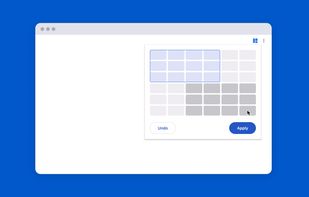
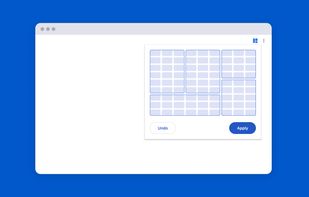
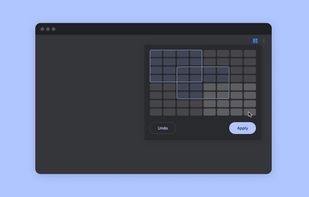
Tiled is a Chrome extension that lets you arrange your windows using a grid-based interface.


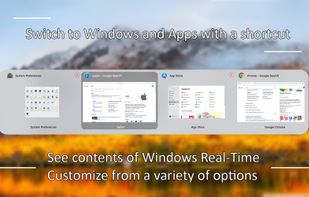
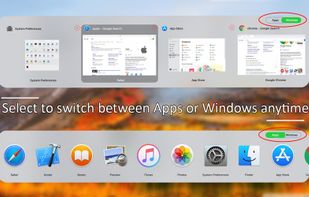
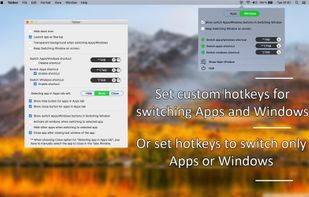
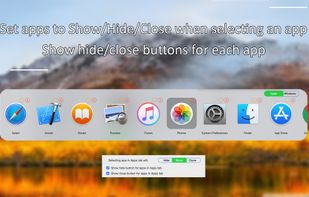
Activate wanted windows and apps with Tabber Window Switcher which is a Command+Tab alternative to switch windows. See contents of windows Real-Time when switching windows. Switch Apps and Windows with a shortcut or set a custom shortcut to switch windows or to switch apps.

A small utility which allows you to easily organize your open windows by tiling, resizing and positioning them to make the best use of your desktop real estate. It's easy to configure and supports multiple monitors.
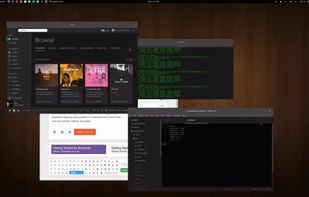

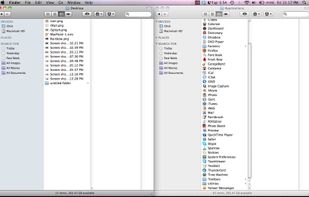
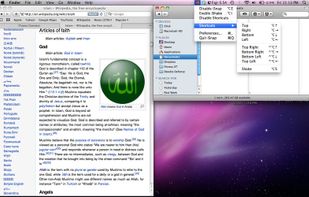
Managing the windows on your computer has become a snap! With the iSnap app, you can organize various windows to fit perfectly on your screen and access them simultaneously!



 Georgia


