


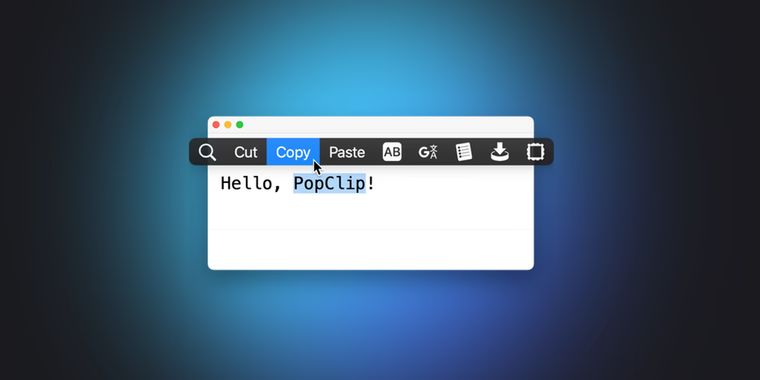

Mac utility PopClip 2026.8 adds a function key shortcut, a source viewer window, and more
PopClip 2026.8 for macOS introduces several usability upgrades, starting with the ability to assign a function key as the sole shortcut for activating PopClip. This makes triggering the utility more straightforward for keyboard-focused users.
With this update, the View Source command now presents source code in a dedicated viewer window, complete with Export and Copy Snippet buttons for easier handling of code snippets. Building on the improved action experience, each action's settings menu now comes with a convenient Extension submenu for faster access to commands such as View Source.
For ongoing actions, users can now click the spinner icon to see a Cancelled indicator if the task is stopped. In scenarios where an AppleScript action fails due to a previously denied automation permission, PopClip will display clear instructions on how to resolve the issue.
Other refinements include restored Keep on clipboard behavior when pasting text with an action, following feedback on recent clipboard changes. Additionally, browser integration has been improved: new tabs opened from PopClip now appear directly next to the current tab. Swedish localization expands language support, and the update also addresses various bugs for better stability.




No comments so far, maybe you want to be first?