


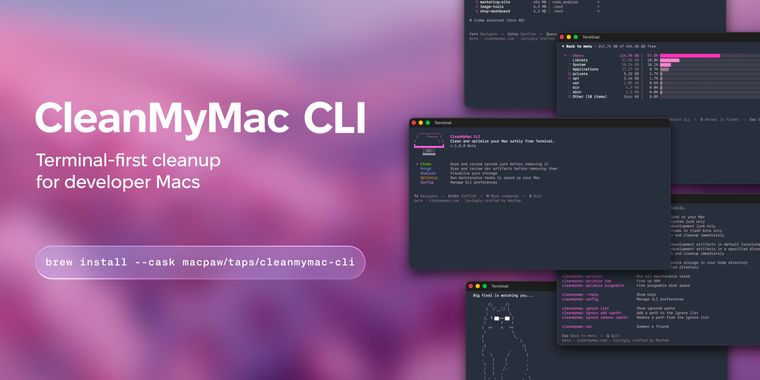

MacPaw launches CleanMyMac CLI to clean developers caches, leftovers, and other junk files
CleanMyMac, best known for its macOS maintenance and optimization features, has introduced a command-line interface aimed at developers who prefer working in the terminal. The early developer preview brings familiar cleaning capabilities to the CLI, enabling users to clear clutter without leaving their workflow.
With this new CLI, developers can clean up Docker artifacts, Xcode caches, build outputs, and package manager leftovers directly in terminal sessions. The tool is available via Homebrew and requires macOS 11 Big Sur or later, streamlining installation for users of current Apple hardware.
Every action performed by the CLI includes a prompt that shows what files will be deleted and asks for confirmation, ensuring control over what is removed. Users can run cleanmymac clean to clear system junk, developer-tool caches, and trash in a single step. To focus on a specific category, subcommands such as cleanmymac clean dev-tools or cleanmymac clean junk let users target caches and logs from tools like Homebrew, npm, Docker, Xcode, VS Code, Cargo, JetBrains, and several others.
Following these cleanup options, the cleanmymac purge command scans developer folders and lists old build artifacts by project, providing transparency before deletion. A complete list of commands and further usage instructions is available on the project's GitHub repository.





Comments
They got the idea after the open-source tool Jharu launched.
The Mac economy is so awful I'm tempted to join in
too late MacPaw and repo are empty
Mole cli is more trusted and really open-sourced
They call it a CLI but it also offer a full TUI, very nice!