


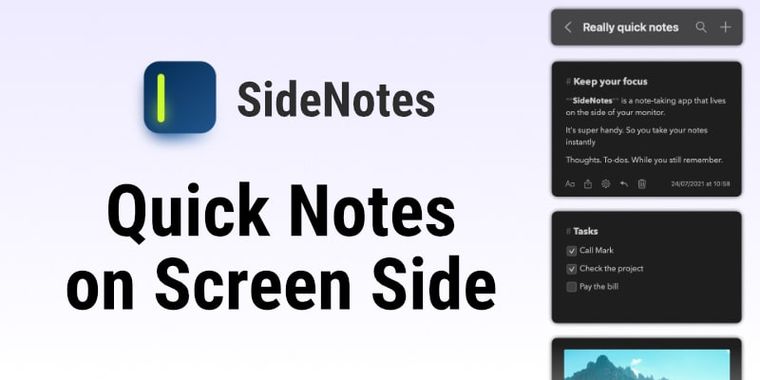

SideNotes improves Markdown editor, note folding & pinning, and more for macOS & iOS users
Apptorium has released SideNotes 1.6 for macOS, bringing a range of new features and usability improvements to this note-taking app that lives on the edge of your screen. Users can now fold notes to reduce visual clutter and pin both notes and entire folders, making it easier to keep important items accessible at all times.
Building on these workflow upgrades, SideNotes introduces a new Quick Formatting Toolbar for faster text editing. When users select text, images, or file shortcuts, contextual options such as preview, share, copy, open, or delete become available above the selection. Additionally, underline and horizontal separators are now supported, expanding layout and emphasis options. Task management also sees an update, as users can remove all completed tasks with a single action to reduce clutter. For technical users, Cmd + click enables instant copying of code blocks, links, quotes, or highlighted text. The settings' window has been rebuilt, featuring a cleaner layout, an updated theme picker, more themes, and full font selection support. Several workflow and interface refinements further smooth the note-taking experience for macOS users.
Following the macOS update, SideNotes for iOS has reached version 1.2. The iOS app now features a WYSIWYG text editor that hides Markdown markup, a refreshed iOS 26-style interface, note folding and pinning, improved drag-and-drop reordering, new contextual menu and formatting options, and additional interface enhancements for both iPhone and iPad users.




- Note-taking Tool
- Paid
- Proprietary
Related news
External links
- SideNotes 1.6 and SideNotes Mobile 1.2 ReleasedApptorium • Official source
- SideNotes 1.6 - Release NotesApptorium • Official source
No comments so far, maybe you want to be first?