



BBEdit 16 brings in-image text search, expanded Shortcuts, project color schemes, and more
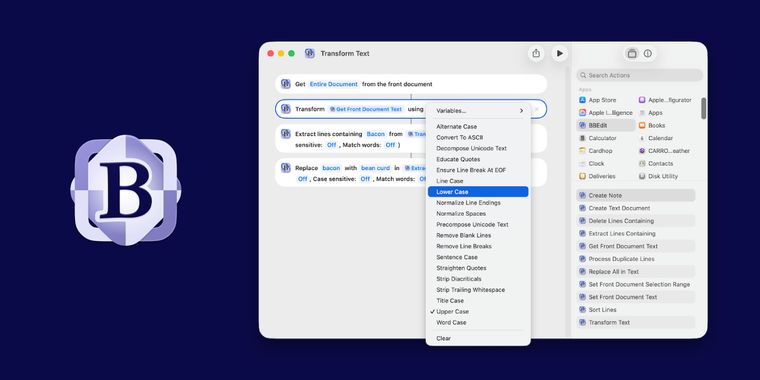
BBEdit 16 arrives with over a hundred new features, changes, and refinements for users of this code editor for macOS. Expanded Shortcuts support stands out, now powered by App Intents, enabling users to bring BBEdit’s text transformations to workflows outside the application. Also new in this release is the ability to search for text within images, including support for multi-file searches with grep, broadening the editor’s capabilities beyond traditional text.
Following these workflow enhancements, BBEdit 16 introduces the option to assign color schemes on a per-project and per-notebook basis. Users can choose from a variety of factory-supplied options or create their own, offering greater visual organization for complex projects. AI worksheet functionality has also been refined, with reduced response times and live result streaming to improve interactive sessions.
Building on the core updates, BBEdit 16 integrates the W3C HTML5 syntax checker for improved standards' compliance, introduces vi keyboard emulation for navigation and editing, and enhances its built-in Git support with several quality-of-life updates. Additional updates include the ability to set different deployment targets for website projects, significant increases in SFTP file transfer speeds, and extensive internal optimizations that raise overall performance across multiple features.




- Code Editor
- Freemium
- Proprietary
Related news
External links
- BBEdit 16 is here!Bare Bones Software • Official source
- BBEdit 16.0 Release NotesBare Bones Software • Official source
- BBEdit 16 out now with in-image text search, deeper Shortcuts integration, notebook filtering, more - 9to5Mac9to5Mac
- BBEdit 16Hacker News
No comments so far, maybe you want to be first?