
Password Management Setup

I believe that Password Management is a very important step into organizing and securing your digital life. I made this setup as to how I approach this topic. My choices fit me perfectly with how I work and play, as well as everything on the list is free. Hope everybody enjoys this setup I made.

Tarcilio Neto
Tarcilio NetoList by Tarcilio Neto, last updated 
Copy a direct link to this comment to your clipboard
  1. KeePassXC icon
     Like

    Main client of use, it is installed on my home computer, a portable version for work computer (via USB). I think it works better than KeePass and has a lot of the extensions already built-in. Works with One-Time-Passwords already, no extensions needed. I am currently using the default browser extension, since Tusk is currently on hold for future development. I hope someone gets it soon so I can go back to it. Much better PM extension.

    Cost / License

    • Free
    • Open Source

    Platforms

    • Mac
    • Windows
    • Linux
    • AppImageHub
    • Snapcraft
    • Microsoft Edge
    • Google Chrome
    • Flathub
    • PortableApps.com
    • Flatpak
    • Homebrew
    • Chocolatey
    • Mozilla Firefox
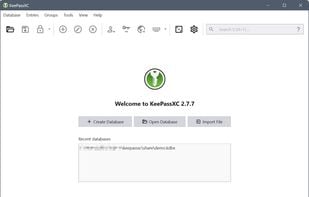
    Welcome Screen
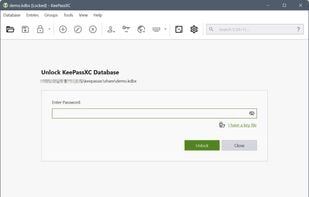
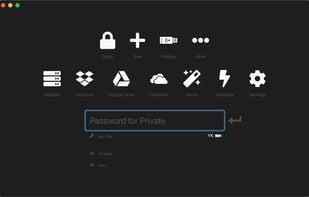
    Unlock Database
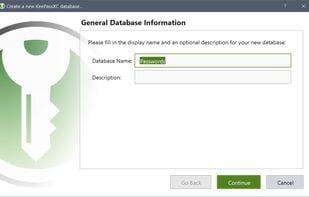
    New Database Wizard
    +13
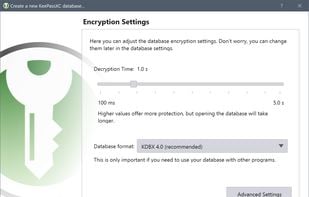
    New Database Wizard
  2. KeePassDX icon
     Like

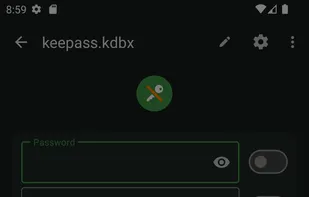
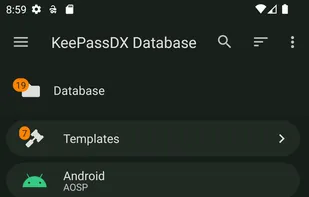
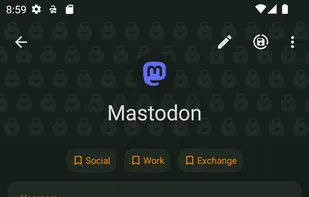
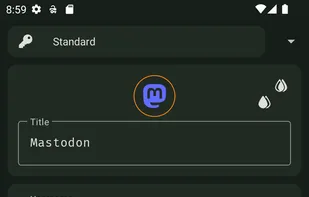
    Working exclusive on Android now, I have migrated to KeePassDX. I find it great and also happy to support the developer.

    Cost / License

    • Free
    • Open Source

    Platforms

    • Android
    • F-Droid
    KeePassDX screenshot 1
    KeePassDX screenshot 2
    KeePassDX screenshot 3
  3. KeeWeb icon
     Like

    This is great for when you are on the other computers and cant use your mobile phone (for whatever reason possible). Just having another possibility to having access to your passwords is a great for people who are always "on the go". It's also Mobile friendly (could be better though).

    Cost / License

    • Free
    • Open Source

    Application type

    Platforms

    • Mac
    • Windows
    • Linux
    • Online
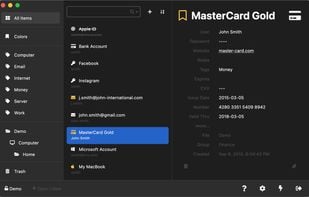
    KeeWeb screenshot 1
    KeeWeb screenshot 1
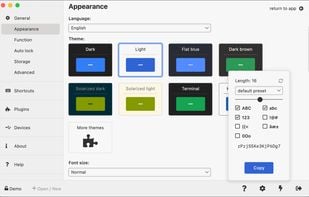
    KeeWeb screenshot 2
    +1
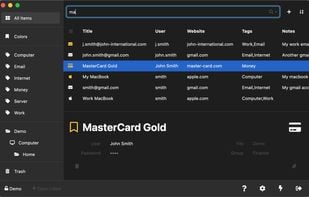
    KeeWeb screenshot 3
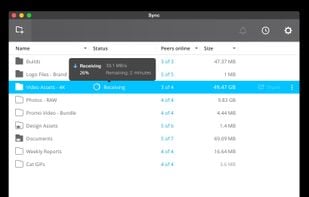
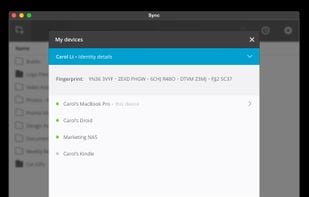
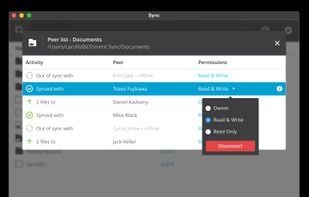
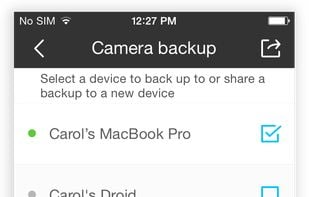
  4. Finally, in order to keep the vault in all my devices, securely and privetaly, I have decided to use Resilio Sync, since it uses P2P, this means I can keep the files updated even if one of the devices used for sync is down.

    Cost / License

    • Free
    • Proprietary

    Platforms

    • Mac
    • Windows
    • Linux
    • Android
    • iPhone
    • Android Tablet
    • BSD
    • Windows Phone
    • iPad
    • Kindle Fire
    Resilio Sync  screenshot 1
    Resilio Sync  screenshot 1
    Resilio Sync  screenshot 2
    +2
    Resilio Sync  screenshot 3

My current setup for password management.

No comments so far, maybe you want to be first?
Gu