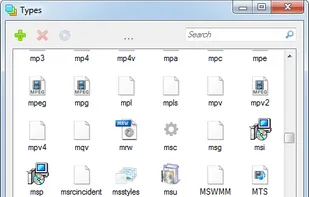
“Types” is a free and lightweight utility for Windows that allows you to edit program associations, icons, context menus and other properties of various file types displayed in Explorer.
The Matroska Multimedia Container is an open standard free container format, a file format that can hold an unlimited number of video, audio, picture, or subtitle tracks in one file.
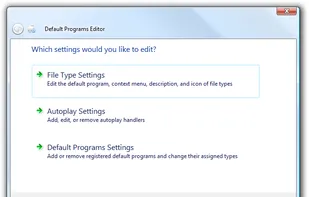
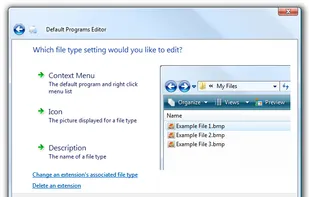
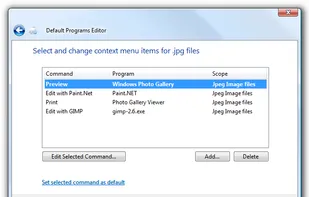
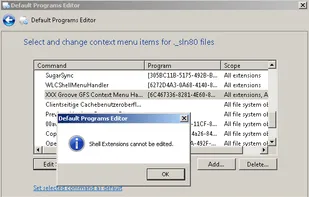
Default Programs Editor is a powerful but simple file association utility for Windows 7, Vista and XP. This free utility has three main functions: context menu editor, auto-play editor, and default programs association editor.
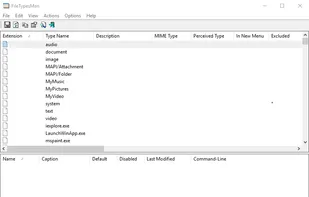
FileTypesMan is an alternative to the File Types tab in the Folder Options of Windows. It displays the list of all file extensions and types registered on your computer.
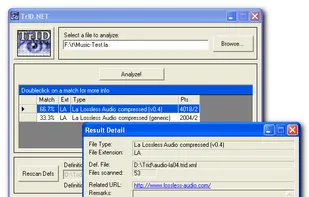
TRIDNet is the GUI version of TrID, probably more practical to use than the CLI version, especially for those not very familiar with the command line prompt.
FileInfo.com contains a searchable database of thousands of file extensions with detailed information about the associated file types. You can use FileInfo.com to lookup information about unknown file types and find programs that open the files.
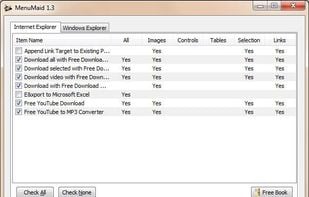
Are you looking for a fast and easy way to clean up your Window Explorer and Internet Explorer right-click (context) menu? Look no further. MenuMaid makes it simple! Just uncheck the items you don’t want to show up. Restore them at any time.
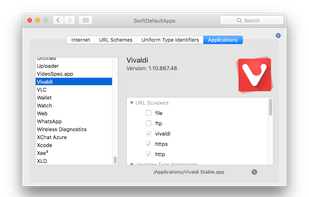
RCDefaultApp is a Mac OS X 10.2 or higher preference pane that allows a user to set the default application used for various URL schemes, file extensions, file types, MIME types, and Uniform Type Identifiers (or UTIs; MacOS 10.4 only).
duti is a command-line utility capable of setting default applications for various document types on macOS, using Apple's Uniform Type Identifiers (UTI).
It's the CLI analog to RCDefaultApps and SwiftDefaultApps
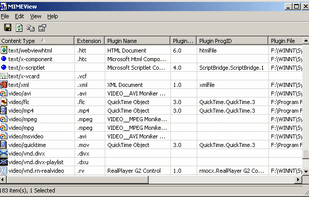
This utility displays the list of all MIME types defined in your system. For each MIME type, information about the associated file extension and installed plugin is also displayed.
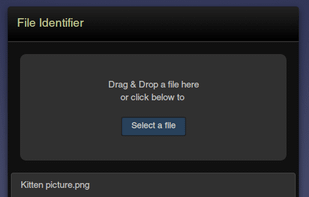
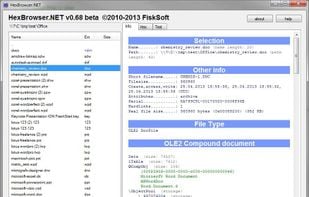
HexBrowser is a tool that identifies file types. It does not care about the file extension, but opens each file to look for signatures so it can determine the exact type of a file. It now recognizes more than 800 different file formats.


 Russia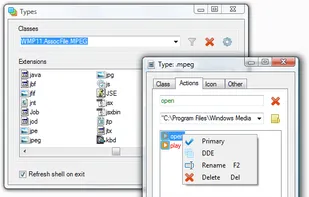
















 United States
 Israel


 Hungary
 EU
EU