Apps tagged with 'one-dimensional'

All apps in Apps tagged with 'one-dimensional' category. Use the filters below to narrow down your search. 
Copy a direct link to this comment to your clipboard
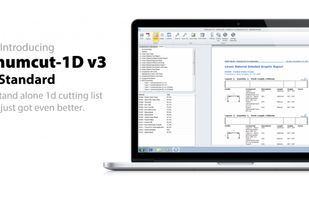
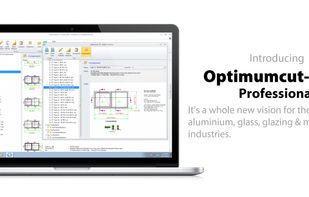
  1. Optimumcut software is a leading provider of linear optimization Stock Cutting software solutions for the architectural aluminium glass, glazing and manufacturing industries, Optimumcut, Software, Optimumcut, Software, Curtainwall, Windows, Doors, Shopfront, Storefront, Design...

    Cost / License

    • Paid
    • Proprietary

    Platforms

    • Mac
    • Windows
    Standard
    Professional
    3 alternatives
  2. X-Trim icon
     Like

    X-Trim is a world class trim optimisation system perfected over many years by Greycon and contains state-of-the-art patented algorithms.

    Cost / License

    • Paid
    • Proprietary

    Platforms

    • Windows
    X-Trim screenshot 1
    4 alternatives
  3. 1D Stock Cutter (1DSC) is the length cutting optimizer - fast, powerful, compact and easy to use software tool for cutting to length of any linear (one-dimensional) material: profiles, bars, extrusions, pipes, tubes, channels, angles, rods, lineal wood boards, beams, lumber, and...

    Cost / License

    • Freemium
    • Proprietary

    Platforms

    • Windows
    Working with 1D Stock Cutter is easy.  Most of the actual task data are presented at the Task Page - the main program control center that allows a user to create a new task, open a stored task file, enter or modify task initial data, activate optimizer run, check resulting cutting layouts (patterns) and main totals.  Never enter the same information twice or any unnecessary information. The program supports data copy / paste from Excel / Access tables, allows easy entry and switching between decimal and fraction formats: any Metric units (like 14.75) or Imperial feet & inches (like 14-3/4" or 1'-2-3/4").
    The Image Page presents a visual illustration of the resulting layouts (cutting patterns) in an intuitive and adjustable format. You may arrange both Task and Image pages on the screen, modify task initial data, and repeat solver runs without closing Image page – it will follow the new solutions immediately.
    2 alternatives