



Zumo Kids Portal
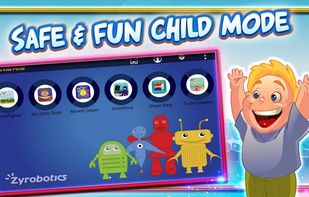
The Zumo Kids Portal is a parental control app that provides a safe and fun playground for your child. Only applications, games and content you have chosen are accessible to your child. Using your parental lock code, different profiles can be set for each child or you can...

Cost / License
- Free
- Proprietary
Platforms
- Android

Zumo Kids Portal
Features
Properties
- Educational
Zumo Kids Portal News & Activities
Recent activities
Zumo Kids Portal information
Developed by
 Zyrobotics
 Licensing
Proprietary and Free product.Alternatives
0 alternatives listedSupported Languages
- English
What is Zumo Kids Portal?
The Zumo Kids Portal is a parental control app that provides a safe and fun playground for your child. Only applications, games and content you have chosen are accessible to your child. Using your parental lock code, different profiles can be set for each child or you can customize the amount of time your child spends interacting with different apps. With the Zumo Kids Portal, kids get fun time and parents get peace of mind. The Zumo Kids Portal has no in-app purchases or advertisements. Download the Full Manual: zyrobotics.com/zumokidsportalmanual-2
The Zumo Kids Portal is a launcher that replaces your home screen with one you control and can customize to provide safe access for you child. To activate the Zumo Kids Portal after downloading, select the home button on your tablet. At this point, a pop-up will appear. Select the Zumo Kids Portal and Always to activate. If the pop-up does not appear, go to your Settings->General->Default Applications and hit Clear on the Home Launcher. Once the Zumo Kids Portal launches, please enter your parent-protected credentials. You are now able to setup your portal with your desired settings and child-safe applications.
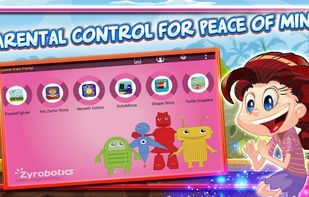
The Zumo Kids Portal provides: PARENTAL CONTROL AND KID’S SAFETY Lets a child access only permitted applications Block access to buying options on the Google Play store Can deactivate WiFi access or enter airplane mode automatically Enables password-protected access to parental control settings and exit from kid’s mode Can set different user profiles for each child with optional photo and password
TIME LIMITS Limit the activity time for playing (for example, to 30 minutes per day) Create app time schedule that limits the amount of time of play for each day based on a start and stop time
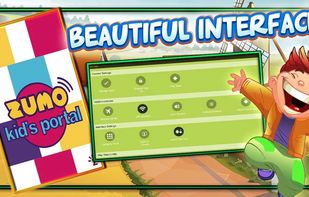
INTERFACE The application is designed in a simple child-friendly way, which appeals to both kids and parents Change icon/font size to match with age-appropriate motor skillsand blue) Read More on Google Play Store . . .
