xournal Alternatives for iPad

xournal is not available for iPad but there are plenty of alternatives with similar functionality. The best iPad alternative is Notesnook, which is both free and Open Source. If that doesn't suit you, our users have ranked more than 50 alternatives to xournal and 14 are available for iPad so hopefully you can find a suitable replacement. Other interesting iPad alternatives to xournal are GoodNotes, Stylus Labs Write, Concepts and PDF Expert.

Copy a direct link to this comment to your clipboard
xournal alternatives page was last updated

Alternatives list

  1. Notesnook icon
     189 likes

    Offers open-source, end-to-end encrypted notes with device-based privacy, cross-platform support, private vault, secure sync, offline access, markdown editor, exports to multiple formats, automatic backups, organizational tools, and strong encryption.

    340 Notesnook alternatives

    Cost / License

    Platforms

    • Mac
    • Windows
    • Linux
    • Online
    • Android
    • iPhone
    • Android Tablet
    • iPad
    • Google Chrome
    • Flathub
    • F-Droid
    • Software as a Service (SaaS)
    • Flatpak
     
    |
    1
    Notesnook vs xournal Comments
    Lu Pin
    Negative
    0

    Is note taking. Other thing.

    • Notesnook is Freemium and Open Sourcexournal is Free and Open Source
    • Notesnook is Privacy focused and Lightweightxournal is not according to our users
  2. GoodNotes icon
     76 likes

    Experience "digital paper" with seamless note-taking on iOS devices. Annotate PDFs, PowerPoint, and Word, plus organize notes in unlimited folders. Enjoy searchable handwritten notes that sync across devices with iCloud, intuitive QuickNote feature, and customizable templates.

    72 GoodNotes alternatives

    Cost / License

    • Freemium
    • Proprietary

    Platforms

    • Mac
    • Windows
    • Online
    • Android
    • iPhone
    • Android Tablet
    • iPad
     
  3. Write is a word processor for handwriting, designed primarily for tablets with an active stylus. Write has the functionality of a vector drawing application, plus a unique set of tools which ease the editing of handwritten text.

    36 Stylus Labs Write alternatives

    Cost / License

    Application type

    Platforms

    • Mac
    • Windows
    • Linux
    • Android
    • iPad
    • iPhone
     
    |
    3
    Stylus Labs Write vs xournal Comments
    Cristóbal Vio
    Positive
    2

    It has a very intuitive UI. It's easy to zoom, pan, erase in various modes. There's the insert space feature, you can move stuff around, etc. Also exports are quite easy and it automatically saves notes in html.

    Guest
    Positive
    1

    After a first pratice where it is poor you see that it's minimal but very functional and it become easier to control thing than xournal. Pdf export is great, writing is better than journal, making frame is quite easy better than xournal. But you don't have the option for drawing circle.

    Review by a new / low-activity user.
    Guest
    Positive
    -3

    It's like Xournal but with much more functionalities for really good handwriting note taking on the go

    Review by a new / low-activity user.
    • Stylus Labs Write is Free and Open Sourcexournal is also Free and Open Source
    • Stylus Labs Write is Minimalistic and Lightweightxournal is not according to our users
  4. Concepts icon
     31 likes

    Concepts is the digital design sketchbook of the future. It’s powerful, flexible and smart, so you can go from quick sketches to beautiful and precise illustrations in a single app. Enhance your creative capabilities with our infinite canvas, flexible multi-touch shape guides...

    45 Concepts alternatives

    Cost / License

    • Freemium
    • Proprietary

    Platforms

    • Windows
    • Android
    • iPhone
    • Chrome OS
    • Android Tablet
    • iPad
     
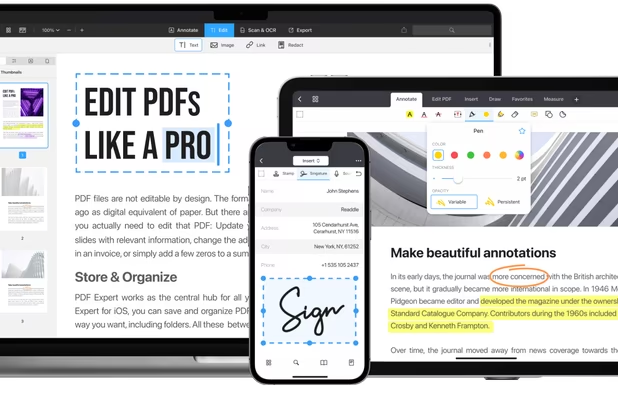
  5. PDF Expert icon
     38 likes

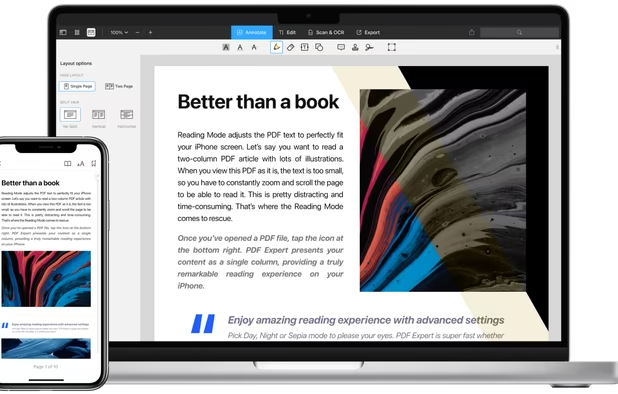
    Read, annotate, and highlight PDFs, fill interactive forms with saved input, underline or strike through text, manage bookmarks, sync files from cloud services, and share documents. Compatible with Preview and Adobe Acrobat annotations, supporting extensive iOS features.

    136 PDF Expert alternatives

    Cost / License

    • Paid
    • Proprietary

    Application types

    Platforms

    • Mac
    • iPhone
    • iPad
     
  6. Drawboard PDF icon
     15 likes

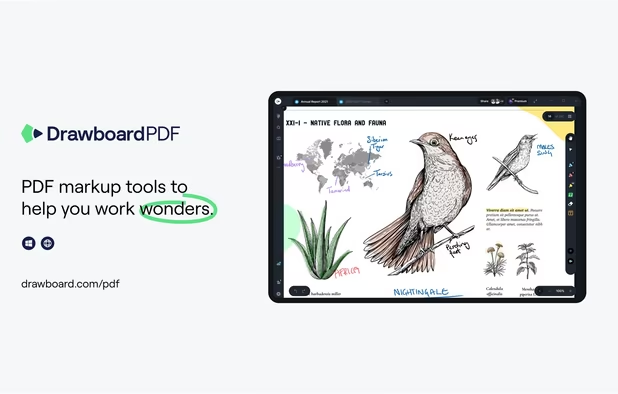
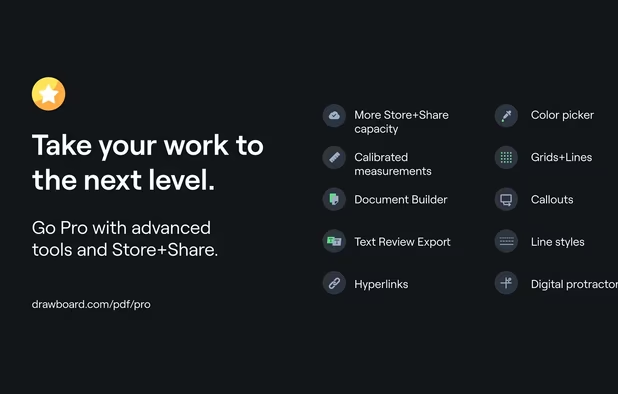
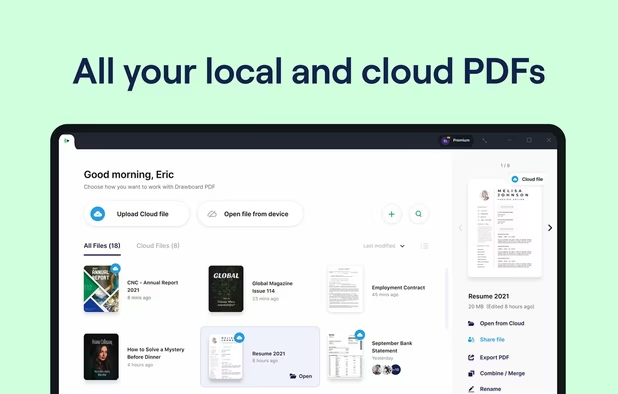
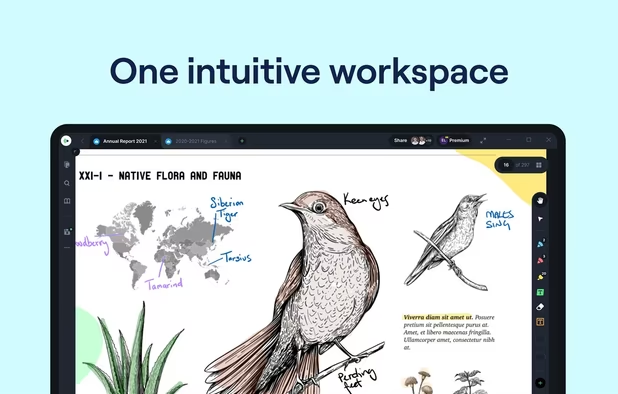
    The top AEC PDF app to markup and manage drawings and documents. Ideal for replacing pen and paper, avoid printing documents again by using our intuitive feature set that makes marking up a PDF easy. Open or create a new PDF, markup using our extensive array of tools, then save...

    62 Drawboard PDF alternatives

    Cost / License

    • Freemium
    • Proprietary

    Application types

    Platforms

    • Mac
    • Windows
    • Online
    • Android
    • iPhone
    • iPad
    • Android Tablet
     
  7. PDF Viewer Pro is a fast and beautiful app, allowing you to view, search, and annotate PDF documents with ease on your iPhone and iPad.

    Cost / License

    • Freemium
    • Proprietary

    Application type

    Platforms

    • Mac
    • Android
    • iPhone
    • iPad
    • Android Tablet
     
  8. SpeedyNote icon
     2 likes

    SpeedyNote is a fast, open-source note-taking application designed for stylus users who need iPad-quality annotation on budget hardware. Built with native C++ and Qt, it delivers 360Hz stylus input on hardware as modest as an Intel Celeron N4000 at 1.

    51 SpeedyNote alternatives

    Cost / License

    Application type

    Platforms

    • Mac
    • Windows
    • Linux
    • Android
    • Android Tablet
    • Flathub
    • Flatpak
    • iPad
     
  9. PDF Max is a desktop class PDF app for reading, annotating or signing PDF documents on your iPhone/iPad. Mark up documents with highlights and handwriting, insert texts and stamps, fill out, sign PDFs and even manipulate PDF pages.

    Cost / License

    • Paid
    • Proprietary

    Application types

    Platforms

    • iPhone
    • iPad
     
  10. Bamboo Paper icon
     6 likes

    Bamboo Paper, a seriously fun new app from Wacom, provides you with the ability to create virtual notebooks for your tablet, letting you share your ideas visually with handwritten notes, sketches or doodles.

    26 Bamboo Paper alternatives

    Cost / License

    • Freemium
    • Proprietary

    Platforms

    • Windows
    • Android Tablet
    • iPad
     
12 of 14 xournal alternatives