


Universal Link Peeker
1 like
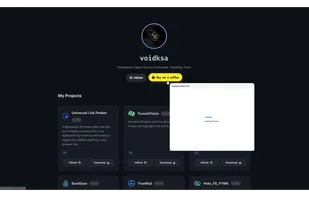
A lightweight Windows utility that lets you instantly preview links in any application by hovering and holding a trigger key, without opening a new browser tab.
Cost / License
- Free
- Open Source (MIT)
 Saudi Arabia
Platforms
- Windows

Universal Link Peeker
1 like
Features
- Workflow
Universal Link Peeker News & Activities
Highlights All activities
Recent activities
- niksavc liked Universal Link Peeker
- voidksa updated Universal Link Peeker
- voidksa added Universal Link Peeker
- POX updated Universal Link Peeker
Universal Link Peeker information

No comments or reviews, maybe you want to be first?
What is Universal Link Peeker?
Universal Link Peeker is a powerful Windows productivity tool designed to streamline your workflow. Instead of opening every link in a new browser tab, simply hover over any URL—whether in a document, chat app (like Discord), or code editor (like VS Code)—and hold your configured trigger key (Shift, Ctrl, or Alt) to see a live preview window immediately.
It is built with security and performance in mind, automatically blocking risky file downloads and utilizing the modern Microsoft Edge WebView2 engine for fast rendering.
Key Features:
- Universal Compatibility: Works in almost any Windows application (Chrome, Discord, VS Code, Word, Slack, etc.).
- Instant Previews: Fast loading using modern web standards.
- Seamless Navigation: Scroll through previewed pages naturally using your mouse wheel.
- Quick Actions: Copy the URL to your clipboard with a single keystroke (C) while previewing.
- Security First: Blocks automatic downloads (exe, zip, etc.) and unwanted popups to protect your system.
- Customizable: Choose your preferred activation key from the system tray.
- Lightweight: Runs quietly in the background with minimal resource usage.
Completely free and open-source.