


TypeAccent
1 like
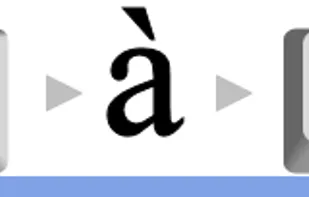
The easiest way to type foreign accent characters in any language. Set the language, press a character, then F2 - to cycle through the alternatives.
Cost / License
- Free
- Proprietary
Platforms
- Windows

TypeAccent
1 like
Features
No features, maybe you want to suggest one?
TypeAccent News & Activities
Highlights All activities
Recent activities
No activities found.
TypeAccent information
No comments or reviews, maybe you want to be first?
What is TypeAccent?
The simplest way to type accent characters in windows. Create any foreign language accent character with a single key-press. Supports multiple languages. Sits in the computer tray at all times. Works with any software - including Word, Notepad, Outlook etc. No need for changing keyboards or annoying alt-codes. No need to remember 'anything' except F2 !