Free always-on-top GPU, CPU, and RAM performance overlay with live sparkline graphs. Lightweight, portable, no telemetry.
Cost / License
- Free
- Proprietary
Platforms
- Windows


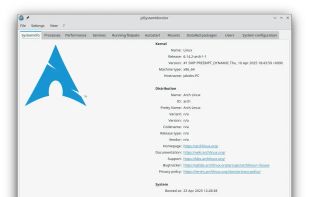
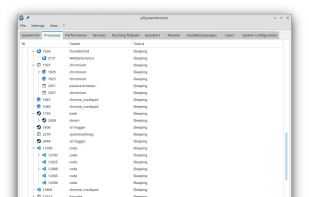
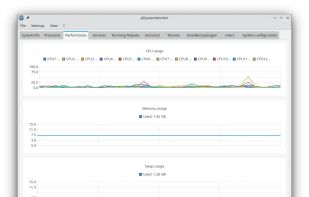
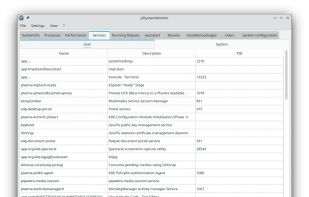
Tux Manager is described as 'A Linux Task Manager alternative built with Qt6, inspired by the Windows Task Manager but designed to go further - providing deep visibility into system processes, performance metrics, users, and services' and is an app in the office & productivity category. There are more than 50 alternatives to Tux Manager for a variety of platforms, including Windows, Linux, Mac, BSD and PortableApps.com apps. The best Tux Manager alternative is Process Explorer, which is free. Other great apps like Tux Manager are htop, System Informer, witr and Mission Center.
Free always-on-top GPU, CPU, and RAM performance overlay with live sparkline graphs. Lightweight, portable, no telemetry.


System Monitoring Center gets information about system performance and usage.


Explore all the tasks (processes) running on your Mac with TaskExplorer. Quickly see a task's signature status, loaded dylibs, open files, network connection, and much more!.


Mac OS X System Monitor and Process Explorer Tool atMonitor is the most advanced monitoring tool for Mac OS X that displays system activity in real-time. It is designed to allow quick assessment of computers state and it is powerful enough to make it a core utility in anyones sys.

Linux system monitor with the compactness and usefulness of windows task manager to allow higher control and monitoring.


TaskInfo is a poweful utility that combines and improves features of Task Manager and System Information tools. It visually monitors (in text and graphical forms) different types of system information in any Windows system (95, 98, ME, NT 4.

This tool controls programs, disk, CPU. Replace task manager, tweak and tune up XP or Vista. Speed up windows startup. Get rid of spyware and viruses.


Resource Monitor is a system application in Microsoft Windows operating systems. It is used to view information about the use of hardware (CPU, memory, disk, and network) and software (file handles and modules) resources in real time.


KillSwitch is an advanced system monitoring tool that is apart of Comodo Cleaning Essentials (CCE) it allows users to identify, monitor and stop potentially unsafe processes that are running on endpoint systems. Uniquely for a product of its type, KillSwitch leverages Comodo'.