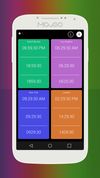
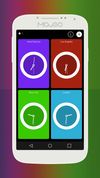
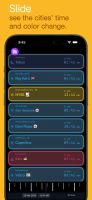
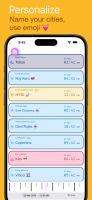
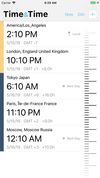
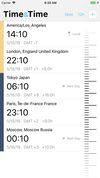
What is the Time is a beautifully designed, gesture-based, world clock. Use your finger to slide and watch the cities clock update magically.
Cost / License
- Freemium
- Proprietary
Application type
Platforms
- iPhone
- iPad
 Malaysia
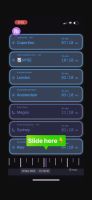






Sites and apps similar to Timezone App include FlutterTime, which is free. Other options are MultiTimeInMenuBar, MultiTime, Time.is and Any World Clock. You're spoiled for choice with World Clocks like Timezone App: we list more than 50 alternatives for iPhone, iPad, Mac, Windows and Android.
What is the Time is a beautifully designed, gesture-based, world clock. Use your finger to slide and watch the cities clock update magically.
Malaysia
Sick of screwing up meeting times and missing calls? This app cuts through time-zone confusion and hands you the perfect hour at a glance. Forget guesswork — just click, connect, and impress.
 United States
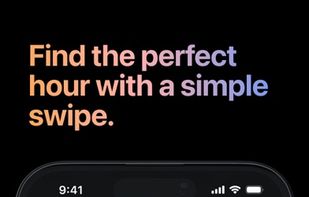
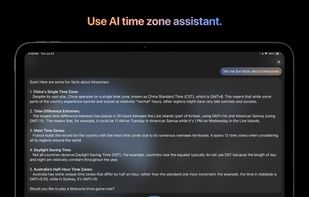
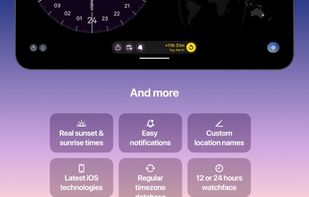

The fastest way to check the time in different time zone, country or any place in the world.

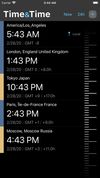


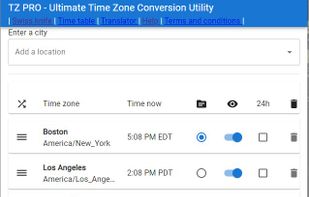


CallAlign is a time zone–focused scheduling tool that helps you instantly find the best meeting time across multiple cities. Visualize overlapping availability and eliminate timezone confusion in seconds.
 France
 EU
EU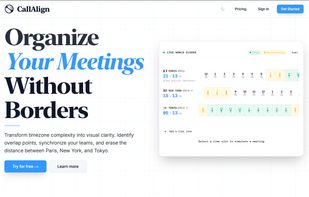


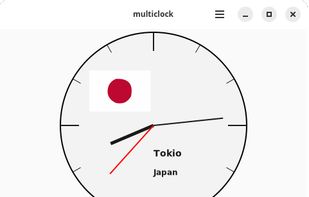
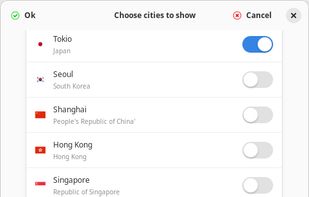
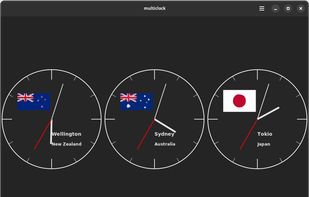
multiClock allows you to track the current time in major financial centers around the world

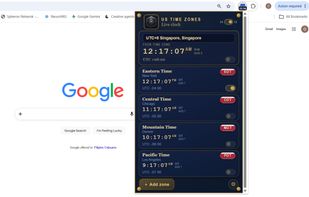
Extension offers live clocks for local, Eastern, Central, Mountain, and Pacific US time zones directly in Chrome, supports Alaska, Hawaii, US Virgin Islands, has customizable city lists, auto daylight saving, city pinning, global comparisons, and both 12/24-hour formats.


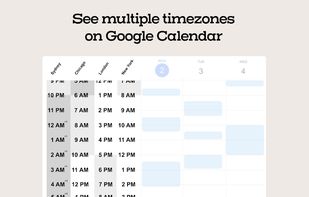
Sundial is a Chrome extension that allows you to see multiple timezones on Google Calendar.
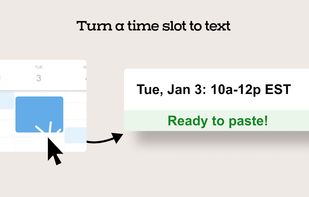



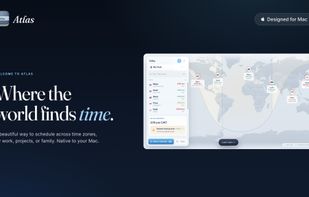
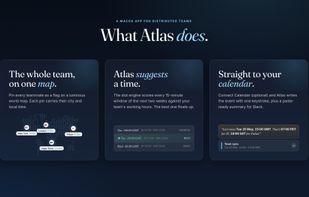
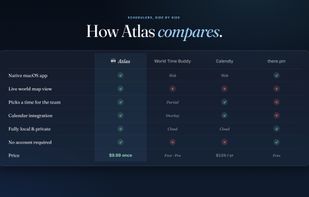
Where the world finds time. A beautiful way to schedule across time zones, for work, projects or family. Drag in the cities where your team, clients or family live and they appear on a luminous world map, each lit by its own daylight, so you can see exactly where everyone is in...



Time Buddy brings a colorful world clock. Setting and seeing the correct time for different time zones was never so easy.All you need to do is open the app tap to plus icon and enter location; that’s it.
 India
India