

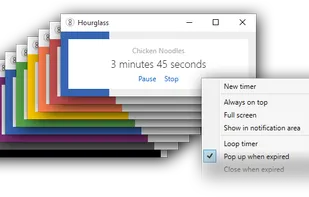
Hourglass is the most advanced simple countdown timer for Windows. Just enter a time in just about any format, and hit Enter.
 Australia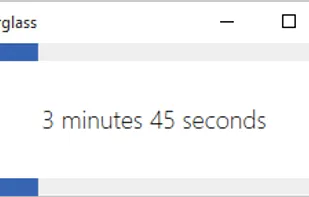


Timer Clock is described as 'Simple to use timer utility which perfectly combines a timer with four great features (shutdown, restart, sleep or remind) and a clock in one application' and is an app. There are more than 10 alternatives to Timer Clock for a variety of platforms, including Windows, Mac, Linux, iPhone and iPad apps. The best Timer Clock alternative is Hourglass, which is both free and Open Source. Other great apps like Timer Clock are SnapTimer, wnr, Horo and KTimer.
Hourglass is the most advanced simple countdown timer for Windows. Just enter a time in just about any format, and hit Enter.

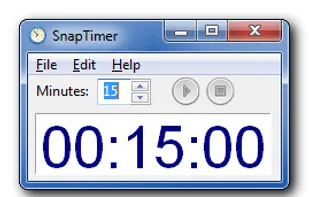
All the timers I tested were too complex for my taste. I decided to write one that was dead simple, so you could run it, type in a time and hit enter. The aim of SnapTimer is to get out of the way and help you be productive.
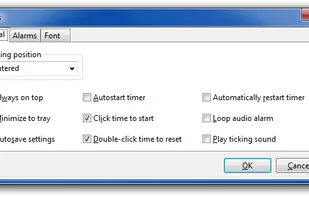


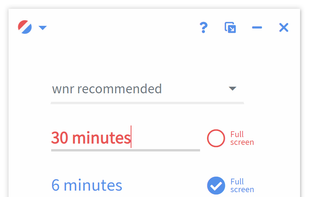
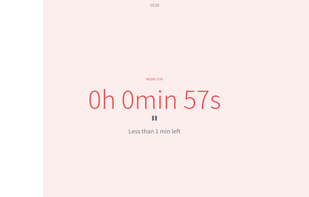
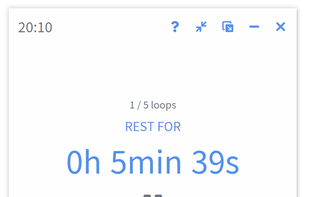
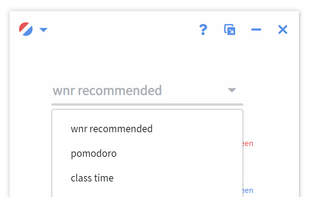


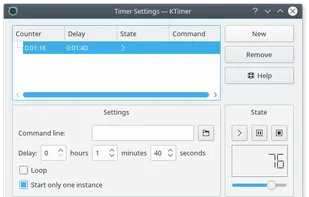
It allows you to enter several tasks and to set a timer for each of them. The timers for each task can be started, stopped, changed, or looped.


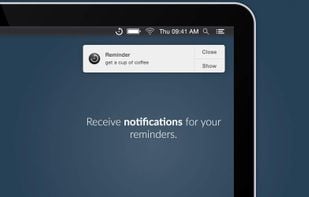
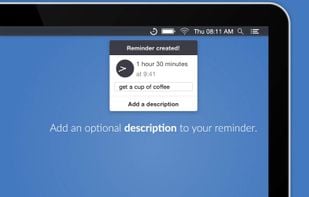
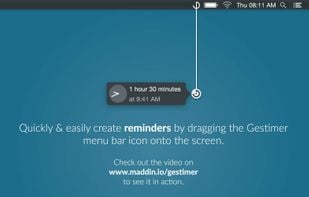
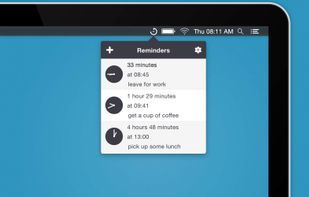
Gestimer - For those little reminders during the day. Drag & drop to quickly create reminders with this beautifully designed menu bar app for your Mac.


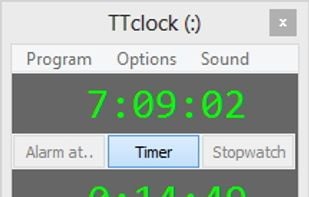
TTclock is a simple, compact alarm clock, countdown timer and stopwatch that can be minimized to the system tray. It has two display modes: pure clock and control panel.


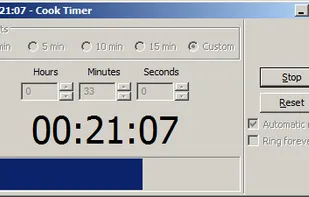
CookTimer is a simple cross-platform countdown timer that helps when cooking, making tea or eggs. It also works for any other timing purpose such as working out. it was developed using wxWidgets and was tested on Windows and Linux.


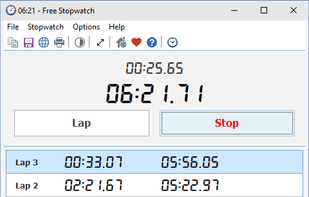
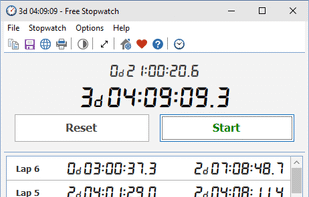
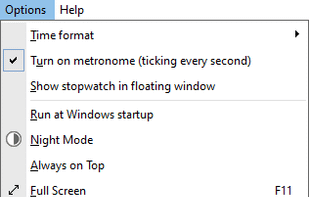
Free Stopwatch is a free, full-featured and accurate flexible digital stopwatch software for Windows 10 and Windows 7.


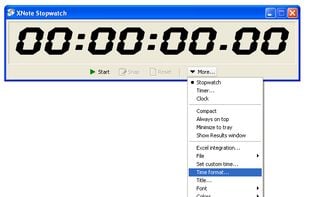
XNote Stopwatch is a versatile and flexible multifunctional digital stopwatch / countdown timer / clock software for PC. Helpful for timekeepers at sport competitions, time tracking of work, or even as a metronome.
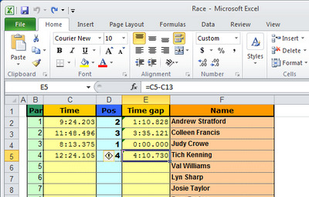
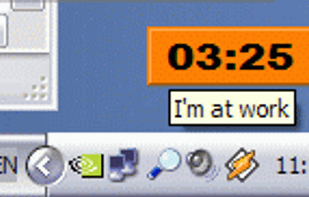
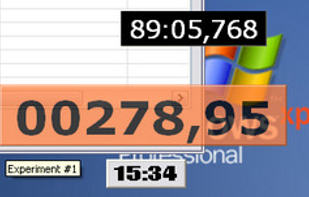


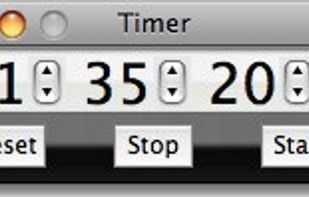
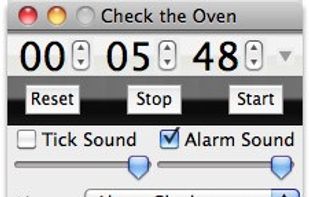
Timer is a simple chronometer application. Enter a value and click Start to count down any number of hours, minutes, and seconds, or start at zero to track elapsed time. Available for Macintosh and Microsoft Windows computers.


 Germany
 EU
EU


 Canada
 United States
