



Cost / License
- Free
- Proprietary
Application typeApplication types
Platforms
- Mac
 Slovakia
 EU
EU
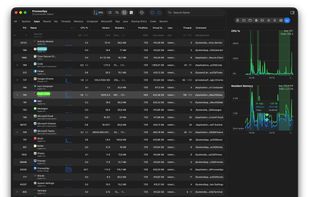

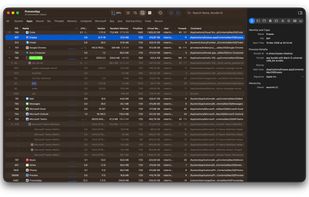


StatusPilatus has been discontinued. Similar apps include Process Explorer, which is free. Other options are htop, System Informer, Mission Center and Resources. There's no shortage of Process Management Tools like StatusPilatus, with more than 50 alternatives for Windows, Linux, Mac, Android and iPhone.
SlovakiaEU
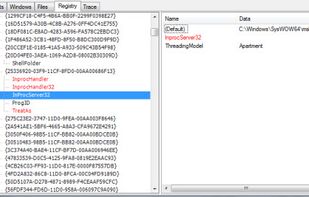
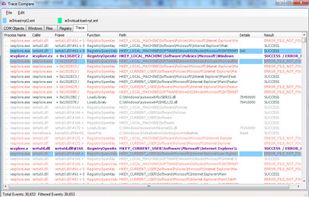
SpyStudio is the best product to trace user-mode API calls on Windows. SpyStudio is an Application tracer which shows and interprets calls, displaying the results in a structured way which is easy for any IT professional to understand.
 Argentina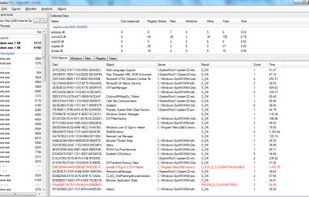


Explore all the tasks (processes) running on your Mac with TaskExplorer. Quickly see a task's signature status, loaded dylibs, open files, network connection, and much more!.
 United States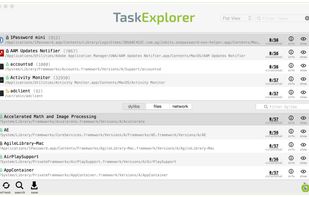

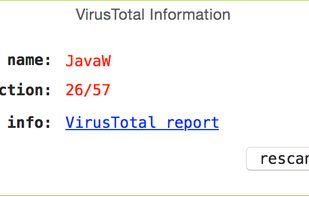


Task Explorer is an advanced Task Manager tool with emphasis on, not just monitoring what applications are running, but on finding out what applications are doing. The UI focuses on expedience and getting real time data of what the processes are doing at any given moment.


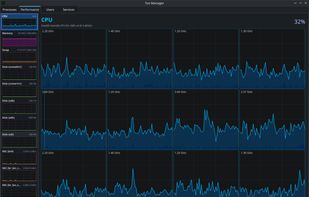
A Linux Task Manager alternative built with Qt6, inspired by the Windows Task Manager but designed to go further - providing deep visibility into system processes, performance metrics, users, and services.
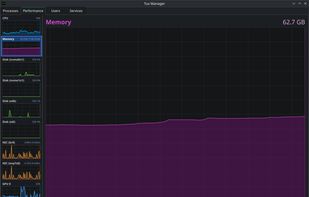
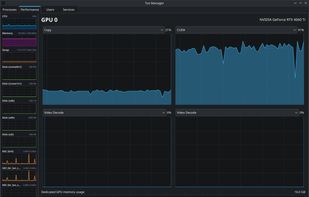
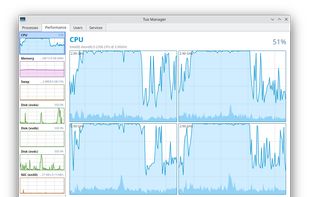


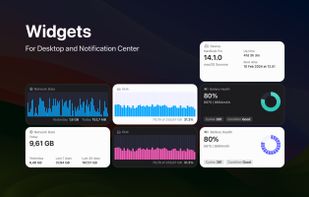
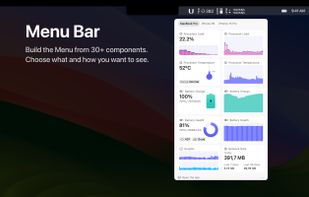
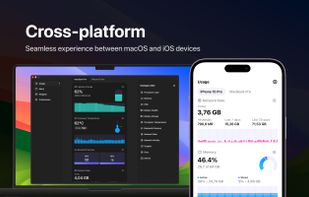
System Activity Monitor for Mac, iPhone, and iPad. Customizable, precise, and lightweight apps to keep an eye on the activity and performance of your devices.
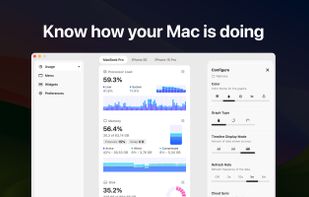


Mac OS X System Monitor and Process Explorer Tool atMonitor is the most advanced monitoring tool for Mac OS X that displays system activity in real-time. It is designed to allow quick assessment of computers state and it is powerful enough to make it a core utility in anyones sys.
United States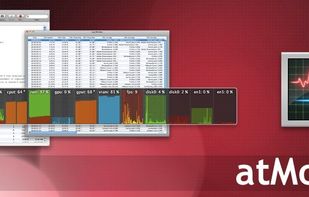


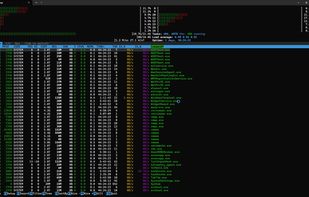
pstop is a native Windows terminal system monitor inspired by htop. It brings per core CPU usage bars, memory and network meters, process tree view, search, filtering, and kill shortcuts directly to PowerShell with familiar htop style keybindings.


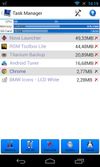
3C Toolbox is the comprehensive toolbox to save battery, tweak, tune, backup, secure and monitor any Android devices running any ROMs, any kernels.




TaskInfo is a poweful utility that combines and improves features of Task Manager and System Information tools. It visually monitors (in text and graphical forms) different types of system information in any Windows system (95, 98, ME, NT 4.
 Russia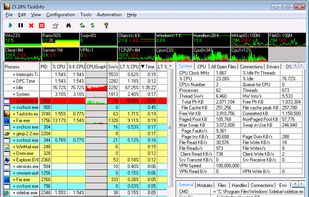


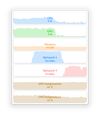
Monitorets is a small utility application offering a simple and quick view at the usage of several of your computer resources. Almost like an applet or a widget for your Linux desktop.


 Austria



 United Kingdom


