


Easy Move+Resize is based on behavior found in many X11/Linux window managers, adding easy modifier key + mouse drag move and resize to OS X.
Cost / License
- Free
- Open Source
Application type
Platforms
- Mac
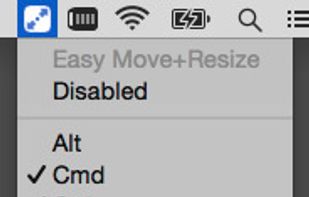


Apps similar to Split Screen include Loop - Window Management, which is free and open source. Other options are Moom, Divvy, altdrag and KDE Mover-Sizer. You can choose from more than 10 Window Managers like Split Screen for Mac and Windows.
Easy Move+Resize is based on behavior found in many X11/Linux window managers, adding easy modifier key + mouse drag move and resize to OS X.

 Ukraine




 Germany
 EU
EU
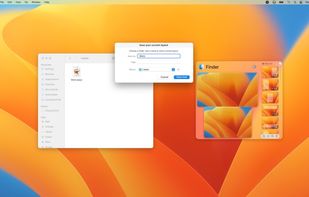
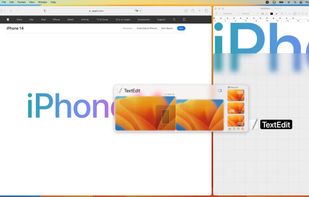


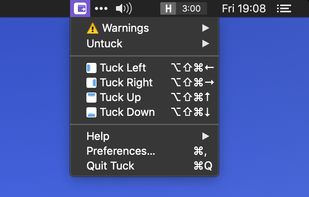
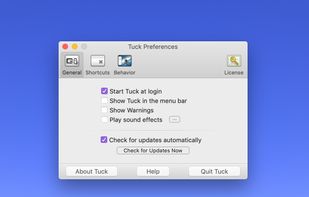
Tuck is a handy menu bar application that allows you to quickly and simply clear multi-window clutter by hiding windows under your screen edges.
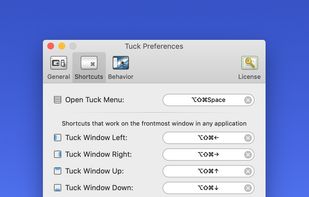
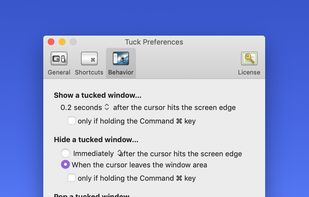


TileWindows helps you to easily organize your desktop: Move and resize your application windows, so you can view them side by side, by using keyboard shortcuts.
GermanyEU
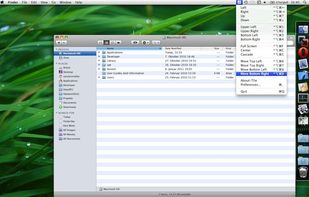
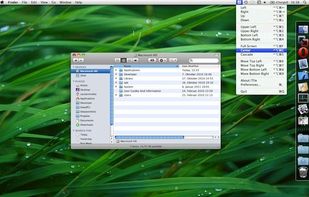
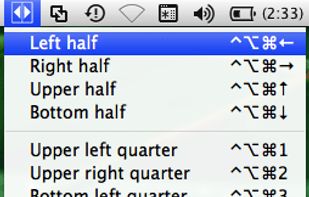


Managing the windows on your computer has become a snap! With the iSnap app, you can organize various windows to fit perfectly on your screen and access them simultaneously!

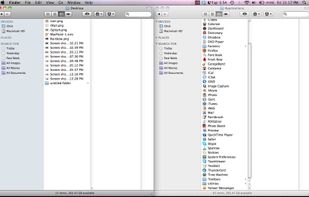
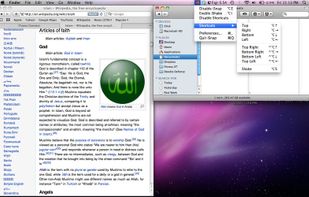


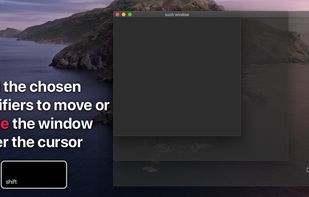
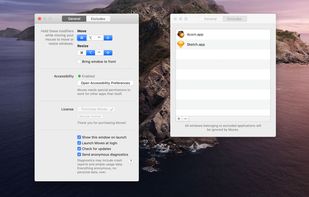
?? Moves makes it easier than ever to position your windows juuust right.
? Just hold down your chosen modifier keys and move the mouse. No need to fiddle with 3px wide window edges or far way title bars.
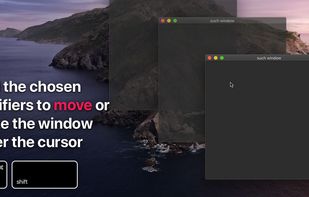


Organiz'em is the easiest app to organize windows in the market. It can organize your windows by using custom shortcuts or snap feature.


