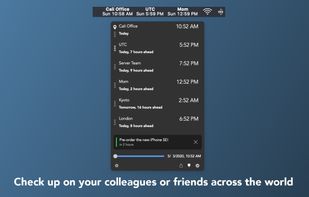
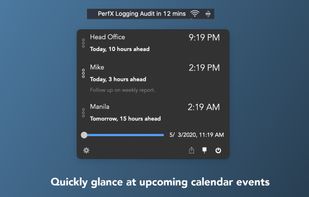
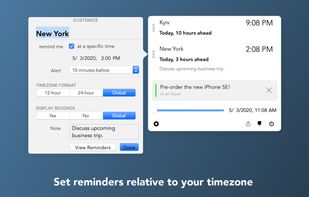
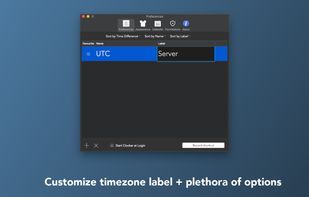
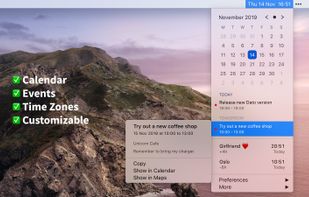
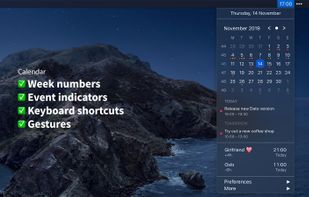
Clocker is designed to help you keep track of your friends and colleagues in different time zones.
Cost / License
- Free
- Open Source
Application type
Platforms
- Mac
 United States



+1


Apps similar to Second Clock include Hourglass, which is free and open source. Other options are MultiTimeInMenuBar, Floating Timer, WatchMe and Countdown Timer Pro. Countdown Timers like Second Clock are a crowded field, with more than 50 alternatives for Mac, Windows, iPhone, iPad and Linux.
Clocker is designed to help you keep track of your friends and colleagues in different time zones.
United States
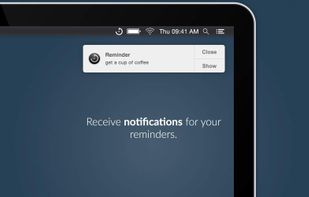
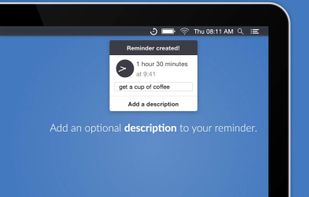
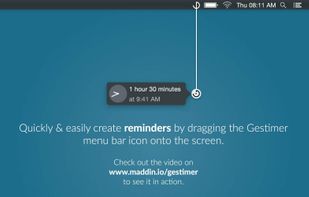
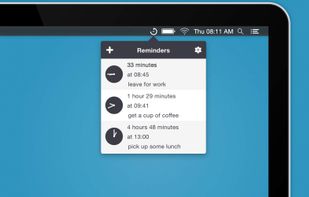
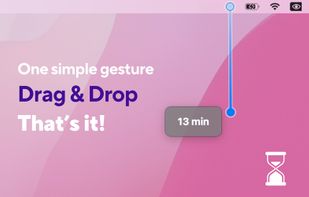
Gestimer - For those little reminders during the day. Drag & drop to quickly create reminders with this beautifully designed menu bar app for your Mac.


TTclock is a simple, compact alarm clock, countdown timer and stopwatch that can be minimized to the system tray. It has two display modes: pure clock and control panel.
 Germany
 EU
EU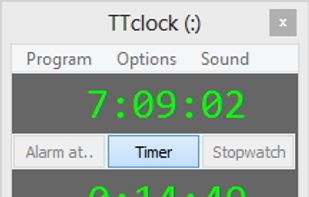


CookTimer is a simple cross-platform countdown timer that helps when cooking, making tea or eggs. It also works for any other timing purpose such as working out. it was developed using wxWidgets and was tested on Windows and Linux.


 Norway
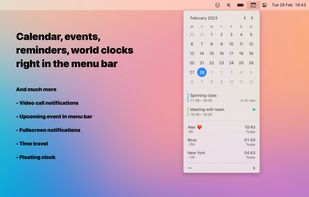


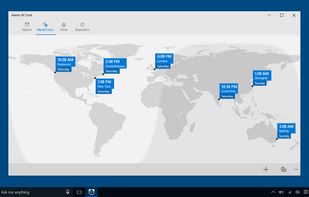
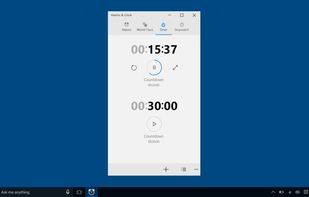
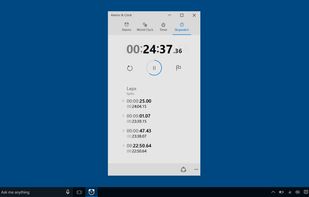
A combination of alarm clock, world clock, timer, and stopwatch. Set alarms and reminders, check times around the world, and time your activities, including laps and splits.
United States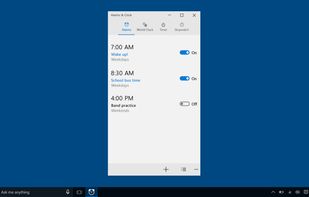


Ethervane Stopwatch is a simple timer for Windows 2000 or later. It can be used for example to track the time spent working or performing other activities on the computer. The timer can be paused and resumed at any time.
 PolandEU
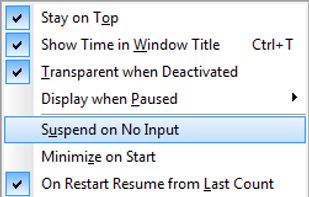


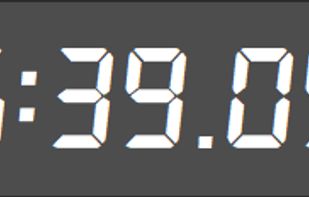
Free Stopwatch is a free, full-featured and accurate flexible digital stopwatch software for Windows 10 and Windows 7.
 Canada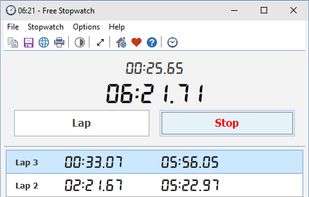

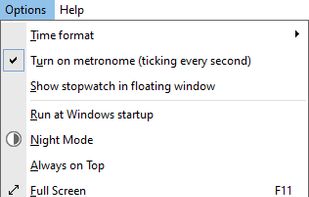


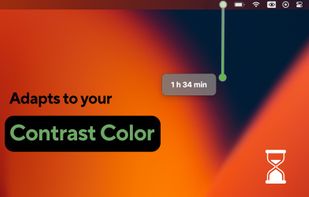
Transform your Mac's menu bar into an intuitive, gesture-controlled timer with Stretch It!


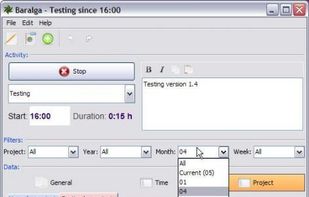
Baralga keeps track of the time you spent working on different projects. You can record the time spent on a project or you can manually enter and edit activities. This way you can easily memorize when and how long you have been working on each single project.



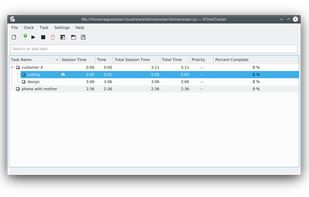
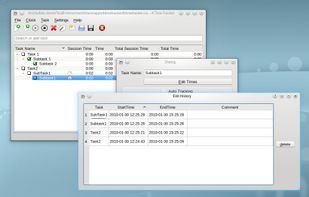
KTimeTracker helps you track your personal time spent on various tasks and projects. It is useful for tracking billable hours and can report the hours logged by task and day. With KTimeTracker, you can organize a broken-down project as subtasks with unlimited nesting.
GermanyEU