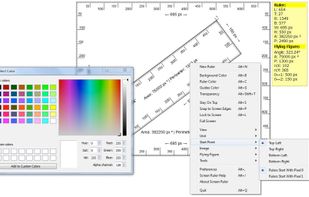
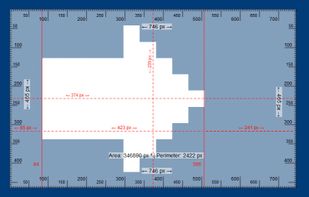
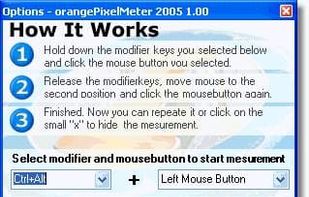
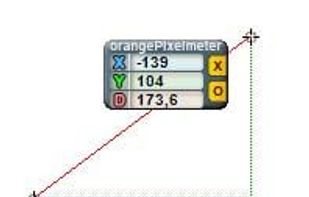
Measure the pixel size of anything on your screen with orangePixelMeter, a nice, free Windows software utility.
Cost / License
- Free
- Proprietary
Platforms
- Windows



Apps similar to Screen Calipers include PicPick, which is free for personal use. Other options are PixelSnap 2, Meazure, Bluegrams Screen Ruler and EpicRuler. You're spoiled for choice with Screenshot Capture Tools like Screen Calipers: we list more than 25 alternatives for Windows, Mac, Linux, the web and Android.
Measure the pixel size of anything on your screen with orangePixelMeter, a nice, free Windows software utility.

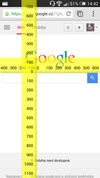
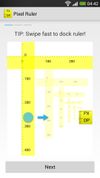
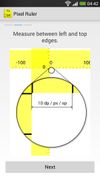
Essential tool for every Android, iOS and web developer. Measure the size of each element in your app directly on your Android or iOS device. No more screenshots to find out the size of button or margin.

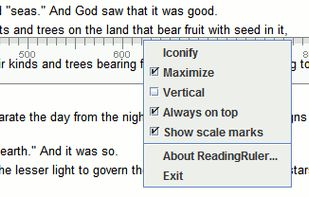
When you read a book, don´t you use your finger or a ruler to follow the line? ReadingRuler does the same thing on your desktop.

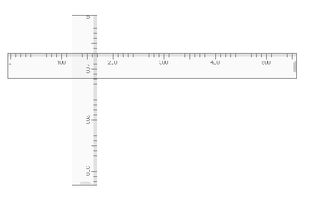

Know the exact size and position of any element with this screen ruler.
Pixel Ruler features horizontal and vertical orientation, dynamic mouse measurement tracking in pixels, cool design.
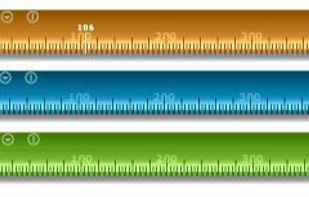


MezerTools is a simple toolkit for UI designers & programmers to measure screen elements in pixels. It also lets you grab screenshots and more...
 United States
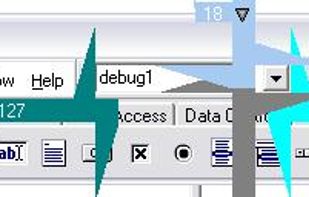




Screen Ruler: Measure anything on your screen.
Do you need a way to measure the distance between two points on your screen? To get the exact location and size of an element on a web page? To measure in pixels, centimeters, millimeters, points, inches or your own units? If so --.
 Serbia