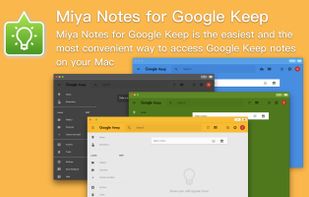
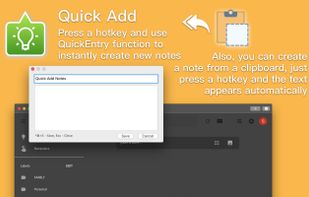
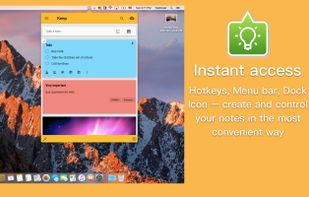
«Miya Notes for Google Keep» is the easiest and the most convenient way to access Google Keep Notes on your Mac.
Cost / License
- Paid
- Proprietary
Application type
Platforms
- Mac
 Ukraine



+1


Apps similar to sChecklist include CherryTree, which is free and open source. Other options are Trilium Notes, Cryptee, Fossify Notes and QOwnNotes. Note-taking Tools like sChecklist are a crowded field, with more than 100 alternatives for Mac, Android, Windows, the web and iPhone.
«Miya Notes for Google Keep» is the easiest and the most convenient way to access Google Keep Notes on your Mac.
Ukraine
Boost your productivity. Take notes, set reminders and save contents and links, all in 1 swipe of the mouse. Attach notes automatically to any window.

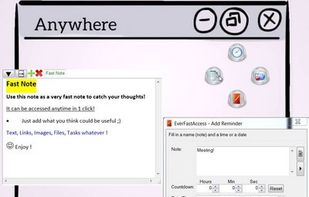
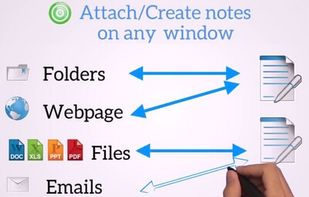
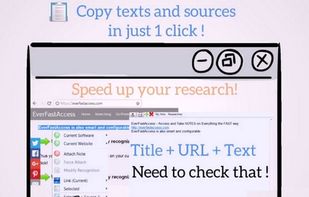


A beautiful, uncluttered all-in-one tool. Write, plan, take notes, capture ideas and get organized.
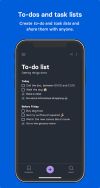
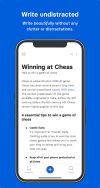
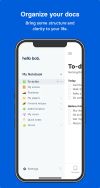


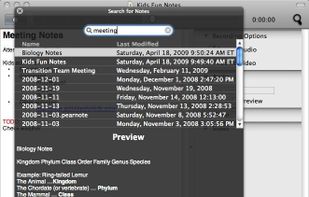
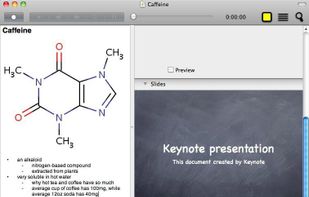
Pear Note records audio, video, and what you do, including typing notes and changing slides, on a timeline. Since keystrokes and slide changes are kept on this timeline, you can easily find what was being said during typing or a particular slide.
 United States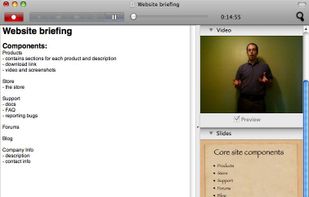





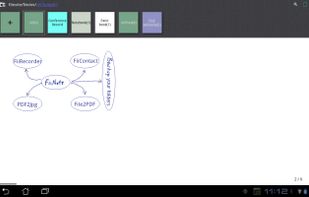
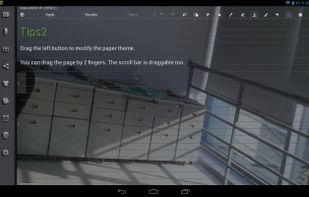
FiiNote is the most convenient note app for android.
The app is compatible with Android 2.0 ~ Android 4.3(and later). It is designed for both Phone and Pad.
Feature list: 1, Unique hybrid model for combined handwriting and keyboard. 2, Text,paint,voice,photo,video...Note everyt.
 China
China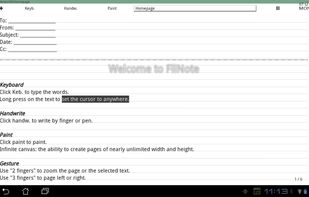



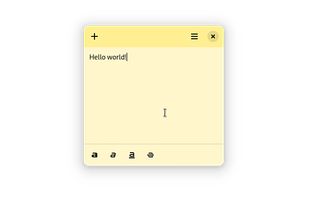
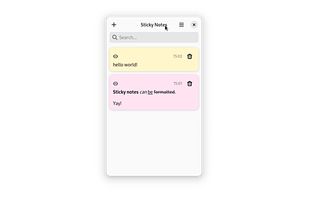
Sticky Notes is a simple sticky notes app for GNOME. It allows you to create notes and format them.

A minimalist writing zone, where you can block out all distractions and get to what's important.
 Australia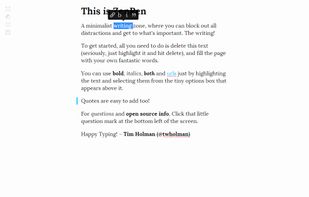

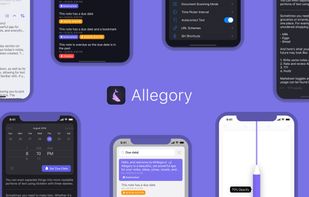
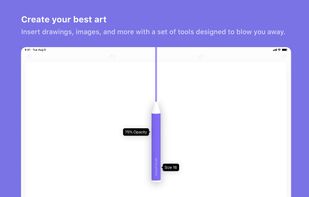
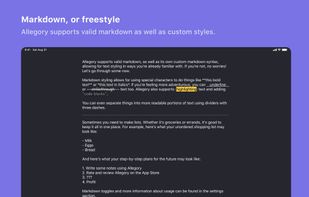
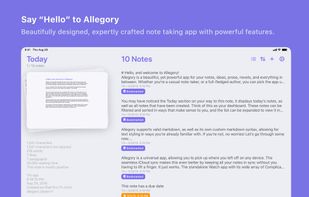
Allegory is a powerful notes app with a beautiful iOS-centric UI. The minimal and focused writing experience, combined with an impressive set of powerful features, makes this the ideal choice for everyone.


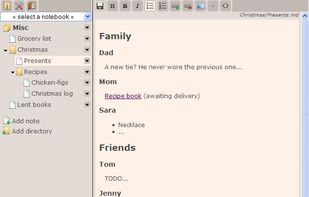
Jotter is a lightweight, no database, powerful web notebook that lets you create and manage notes online safely, quickly & easily.




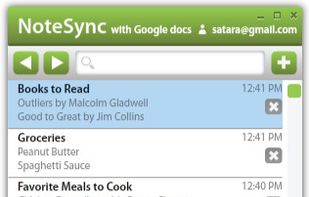
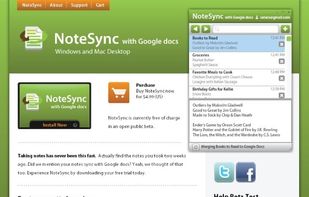
NoteSync lets you take notes fast and sync them with your Google docs account. Automatic syncing happens every minute or when you feel like it by pressing the sync button. Offline mode fully supported. Keyboard shortcuts like CTR-L put your cursor in the search bar to easily...