



Quick Cursor
Like
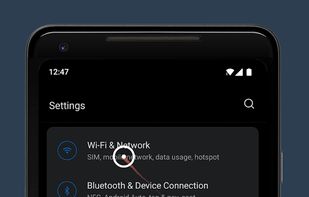
Makes it easier to use large smartphones with one hand by introducing a computer like cursor controlled with one finger by swiping from edge of the screen.
Cost / License
- Freemium (Pay once)
- Proprietary
Platforms
- Android
+5

Quick Cursor
Like
Features
- One-handed mode
Quick Cursor News & Activities
Highlights All activities
Recent activities
No activities found.
Quick Cursor information
No comments or reviews, maybe you want to be first?
What is Quick Cursor?
Makes it easier to use large smartphones with one hand by introducing a computer like cursor controlled with one finger by swiping from edge of the screen.
Easy to use:
- Swipe from left or right margin from the bottom half of the screen.
- Reach the top half of the screen by dragging the tracker using one hand in the bottom half.
- Touch the tracker to click with the cursor. The tracker will disappear on any action outside the tracker or after a period of time.
The app is free and without ads!
The PRO version is for advanced configurations and features:
- Trigger more gestures with the cursor: long click, swipe, scroll, drag and drop, etc
- Floating tracker mode (the tracker will stay on the screen like a floating bubble)
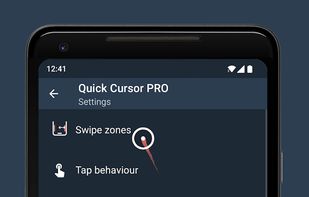
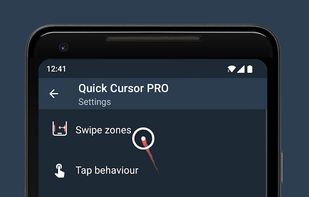
- Customize the triggers, tracker and cursor areas size and position to better match your device dimensions
- Customize the appearance of tracker, cursor or other visual effects/animations
- Customize the tracker behavior (inactivity hide timer, hide on outside action)
- Support for edge actions:
- expand notifications or quick settings
- trigger home, back or recent button
- swipe from edge to open side menus
- More options when the keyboard is open: move trigger above, keep the triggers over or disable them
- Customize vibrations and visual feedback
- Backup and restore all settings
- Support the developer of this free and without ads app
