


PhoneCast
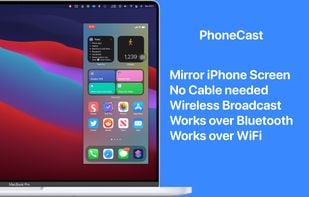
Mirror iPhone/iPad to your Mac wirelessly. No need to connect iPhone/iPad to Mac with a cable. Demo what's on your iPhone/iPad in online-meeting, play games, draw live. PhoneCast 2.0 has a new rendering engine that makes it just as good as casting with cables.

Features
- AirPlay Support
- Screen Mirroring
Tags
- iphone-apps
- ipad-apps
- mac-apps
- reflector
- mirroring
PhoneCast News & Activities
Recent News
Recent activities


PhoneCast information
Developed by
Pawan DixitLicensing
Proprietary and Commercial product.Pricing
One time purchase (perpetual license) ranging between $1 and $3.Alternatives
13 alternatives listedSupported Languages
- English
- French
- German
- Hindi
- Italian
- Japanese
- Korean
- Portuguese
- Russian
- Chinese
- Spanish


What is PhoneCast?
Mirror iPhone/iPad to your Mac wirelessly. No need to connect iPhone/iPad to Mac with a cable. Demo what's on your iPhone/iPad in online-meeting, play games, draw live. PhoneCast 2.0 has a new rendering engine that makes it just as good as casting with cables.
PhoneCast is useful when you need to demo your iPhone or iPad screen on your Mac. PhoneCast 2.0 has absolutely zero frame drops and casts at 60 frames per second. And as you would expect, it has zero steps to set up - just install the app on your Mac and iPhone/iPad and you are good to go, start casting from your iOS app. PhoneCast works best on wifi but handles limited bandwidth of Bluetooth really well too so you never ever need a cable. PhoneCast works well with Zoom and any other meeting app. You can share what's on your iPhone/iPad in online meetings.
- Features at a glance*
- 60 FPS smooth mirroring
- No lag or hiccups
- Switch between orientation (Landscape and Portrait)
- High Quality Casting
- Completely Private, no data collected
