PDFCreator Online offers fast and secure online tools that let you convert and edit your PDF files directly in your browser for free.
Cost / License
- Free
- Proprietary
Platforms
- Online


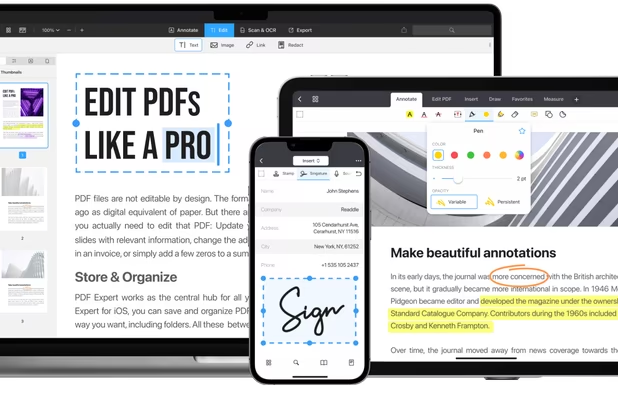
PDFBeast is described as 'Aims to simplify PDF editing and conversion, making it straightforward and user-friendly. PDFBeast is an ideal solution for novices unfamiliar with file editing, merging, annotating, or conversion processes, providing an easy-to-navigate platform' and is a PDF Editor in the office & productivity category. There are more than 25 alternatives to PDFBeast, not only websites but also apps for a variety of platforms, including Windows, Mac, iPhone and SaaS apps. The best PDFBeast alternative is Adobe Acrobat DC. It's not free, so if you're looking for a free alternative, you could try Sejda or Smallpdf. Other great sites and apps similar to PDFBeast are PDF24 Tools, PDF Expert, iLovePDF and PDF Candy.
PDFCreator Online offers fast and secure online tools that let you convert and edit your PDF files directly in your browser for free.


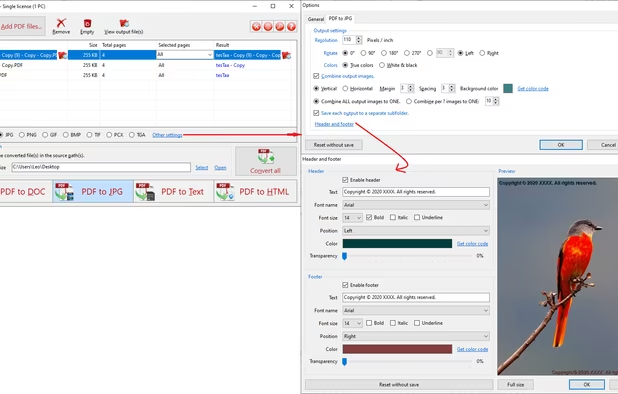
PDF to X is used to convert PDF documents to Word (.doc)/WordPad (.rtf) documents, HTML web pages, JPG/PNG/BMP/TIF/GIF/PCX/TGA images and plain text files in batch mode. It works without Adobe Acrobat or Adobe Reader.

ZonePDF is a convenient and practical tool for PDF conversion. PDF files can easily be merged, split and converted from JPEG, PNG, DOC, XLS, PPT and other formats.


PDFGarage is free online cloud based product for working with PDFs, You can compress PDF, split pdf, merge pdf, add watermark, rotate pdf, add page numbers, delete pages, add or remove password.