Web-based PDF Toolbox Alternatives

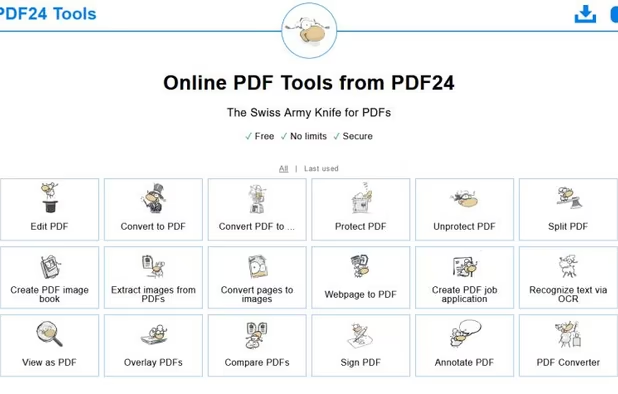
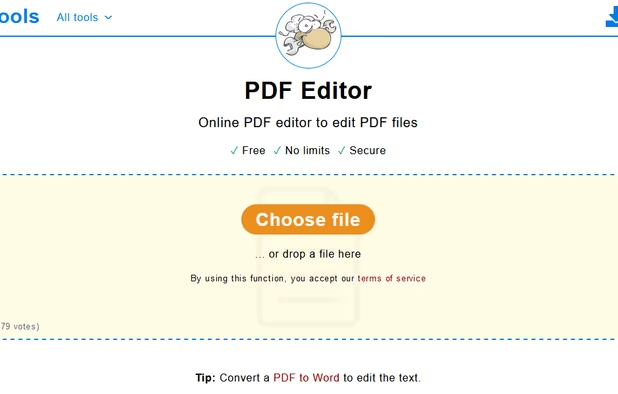
PDF Toolbox is not available as a web app but there are plenty of alternatives that runs in the browser with similar functionality. The best Online alternative is Adobe Acrobat DC. It's not free, so if you're looking for a free alternative, you could try PDF24 Tools or Lumin PDF. If that doesn't suit you, our users have ranked more than 50 alternatives to PDF Toolbox and 14 are available as a web app so hopefully you can find a suitable replacement. Other interesting Online alternatives to PDF Toolbox are UPDF, SimPDF, Acrobat.com - Create PDF and iPDF2Split.

Copy a direct link to this comment to your clipboard
PDF Toolbox alternatives page was last updated

Alternatives list

  1. Adobe Acrobat DC icon
     204 likes

    Manage documents effortlessly, edit PDFs, create them from other formats, and e-sign anywhere. Secure sharing and comparison tools ensure smooth workflows and data protection. New AI Assistant offers quick document insights. Perfect for desktop and web platforms.

    323 Adobe Acrobat DC alternatives

    Cost / License

    • Paid
    • Proprietary

    Application types

    Platforms

    • Mac
    • Windows
    • Online
     
  2. Lumin PDF icon
     Like

    Cloud connected PDF viewer and editor.

    Cost / License

    • Freemium
    • Proprietary

    Application types

    Platforms

    • Online
    • Android
    • iPhone
    • iPad
     
  3. UPDF icon
     4 likes

    Edit, annotate, and convert PDFs with OCR capabilities, AI-assisted tools for summaries and translations. It supports file protection and offers 2GB of cloud storage for secure management.

    77 UPDF alternatives

    Cost / License

    • Freemium
    • Proprietary

    Application types

    Platforms

    • Mac
    • Windows
    • Online
    • Android
    • iPhone
    • Android Tablet
    • iPad
     
  4. SimPDF icon
     2 likes

    SimPDF lets you edit PDF documents like a word document. Never before editing a PDF had been so easy!

    Cost / License

    • Free
    • Proprietary

    Application type

    Alerts

    • Discontinued

    Platforms

    • Online
    • Software as a Service (SaaS)
     
  5. Acrobat.com is a set of online services — file sharing and storage, a PDF converter, an online word processor, and web conferencing — you can use to create and share documents, communicate in real time, and simplify working with others.

    Cost / License

    • Freemium
    • Proprietary

    Application type

    Platforms

    • Online
     
  6. iPDF2Split icon
     1 like

    iPdf2Split is a free online pdf splitter. It splits a pdf given a range of page numbers (range mode), every page is saved as a pdf (burst mode), or (odd-even mode), where odd and even pages are saved as two separate pdf files. Input pdf can be loaded from disk or URL.

    Cost / License

    • Free
    • Proprietary

    Platforms

    • Online
     
  7. iPDF2Merge icon
     1 like

    iPdf2Merge is a free online tool that merges pdf files into one file. Merged files are sorted by upload order or file name. Unlimited usage, no registration, and no Email.

    Cost / License

    • Free
    • Proprietary

    Platforms

    • Online
     
  8. Docs.Zone icon
     4 likes

    Through the use of a Docs.Zone web tool, you can enjoy the benefits of converting numerous types of documents into other file formats within minutes. It is not only quick and easy to use, but it provides high quality prints through a converter that provides them with ease.

    Cost / License

    • Freemium
    • Proprietary

    Platforms

    • Online
     
  9. Applet to merge or concat several sites from pdf files. No upload limits.

    Cost / License

    • Free
    • Proprietary

    Platforms

    • Online
     
  10. Merge PDF Documents easily using an online free service (no registration).

    Information about the merge process and notable limitations: Maximum number of input files is 10 Individual file size limit is 5 MB All uploaded files are removed after the merge pdf process has finished.

    Cost / License

    • Free
    • Proprietary

    Platforms

    • Online
     
  11. This service enables you to split PDF documents free of charge. All you need to do is select the PDF documents that you want to split up on your computer, specify the desired page range, and click a button, as instructed below.

    Cost / License

    • Free
    • Proprietary

    Platforms

    • Online
     
12 of 14 PDF Toolbox alternatives