Cost / License
- Freemium (Pay once or Subscription)
- Proprietary
Application type
Since
- Since 2023
 United States


+2


Sites and apps similar to PDF Shrinker include Adobe Acrobat DC. It's paid, but Breeze PDF and Minimal PDF Compress are free. Other options are Smallpdf, KDAN PDF, pdf.net and PDF Squeezer. There's no shortage of PDF Editors like PDF Shrinker, with more than 50 alternatives for Windows, Mac, Android, iPhone and iPad.
United States
All-About-PDF is a Windows and Web application that is used to merge, split, password-protect, compress, unlock and convert PDF files to other formats such as Microsoft Word, Excel, PowerPoint, JPG and HTML.
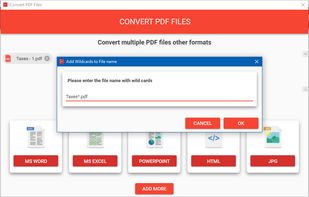

With advanced online technology, PDFConvertFree can convert your PDF files to Word, Excel, JPG, PNG, BMP, TIFF and Epub online. Merge or split PDF files. Easily , reliably, quickly and free.

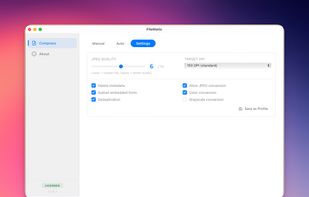
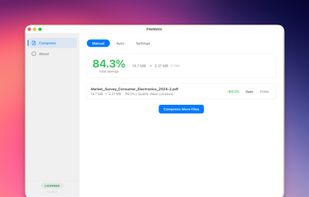
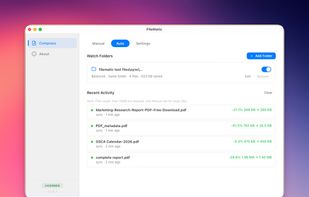
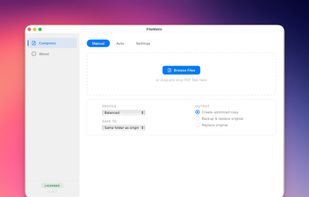
Professional offline PDF compressor supporting Mac and Windows, offers up to 90% reduction with a 4-stage intelligent pipeline, batch processing, watch folders, DPI control, five presets, custom profiles, and a command-line tool for advanced automation workflows.


PDF Compressor Server is a Windows application that can monitor one or more folders for newly added PDF files and compress them into smaller PDF files in LAN (Local Area Network). With PDF Compressor Server, users can monitor network shared folders and compress PDF files...
United States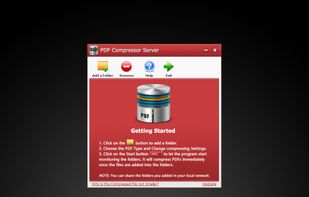


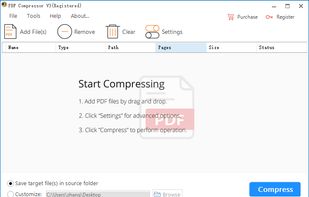
Looking for a handy software utility to reduce the size of large PDF files? Give PDF Compressor V3 a shot. This best PDF reducer is designed for resizing large PDF document and optimize the texts and images it contains.
 Hong Kong


LyftPDF is an easy-to-use web-based PDF editing tool that allows users to merge, split, compress, and convert PDFs into various formats.
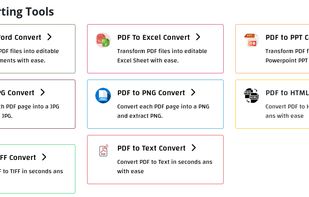
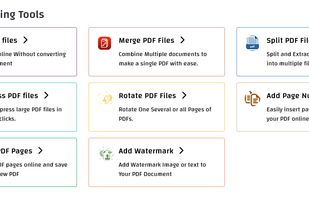
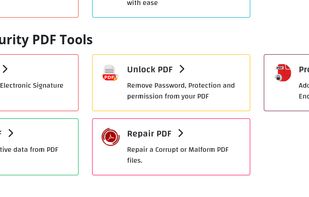


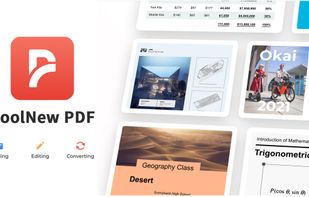
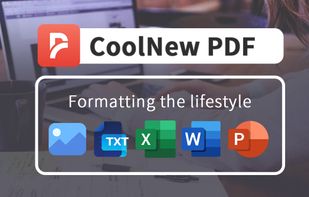
CoolNew PDF offers all-in-one experience to improve the PDF experience. Edit office, image, texted and scanned copy conversions. Editing features include text, image, eraser, page number, size, watermark, paragraph and more.
 United Kingdom



 India
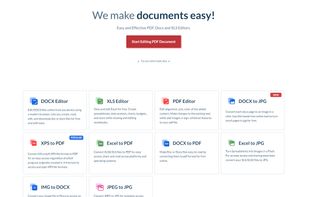


Geekersoft is Free PDF to Word Online, All you need to do is open the link URL, drag the Word document onto the page, and start converting. it can be successfully converted on your Mac computer, Windows computer, tablet computer or mobile phone.


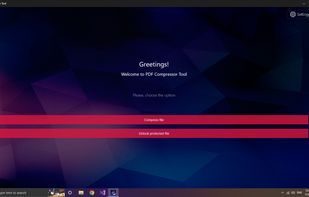
easy-to-use application with a friendly design that allows you to quickly and without loss of quality compress any PDF file.