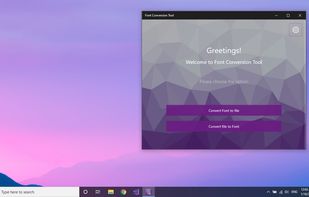
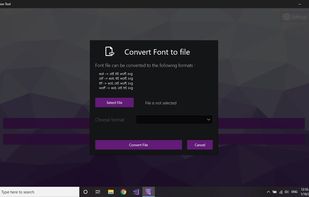
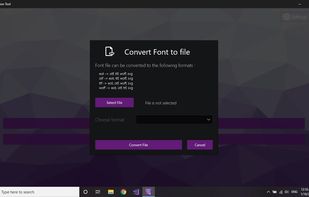
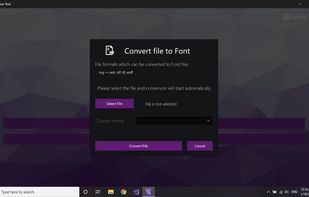
convert Font extensions (otf, ttf, woff, eot).
Cost / License
- Paid
- Proprietary
Platforms
- Windows



+4


Sites and apps similar to PDF Panda include Adobe Acrobat DC. It's paid, but Free PDF Compressor is free. Other options are Sejda, Smallpdf, iLovePDF and Wondershare PDFelement. There's no shortage of PDF Editors like PDF Panda, with more than 50 alternatives for Windows, Mac, Android, iPhone and iPad.
convert Font extensions (otf, ttf, woff, eot).

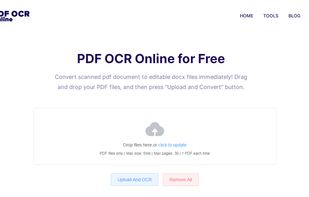
PDF OCR provides the best and free services for PDF to Word services. It supports OCR 100 languages and converts the scanned pdf to editable docx documents. Free, safe and easy to use.


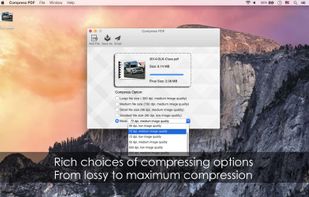
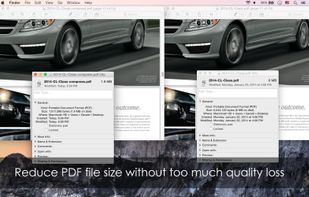
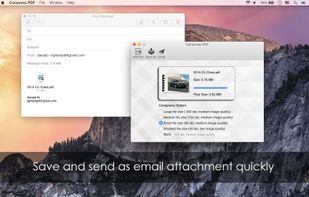
Compress PDF has the capability to minimize file size of PDF documents, especially useful for those PDF files with many graphics and photos.
 China
China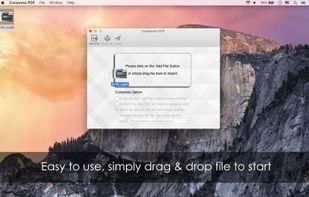


Free PDF tools in one place. Convert PDFs to and from multiple file formats, remove pages, merge PDFs, unlock password protected PDFs and more


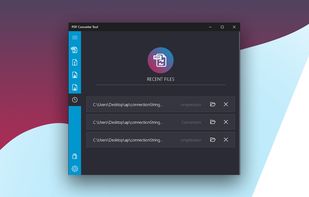
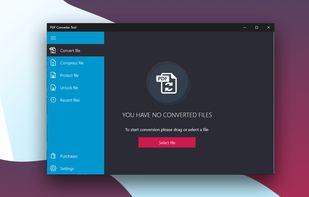
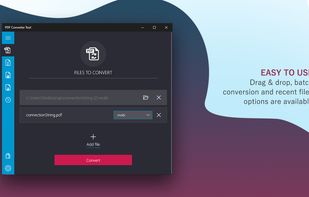
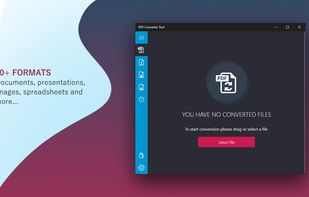
PDF Converter Tool - convert files to PDF and back with ease. Friendly UI, batch conversion and a huge number of supported formats (more than 50) make the application indispensable when working with documents.


PDFtodo is used to help you change PDF docs. It contains 23 modules like compress PDF, merge PDF, split PDF, convert PDF to Word or other document formats or convert from other formats to PDF. PDFtodo is 100% free and supports batch processing.
 Uruguay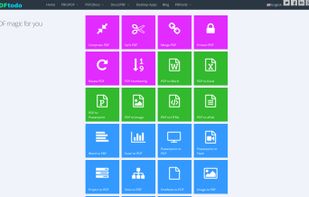
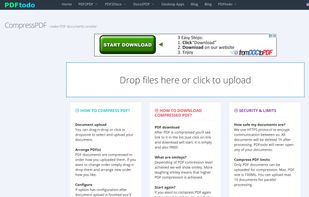
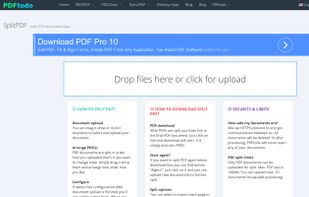


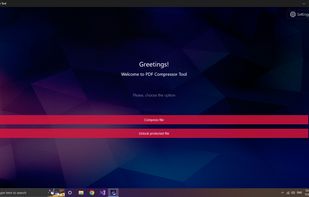
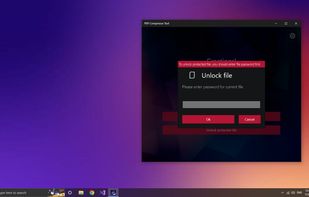
easy-to-use application with a friendly design that allows you to quickly and without loss of quality compress any PDF file.


The most popular word to PDF converter. Convert documents from format .doc, .docx, .ppt, .pptx and .odt online to PDF. Easy, fast and free.
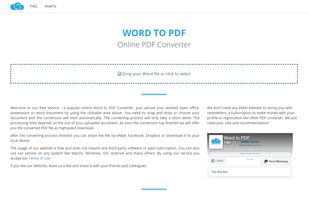
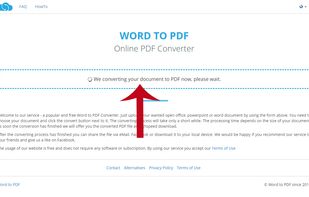
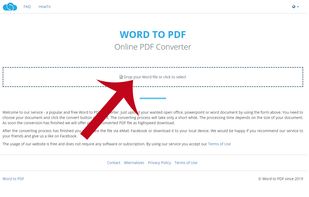
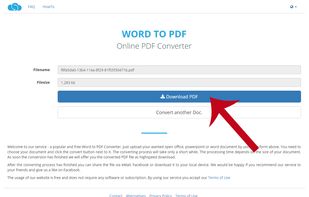


Geekersoft is Free PDF to Word Online, All you need to do is open the link URL, drag the Word document onto the page, and start converting. it can be successfully converted on your Mac computer, Windows computer, tablet computer or mobile phone.


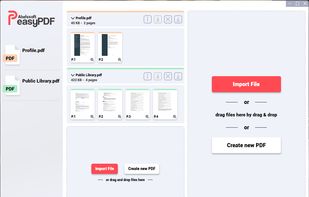
Your perfect tool for customized PDF documents.
 Germany
 EU
EU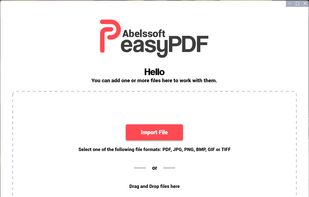


PDFResizer.com PDF editor allows you to instantly split and merge, optimize, crop, resize, and convert your documents online with just a couple of clicks.
 LatviaEU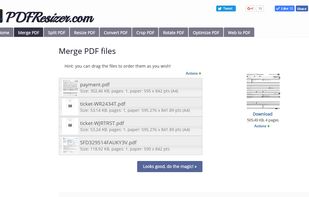


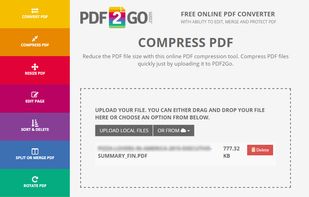
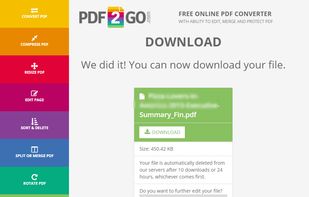
Edit PDF files online and convert, compress, merge, split, rotate, sort or protect them in the cloud. All for free, all uploaded files will be automatically deleted after 24 hours and no restrictions in use. Service is multilingual.
GermanyEU