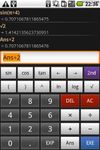
A calculator for Android.
Algebraic entry. Full on-screen history (multi-line display). Use your phone's keyboard or on-screen buttons. Usual functions: trig, log, etc. Parentheses. Copy to clipboard.
Platforms
- Android
 United Kingdom



Numeric Notes has been discontinued. Similar apps include SpeedCrunch, which is free and open source. Other options are Qalculate!, Numi, GeoGebra Scientific Calculator and Soulver. You're spoiled for choice with Calculators like Numeric Notes: we list more than 50 alternatives for Windows, Android, the web, Mac and iPhone.
A calculator for Android.
Algebraic entry. Full on-screen history (multi-line display). Use your phone's keyboard or on-screen buttons. Usual functions: trig, log, etc. Parentheses. Copy to clipboard.
United Kingdom
Do you really need your calculator's on-screen number pad? (You know, the virtual keyboard?)
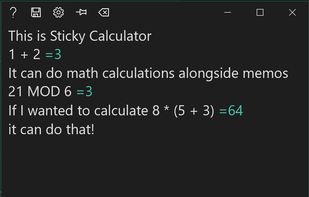
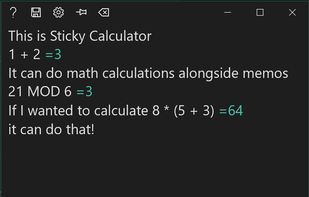
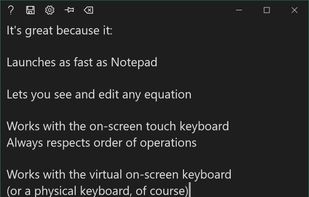
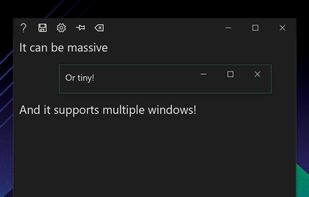


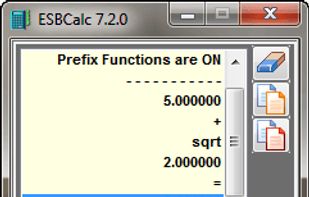
ESBCalc is a Freeware Scientific Calculator for Windows with Infix Notation, Brackets, Scientific Functions (Trigonometric, Hyperbolic, Logarithmic - including Base 10, Base 2 & Natural - plus more), Memory, Paper Trail, Result History List and more.


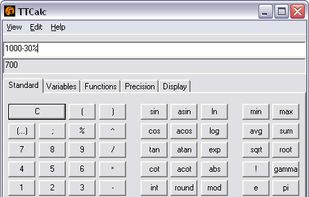
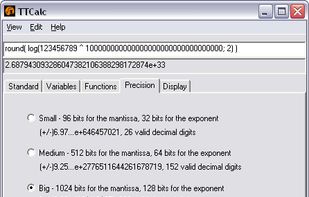
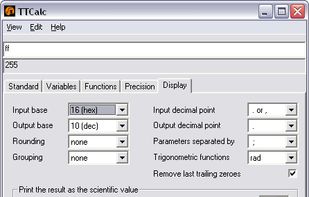
TTCalc is an open source bignum mathematical calculator. It features arithmetical functions, trigonometric functions, inverse trigonometric functions, hyperbolic functions, inverse hyperbolic functions, logical operators, logarithms, functions for converting between degrees and...


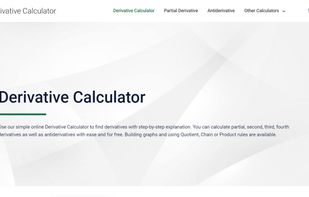
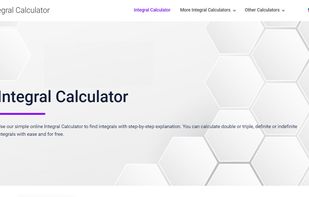
Solve Derivatives using our free online calculator. Calculate double and triple integrals and get step by step explanation for each solution.


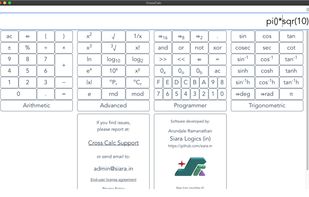
CrossCalc is day to day Scientific Calculator that can be used on all your devices. It respects your privacy and does not show any ads.
 India
India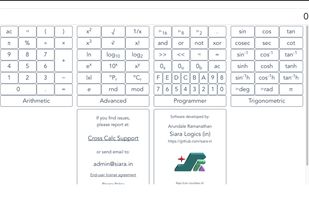
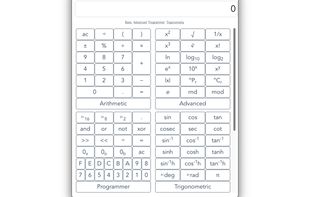
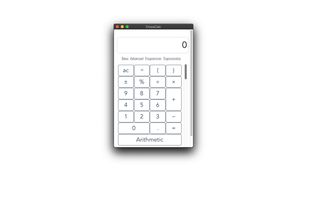


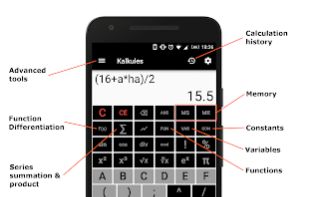
Free scientific calculator which saves you time and frustration by providing unique easy to use tools.


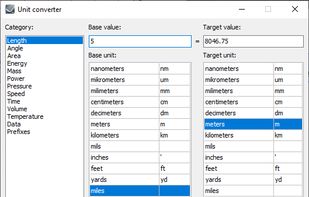


Solve definite and indefinite integrals with ease using our free online calculator. Calculate double and triple integrals and get step by step explanation for each solution.


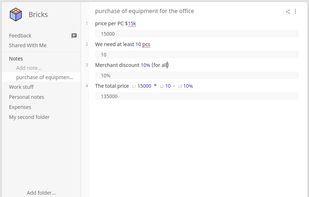
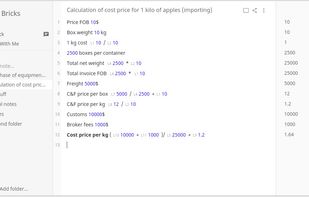
Bricks is a note-taking web app with a built-in calculator. It can be installed as a desktop or mobile app, because of PWA technology this app built with. Which is also makes it offline available. Notes created with Bricks can be shared.


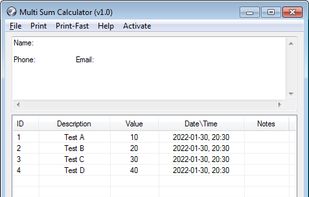
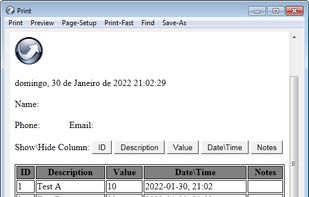
Multi Sum Calculator is a portable tool that calculates the sum of multiple values!

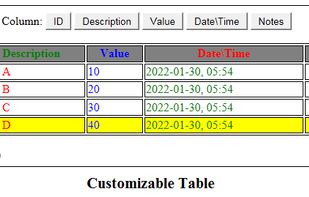


Calculator Plus is a nice addition to hundreds of Calculator apps but with unique idea and innovative and user friendly designed buttons.


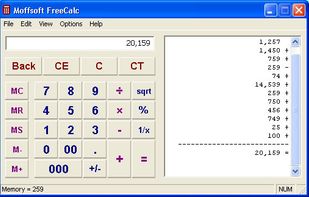
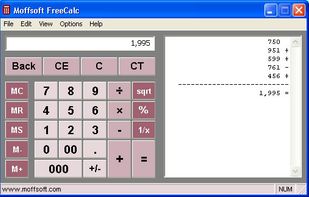
Moffsoft FreeCalc is the ideal replacement for your standard Windows calculator - with adjustable size, visible memory value and digit groupings, this free calculator software is a simple and intuitive tool.
 United States