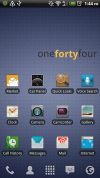
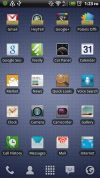
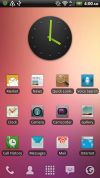
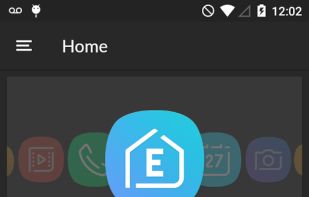
Introducing Elegance UI. With smooth, squircle icons, Elegance UI is sure to make your phone feel galaxy fresh.
Cost / License
- Freemium
- Proprietary
Platforms
- Android



+6


Apps similar to Nothing Icon Pack (Adaptive) include Arcticons, which is free and open source. Other options are Arcticons Material You, Delta Icon Pack, Lawnicons and CandyCons Icon Pack. You're spoiled for choice with Wallpapers Hubs like Nothing Icon Pack (Adaptive): we list more than 50 alternatives for Android and the web.
Introducing Elegance UI. With smooth, squircle icons, Elegance UI is sure to make your phone feel galaxy fresh.

Do you appreciate the flow and beauty of iOS, but love the power and customization potential of Android? Bring a modern iOS feel to your Android by applying TrueiOS to your favorite launcher.
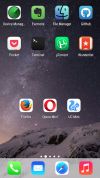


AMAZINGLY SUPERB HIGH DEFINITION DARK STYLE ICONS PACK FOR YOUR HOMESCREEN!.
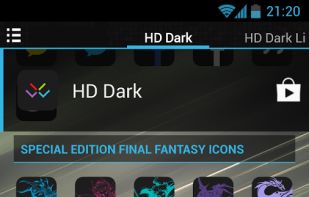


Numix-Fold is a high resolution icon theme to install on your device and use with a plenty of launchers. It is made by NumixProject.
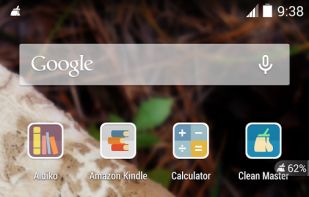
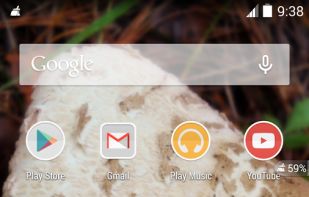
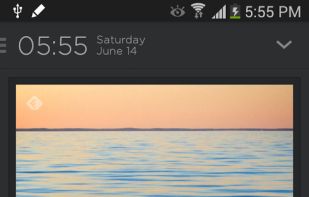


A fresh new take on Material Design iconography. Polycon offers unique, creative and vibrant icons. Spice up your phones home-screen by giving it a fresh and unique look with Polycon.


The theme is completely FREE, apply it to give your phone a smooth design with HD wallpapers and exquisite app icons.
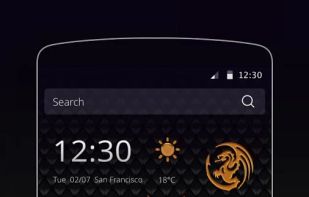

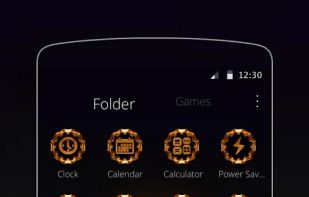
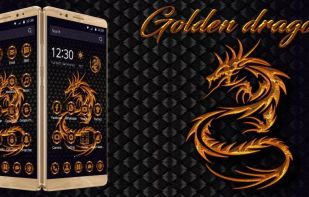


Give your smartphone's home a vibrant look with JAPES: a set of colorful HD icons with different shapes for your apps and games.
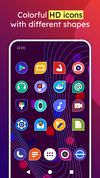
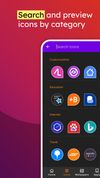


Circles like the new Google Pixel icons. Revolution is full of 1500 handcrafted icons that behave well with your other favorite packs, even those created by other designers.
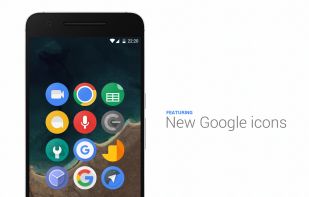
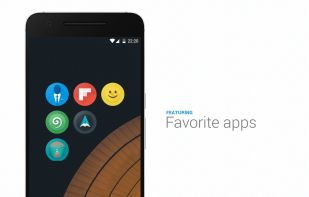


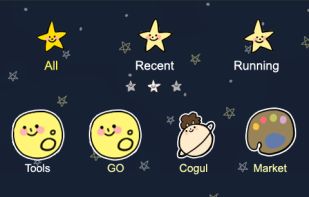
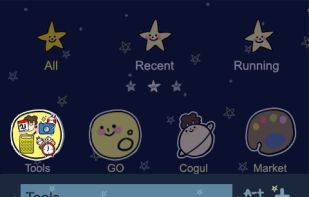
Icon pack made by GO themes designer, 5 years’ experience in designing icons and themes.
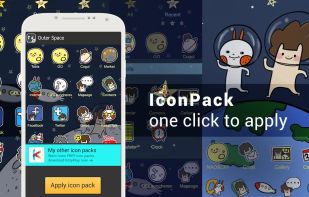


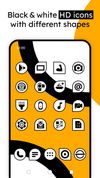
Give your smartphone's home a stylish look with JAPES INK: a set of black & white flat HD icons with different shapes for your apps and games.

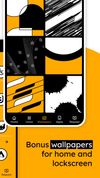


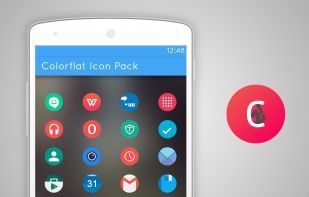
Introducing Colorflat, an unique colorful, rounded flat icon pack for your smartphone. These icons have a colorful palette to look greatly.


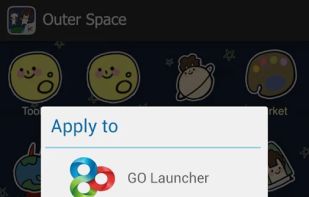
**You must have the most recent version of Launcher Pro/Plus installed on your Android device in order to apply these icons! This app is not a standalone app, which means that it will not "open" or run on it's own.