Cost / License
- Freemium (Subscription)
- Proprietary
Application typeApplication types
Since
- Since 2019
 United Kingdom




+7



Nitro PDF is not available for Android but there are plenty of alternatives with similar functionality. The best Android alternative is PdfCraft, which is both free and Open Source. If that doesn't suit you, our users have ranked more than 100 alternatives to Nitro PDF and many of them are available for Android so hopefully you can find a suitable replacement. Other interesting Android alternatives to Nitro PDF are PaperKnife, Foxit PDF Editor, KDAN PDF and Open PDF Studio.
United Kingdom
Revolutionize PDFs for free! Try PDFPro: advanced editing, annotating, converting, signing. Premium tools, cloud support, secure.
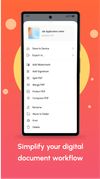
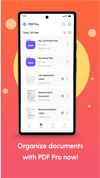
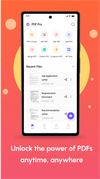

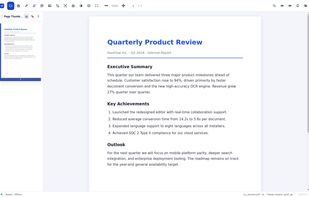
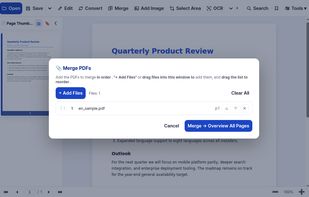
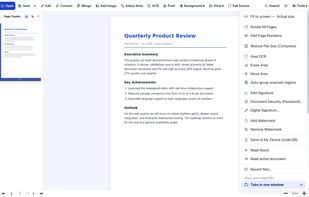
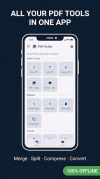
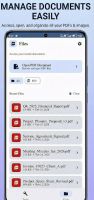
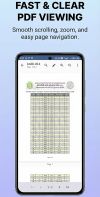
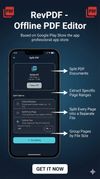
Privacy-first, offline PDF editor for Android. Merge, split, compress, convert and annotate PDFs — 100% on-device, no internet required.
 India


Digitally sign and manage documents using legally-binding electronic signatures, unlimited e-signing, PDF creation, annotation, team collaboration, advanced encryption, audit trails, secure archiving, offline access, multi-party signing, and cloud integration.
 United States
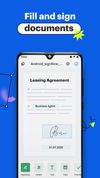



Professional PDF tools without the cloud. 100% offline, native performance, and zero data collection. Your documents stay where they belong: on your device.
India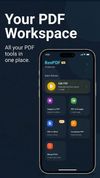
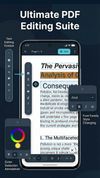

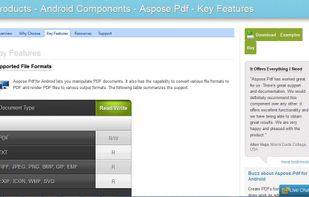
Aspose.Pdf for Android provides the capability to create as well as manipulate PDF files on Android. This component is built on top of our award winning product Aspose.Pdf for Java, and inherits all the features and capabilities from that version.
United States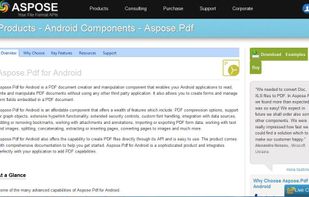

 United States


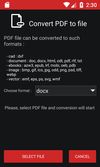
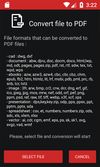
PDF Conversion Tool allows you to easily and quickly convert almost any file into PDF format and back. Easily converts PDF file to Microsoft Word format and to almost any images format. As a bonus, it also provides the ability to protect, remove the password and compress almost...
 Canada


 India
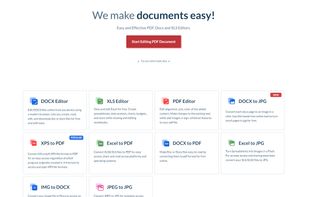

Open-source Android PDF and document toolkit with PDF tools, Office viewing, XLSX editing, scanning, and image editing. Built with Kotlin and Jetpack Compose.



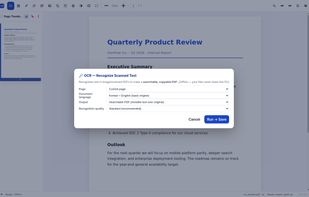
HanFlow PDF puts everyday PDF work in one compact app: read, highlight, add text, merge, compress and convert. Its in-house engine converts PDFs to Word and PowerPoint and recognizes text in scanned pages (OCR).
 South Korea