


Memepik
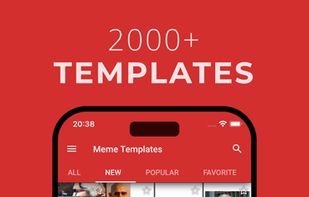
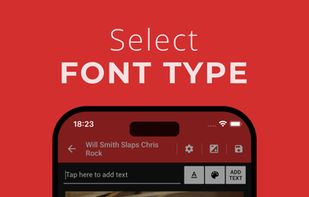
Memepik's slider lets you control the dimensions, rotation, and transparency of texts or photos in your meme template. You can see and edit your meme at the same time for accurate adjustments. Use your photos or take new ones to make memes or improve existing templates.
Cost / License
- Freemium (Subscription)
- Proprietary
Platforms
- iPhone
- iPad

Features
- Meme Generator
Memepik News & Activities
Recent activities
Memepik information
Licensing
Proprietary and Freemium product.Pricing
Subscription ranging between $1 and $3 per month + free version with limited functionality.Alternatives
1 alternatives listedSupported Languages
- English

What is Memepik?
Memepik's slider lets you control the dimensions, rotation, and transparency of texts or photos in your meme template. You can see and edit your meme at the same time for accurate adjustments. Use your photos or take new ones to make memes or improve existing templates.
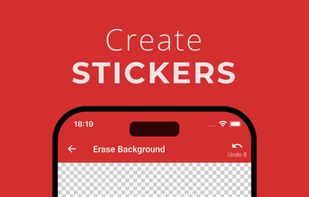
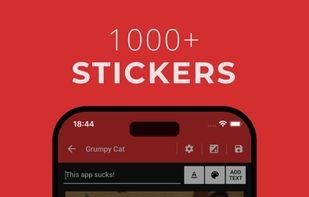
Create stickers using your photos, camera shots, or meme templates. Crop and erase picture corners manually. The stickers are saved in the app for future use. Access thousands of ready-made stickers, including popular memes and thug life icons!
Store your favorite memes in a tab for easy access later.
Use the draw tool to sketch on your memes, adjusting the brush size, color, and transparency as needed.
Switch between modern and classic meme styles with one tap. Add borders to any side and choose their colors to refine your meme’s appearance.
Use built-in filters to enhance your memes, making them even funnier and unique.
