Magic Launch Alternatives

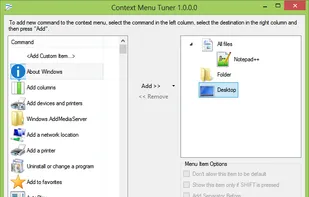
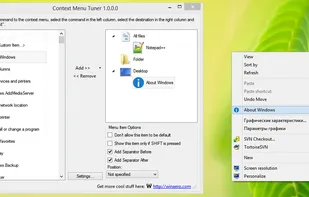
Magic Launch is described as 'Preference pane that lets you customize the experience of opening files on your Mac. Open your files using the original application that created them or create custom rules to decide which application should open a file' and is a context menu manager in the os & utilities category. There are seven alternatives to Magic Launch for Windows, .NET Framework, File Explorer and Mac. The best Magic Launch alternative is FileMenu Tools, which is free. Other great apps like Magic Launch are Types, Default Programs Editor, Winaero Context Menu Tuner and FileTypesMan.

Copy a direct link to this comment to your clipboard
Magic Launch alternatives page was last updated

Alternatives list

  1. FileMenu Tools icon
     84 likes
    Copy a direct link to this comment to your clipboard

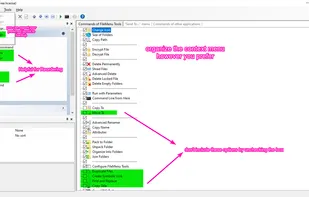
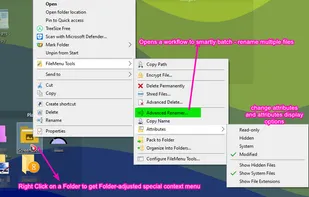
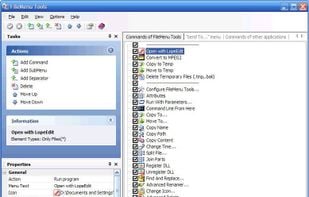
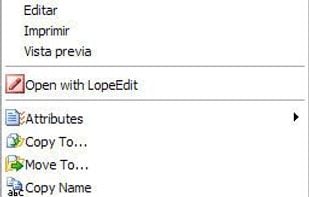
    FileMenu Tools lets you customize the context (right-click) menu of Windows Explorer. The application adds built-in utilities to perform operations on files and folders and adds customized commands that let users run external applications, copy/move to a specific folder or...

    44 FileMenu Tools alternatives

    Cost / License

    • Freemium (Pay once)
    • Proprietary

    Platforms

    • Windows
    • Windows Explorer
     
    • FileMenu Tools is the most popular Windows alternative to Magic Launch.

    • FileMenu Tools is the most popular free alternative to Magic Launch.

    • FileMenu Tools is Freemium and ProprietaryMagic Launch is Paid and Proprietary
  2. Types icon
     50 likes
    Copy a direct link to this comment to your clipboard

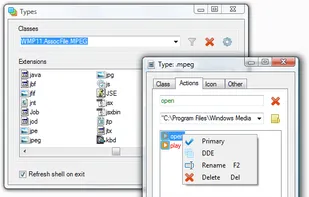
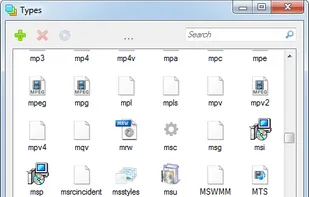
    “Types” is a free and lightweight utility for Windows that allows you to edit program associations, icons, context menus and other properties of various file types displayed in Explorer.

    Cost / License

    • Free
    • Open Source

    Platforms

    • Windows
     
    • Types is the most popular Open Source alternative to Magic Launch.

    • Types is Free and Open SourceMagic Launch is Paid and Proprietary
    • Types is LightweightMagic Launch is not according to our users
  3. Copy a direct link to this comment to your clipboard

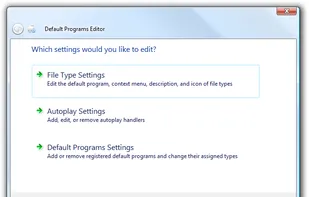
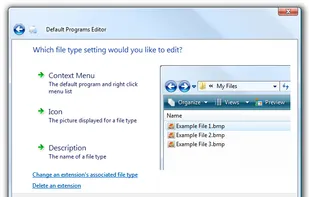
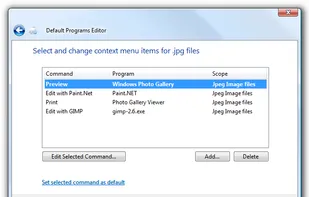
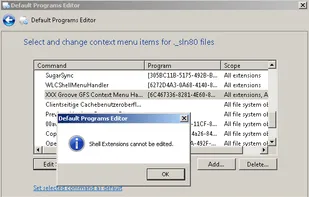
    Default Programs Editor is a powerful but simple file association utility for Windows 7, Vista and XP. This free utility has three main functions: context menu editor, auto-play editor, and default programs association editor.

    Cost / License

    • Free
    • Proprietary

    Application type

    Alerts

    • Discontinued

    Platforms

    • Windows
    • .NET Framework
     
  4. FileTypesMan icon
     31 likes
    Copy a direct link to this comment to your clipboard

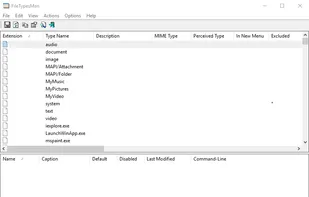
    FileTypesMan is an alternative to the File Types tab in the Folder Options of Windows. It displays the list of all file extensions and types registered on your computer.

    5 FileTypesMan alternatives

    Cost / License

    • Free
    • Proprietary

    Platforms

    • Windows
     
  5. Copy a direct link to this comment to your clipboard

    Gunners File Type Editor allows you to you to create/modify various properties for file extensions. Each user can have different properties for a file extension. For example, the default program to open .txt files when you double click on a file with the .

    Cost / License

    • Free
    • Proprietary

    Application type

    Alerts

    • Discontinued

    Platforms

    • Windows
     
  6. RCDefaultApp icon
     4 likes
    Copy a direct link to this comment to your clipboard

    RCDefaultApp is a Mac OS X 10.2 or higher preference pane that allows a user to set the default application used for various URL schemes, file extensions, file types, MIME types, and Uniform Type Identifiers (or UTIs; MacOS 10.4 only).

    Cost / License

    • Free
    • Proprietary

    Platforms

    • Mac
     
    • RCDefaultApp is the most popular Mac alternative to Magic Launch.

    • RCDefaultApp is Free and ProprietaryMagic Launch is Paid and Proprietary
7 of 7 Magic Launch alternatives