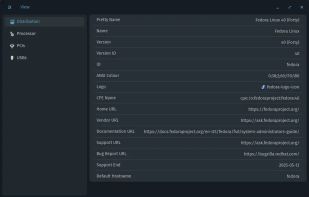
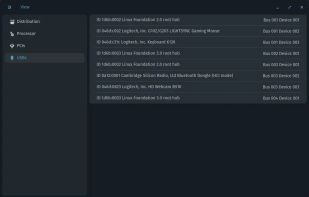
Examine is an app which gives you easy access to system information without needing to use the terminal, built for the COSMIC desktop.
Cost / License
- Free
- Open Source (GPL-3.0)
Application type
Platforms
- Linux
- Flathub
- Flatpak
- Global



Apps similar to Linpack Xtreme include HWiNFO (32/64), which is free for personal use. Other options are Speccy, AIDA64, Open Hardware Monitor and HWMonitor. You're spoiled for choice with System Information Utilities like Linpack Xtreme: we list more than 50 alternatives for Windows, Linux, Mac, Android and iPad.
Examine is an app which gives you easy access to system information without needing to use the terminal, built for the COSMIC desktop.

Track Mac fan speed, target speed, minimum and maximum speeds, number of fans, and CPU or GPU temperature in real time from the Notification Center or Menu Bar using a compact widget designed to provide hardware stats without workspace clutter.
 United States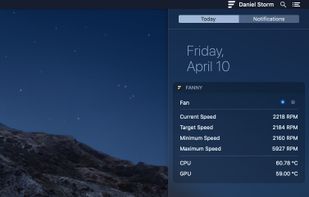


Total Network Inventory is a PC audit and network inventory software for office and large-scale enterprise networks. Total Network Inventory interrogates all computers and notebooks on a network and reports back with complete information about the OS, service packs, hotfixes...
 Belarus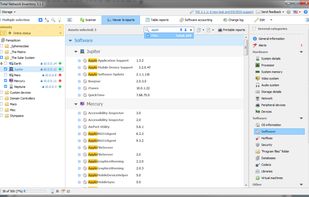
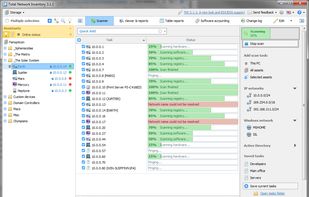
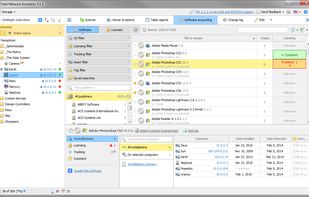
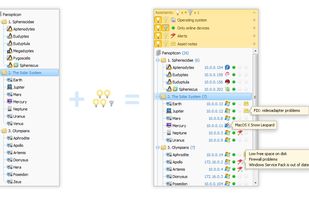


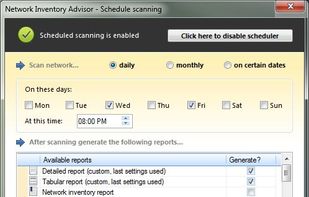
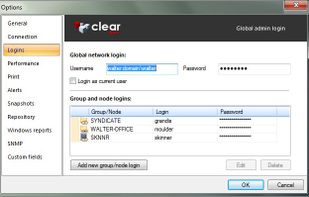
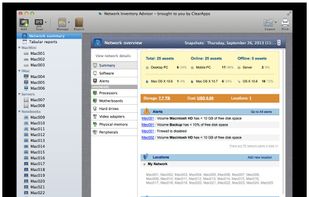
Network Inventory Advisor audits all network software and hardware simply and efficiently. It automatically discovers all your network assets (Windows, Mac OS, Linux, SNMP-powered devices & more), scans them and builds flexible network inventory reports.
United States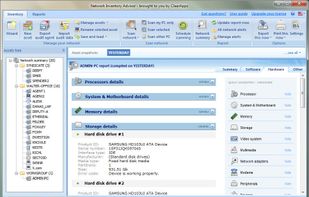


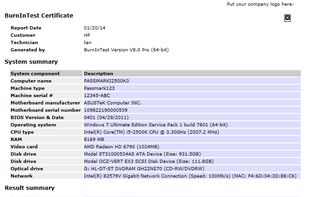
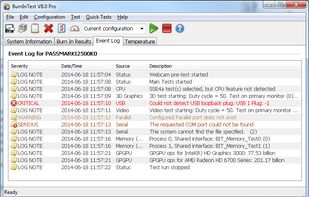
PassMark BurnInTest is a software tool that allows all the major sub-systems of a computer to be simultaneously stress tested for endurance, reliability and stability.
 Australia



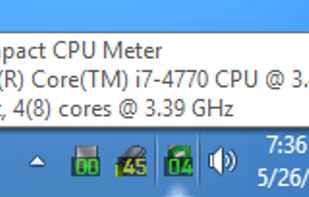
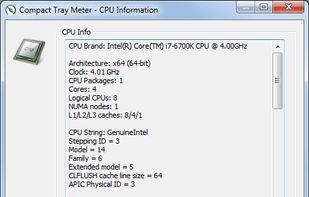
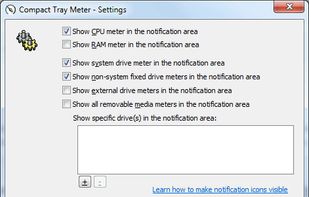
This compact utility displays real-time CPU, RAM and disk drives usage meters right on the taskbar notification area, or next to the system clock, that is always visible.


Xbench was developed by Spiny Software to provide a comprehensive benchmarking solution for Mac OS X. Xbench is useful not only for comparing the relative speeds of two different Macintoshes, but also for optimizing performance on a single machine.
 Hungary
 EU
EU


HWM BlackBox is a utility designed to deliver precise details on the core components of your computer to the maximum. As well as providing you with in-depth information about hardware such as the processor, memory modules, mainboard, hard drives and video card, it also offers...


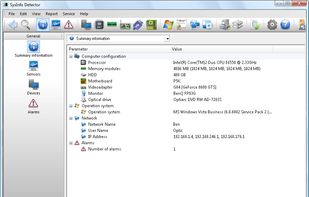
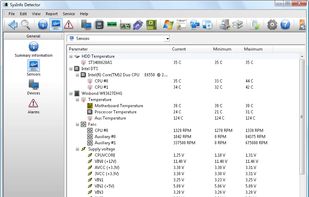
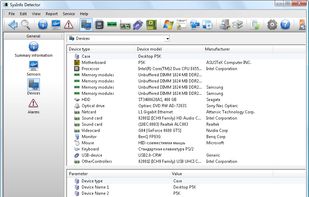
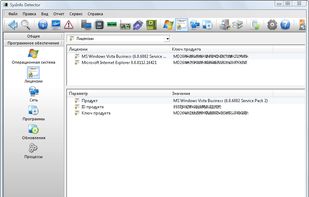
Gather information about your computer; detect your hardware devices, type, model, and other information, even if the system has no drivers.


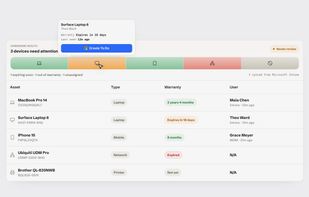
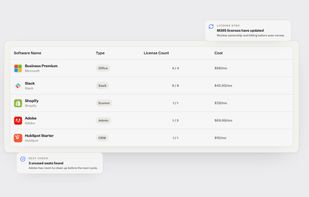
IT visibility platform for small businesses that manage their own IT, covering devices, software subscriptions and security in one dashboard.
Australia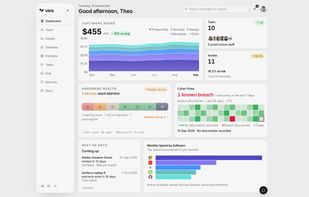



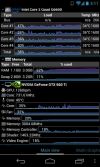
Remote System Monitor is an Android or BlackBerry software which allows to get advanced system and hardware information from your windows computers on your Android or BlackBerry devices over the network.
 FranceEU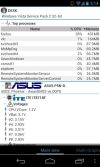


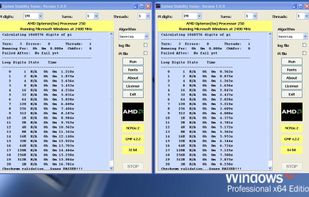
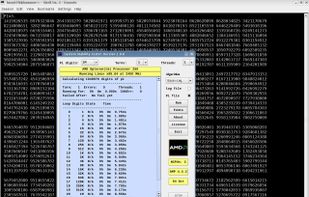
System Stability Tester - Test your system's stability and performance by calculating millions of digits of Pi.