Cost / License
- Free
- Open Source
Platforms
- Linux
 Germany
 EU
EU
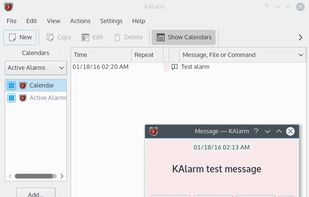


Apps similar to KTimer include Hourglass, which is free and open source. Other options are Floating Timer, Micro Timer, Countdown Timer Pro and SnapTimer. You're spoiled for choice with Alarm Clocks like KTimer: we list more than 50 alternatives for Windows, Mac, Android, Linux and iPhone.
GermanyEU
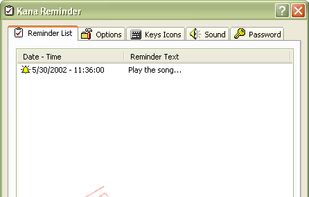
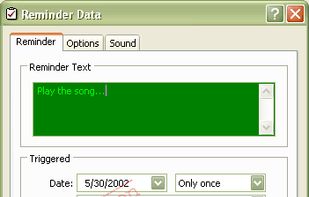
Kana Reminder is a program which can be used to set a reminder to be triggered at a specified time. It can also be used to run another program at a specified time.



TTclock is a simple, compact alarm clock, countdown timer and stopwatch that can be minimized to the system tray. It has two display modes: pure clock and control panel.
GermanyEU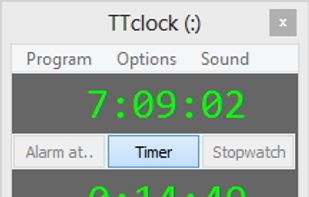


CookTimer is a simple cross-platform countdown timer that helps when cooking, making tea or eggs. It also works for any other timing purpose such as working out. it was developed using wxWidgets and was tested on Windows and Linux.


A simple and elegant clock application. It includes world clocks, alarms, a stopwatch and a timer.
 United States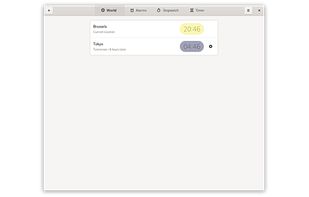
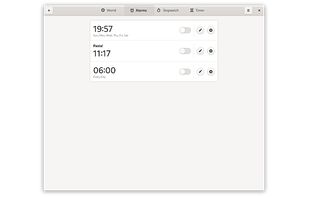
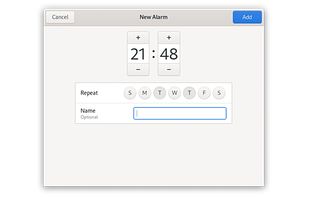
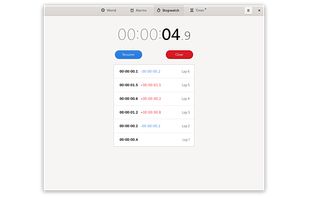


A combination of alarm clock, world clock, timer, and stopwatch. Set alarms and reminders, check times around the world, and time your activities, including laps and splits.
United States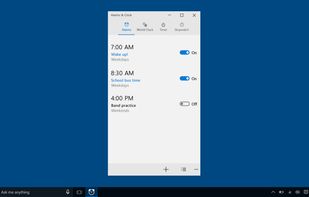
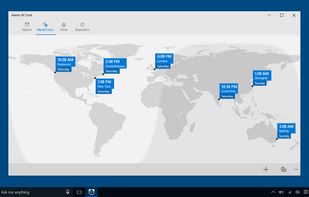
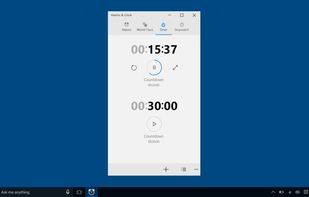
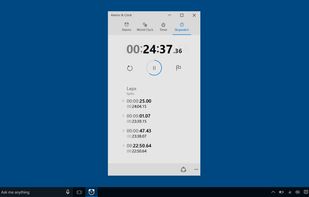


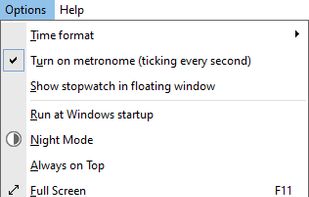
Free Stopwatch is a free, full-featured and accurate flexible digital stopwatch software for Windows 10 and Windows 7.
 Canada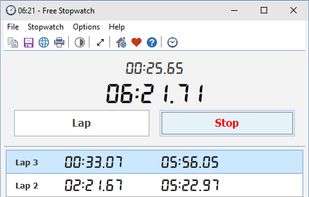



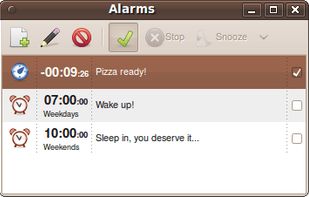
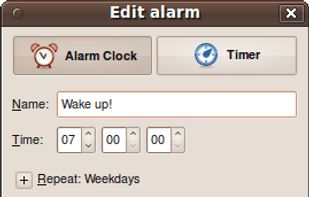
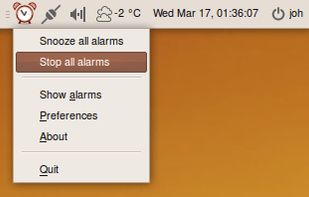
Alarm Clock is a fully-featured alarm clock for your GNOME panel or equivalent. It's easy to use yet powerful with support for multiple repeatable alarms, as well as snoozing and a flexible notification system.


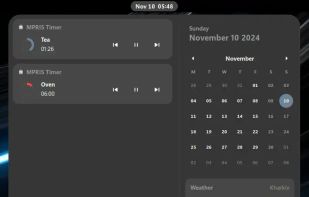
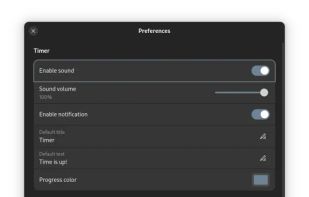
Timer app with seamless GNOME integration accomplished by pretending to be a media player. Ultimately, serves the only purpose — to start a timer quickly and efficiently. Notifications included! Utilizing GTK4, Adwaita and MPRIS interface.
 Ukraine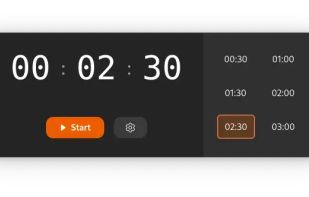


This digital alarm clock plus timer app integrates with our new app Stopwatch Xtreme to solve all your timing needs.
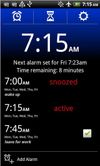


Wake up to Awaken playing your favorite music. Apple Remote support, sleep timer and backup alarm included.


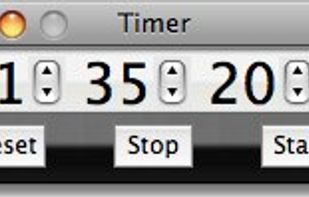
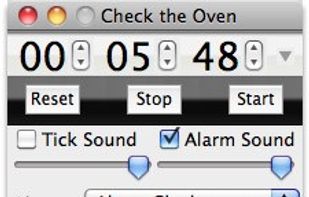
Timer is a simple chronometer application. Enter a value and click Start to count down any number of hours, minutes, and seconds, or start at zero to track elapsed time. Available for Macintosh and Microsoft Windows computers.