
This is a quick look tool for Windows. Acts just like the one in OS X , but Seer is more powerful and faster.
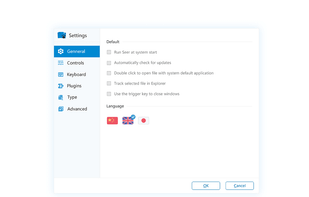
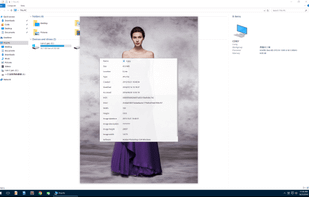
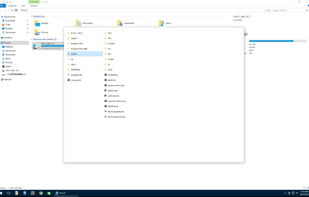
+5
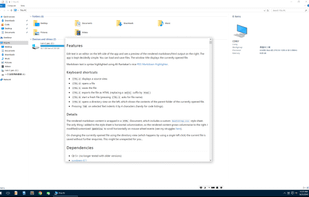

K
Seer Pro vs KO APPROACH Comments
S

- Seer Pro is Paid and Proprietary


KO APPROACH is described as 'Scoopy quick inside manipulation of windows folders with excessive (optional?) features but useful preview on paid version. The website is up to date (Nov 2018)' and is an app in the office & productivity category. There are five alternatives to KO APPROACH for Mac and Windows. The best KO APPROACH alternative is Seer Pro. It's not free, so if you're looking for a free alternative, you could try WebPQuickLook or FinderPop. Other great apps like KO APPROACH are Quick Eye and Quick Look Fix.
This is a quick look tool for Windows. Acts just like the one in OS X , but Seer is more powerful and faster.
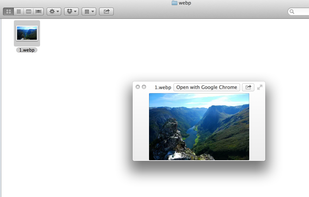
By default, macOS doesn't provide previews and thumbnails for WebP, a modern image format providing superior, lossless and lossy compression for images on the web. WebPQuickLook fills this gap by allowing you to see previews and thumbnails of .webp images on your Mac.

Quick Eye is a quick look application for Windows. Just press the space bar to quickly preview files. This software is also recommended for people who are used to macOS.
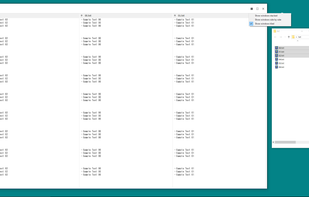
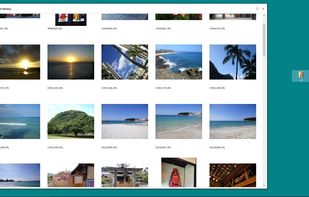
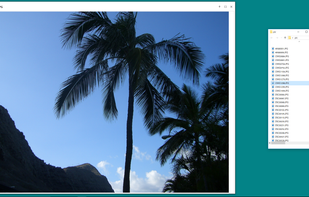
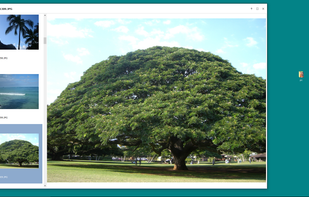

Space bar approach to files previewing


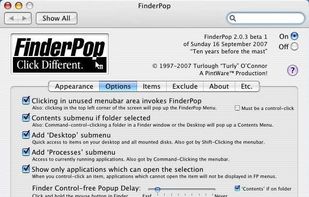
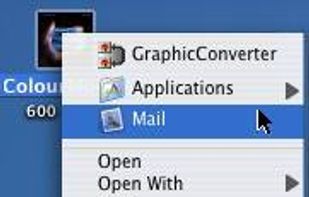
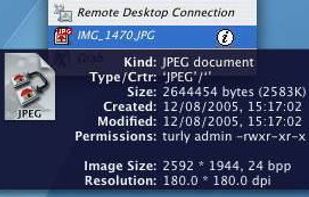
FinderPop is a Universal preference pane that extends OS X's contextual menus using a FinderPop Items folder much as the Apple Menu Items folder used to do for the Apple menu.


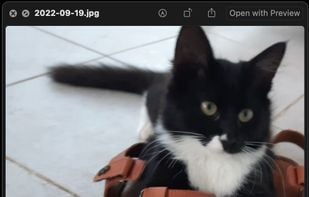
When Quick Look spacebar preview of your Mac doesn't work and you end up with the thumbnail of the photo, you can use Quick Look Fix from the menu bar.


Space bar approach to MacOS, however previews far more files than KO Approach: PSD files, AI files, PDFs, Markdown, etc.