

Images to video Alternatives
Images to video is described as 'Is very sophisticated application, which allows users to convert jpg images or photos into video. Supported video formats: avi (mpeg4), wmv, flv (flash), mov (quicktime), VP8' and is an app. There are seven alternatives to Images to video for a variety of platforms, including Mac, iPad, iPhone, Windows and Android apps. The best Images to video alternative is MakeAVI, which is both free and Open Source. Other great apps like Images to video are FrameByFrame, iTimeLapse, Stop Motion and Stop Motion Studio.
Alternatives list

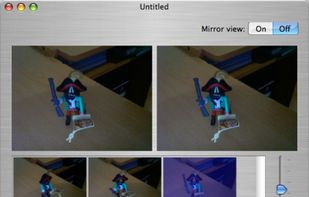
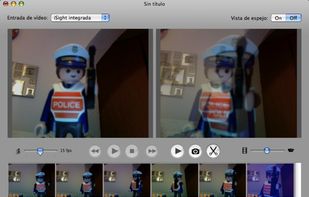
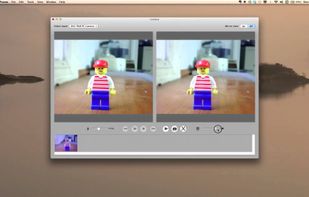
Download FrameByFrame for free. Stop-motion movie production software for OS X. FrameByFrame enables you to create QuickTime movies from pictures taken with any camera/webcam connected to your Mac, including built-in iSight cameras.
Cost / License
- Free
- Proprietary
Alerts
- Discontinued
Platforms
- Mac
 I
I
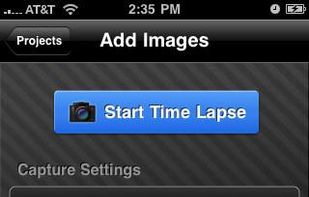
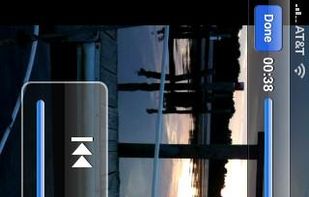
iTimeLapse - Create stunning time lapse and stop motion videos straight from any iphone, iPod, or iPad 2! iTimeLapse lets you create as many sessions as you want, adding images to them at any time... No need to finish in one sitting.
Cost / License
- Paid
- Proprietary
Platforms
- iPhone
- iPad

 I
I
Stop Motion lets you make time-lapse videos from your photos. Create a sequence of images every few seconds or over longer periods then make a film or animation from them. You can then share your work with friends using Youtube, Facebook or email.
Cost / License
- Paid
- Proprietary
Platforms
- iPhone
- iPad

 I
I 19 Stop Motion Studio alternatives
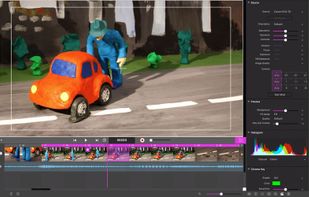
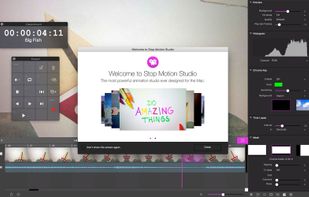
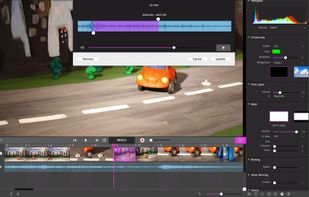
Stop Motion Studio helps you to create terrific stop action movies with a whole host of unique features:
Cost / License
- Paid
- Proprietary
Platforms
- Mac
- Windows
- Android
- iPhone
- Android Tablet
- iPad
- Apple Watch
 +2
+2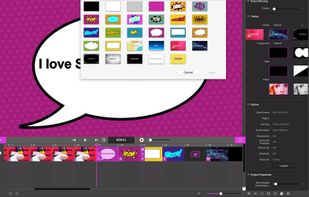
 I
I
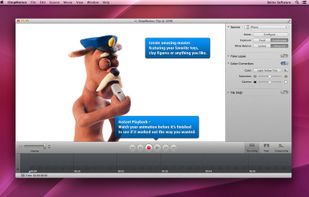
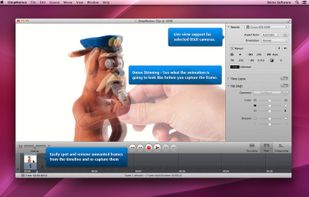
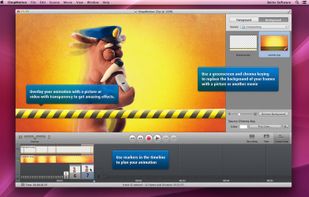
iStopMotion is an award-winning software for stop motion animation and time lapse photography, available for macOS desktops and iPad.
Cost / License
- Paid
- Proprietary
Platforms
- Mac
- iPad
 +2
+2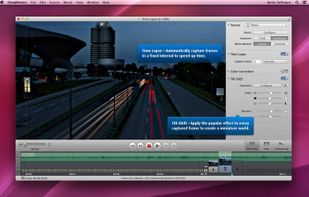
 I
I
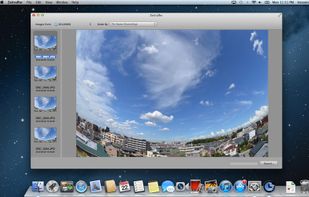
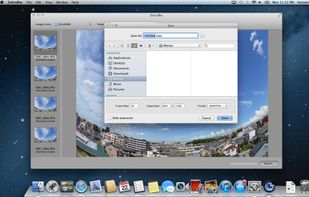
Zeitrfaffer a time-lapse movie creator for Mac. It is a simple tool for creating a time-lapse movie from multiple images. Just select a directory containing image files (JPEG, TIFF, PNG, BMP or RAW), and press Export button to make a movie.
Cost / License
- Paid
- Proprietary
Platforms
- Mac
 I
I


 United States


 Germany
 EU
EU


