Cost / License
- Free
- Proprietary
Application type
Platforms
- Online
- Google Chrome


Apps similar to Image Search Options include TinEye, which is free for personal use. Other options are Search by Image, Google Images, PimEyes and SauceNAO. You're spoiled for choice with Image Search Engines like Image Search Options: we list more than 25 alternatives for the web, Android, iPhone, Mac and Linux.
The NISE Image Search Engine is a reverse image search engine (like tineye.com) that is capable of indexing hundreds of millions of images and allow users to search for near-duplicate images.

Reverse image search across Google Lens, Yandex, Bing & TinEye in one right-click. Works on Instagram & Pinterest. Search a face.





Images of Everything on Best Image Search Engine After Google The DriverLayer. DriverLayer is Ranked 2nd on the place with over 10 billion images from all over the internet.




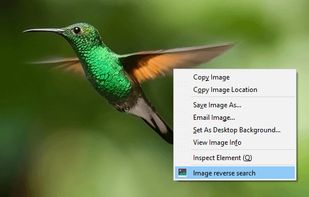
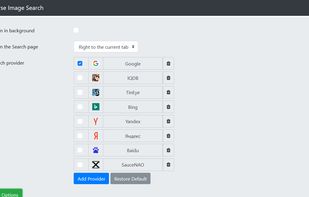
Adds an option to the context menu to search with an image on Google, Bing, Yandex, TinEye, SauceNAO, IQDB or custom search engines. You can also choose more than one and they will be shown in a submenu!.





Face2Social is a high-accuracy alternative to PimEyes and SocialCatfish. While traditional search engines look for duplicate pixels, Face2Social uses neural networks to identify structural facial features, enabling it to find profiles even from angled, filtered, or low-resolution images.





NexID is a people search engine that lets you find someone online using their face, email, phone number, or username.
 United Kingdom


An alternative and more user friendly way to search/view images on the web in private using sources from google, bing, flickr, pinterest, pixabay or unsplash.
 Germany
 EU
EU




Search and view social media posts. View trending, newest, and most popular posts. Review detailed post data and statistics.






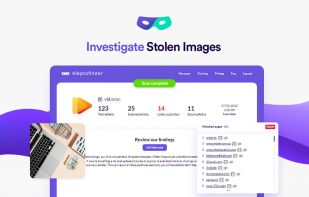
Your photos are your creations and your property. But among 3 billion pictures being shared online every day, it can be difficult to keep your property from being stolen. This is where Kleptofinder comes in