



HylaSnap
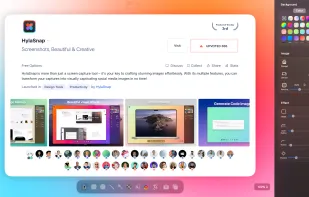
HylaSnap is more than just a screen capture tool – it's your gateway to crafting stunning images effortlessly. With just a few clicks, you can have a high-quality screenshot ready to go.
Cost / License
- Freemium (Pay once)
- Proprietary
Platforms
- Mac

HylaSnap
Features
Properties
- Privacy focused
- Lightweight
- Support for Themes
Features
- Support for Layers
- No registration required
- Ad-free
- Dark Mode
- Works Offline
- Annotate Screenshot
- WYSIWYG Support
- No Tracking
- Non Destructive Editing
- Image Conversion
Tags
- screenshots
HylaSnap News & Activities
Recent activities
HylaSnap information
What is HylaSnap?
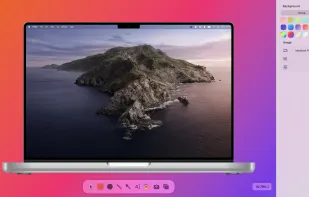
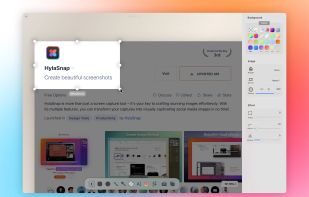
HylaSnap is a powerful screenshot capture tool designed to help you create beautiful, professional-looking images with ease. Whether you’re a designer, developer, or simply someone who needs to share visuals, HylaSnap has got you covered. The platform offers a simple, native macOS interface that makes it a breeze to capture your screen or a specific window. With just a few clicks, you can have a high-quality screenshot ready to go. And the best part? It takes only 0.02 seconds to capture, so you’ll never miss a moment. It also allows you to beautify your images with a range of features. You can modify the background, add shadows, adjust the padding and corner radius, and even simulate the effect of your visuals on different devices.