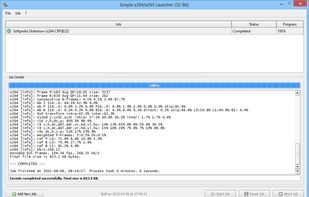
Simple x264/x265 Launcher is a Video Converter & lightweight GUI front-end for the x264 H.264/AVC as well as the x265 H.265/HEVC encoder, based on the Qt toolkit.
Cost / License
- Free
- Open Source
Application type
Platforms
- Windows
 Germany
 EU
EU


One of the most popular alternatives to HandBrake is FFmpeg, which is free and open source. Other popular alternatives are Avidemux, File Converter, Shutter Encoder and Video Compression. You're spoiled for choice with Video Converters like HandBrake: we list more than 100 alternatives for Windows, Mac, Linux, the web and Android.
Simple x264/x265 Launcher is a Video Converter & lightweight GUI front-end for the x264 H.264/AVC as well as the x265 H.265/HEVC encoder, based on the Qt toolkit.
GermanyEU


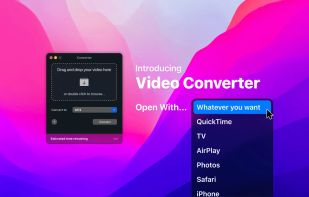
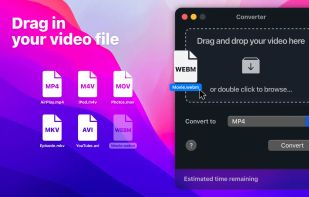
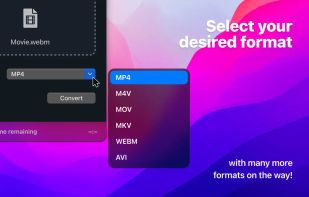
Finally, video conversion made easy. Ready any video type for AirPlay, iPhone, iPad, Apple TV, Chromecast, Xbox, PlayStation and just about anything else.
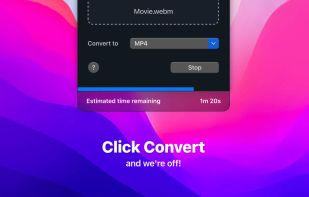


optimizeVideo is just a simple wrapper around ffmpeg, but that saves a lot of guessing. It analyzes the contents of a target video file, and sets the conversion parameters according to Google standards.




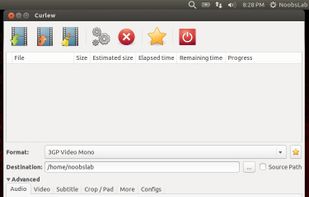
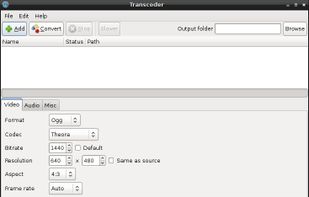
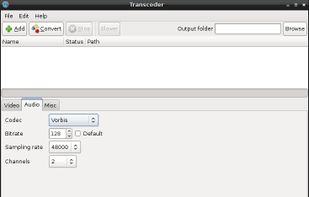
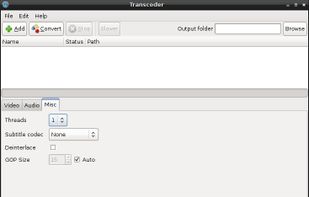
Transcoder is a video converter for Linux using GTK+ as GUI toolkit and ffmpeg as backend.


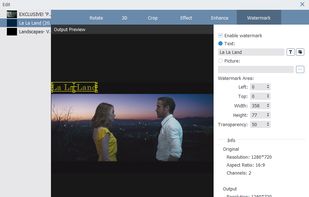
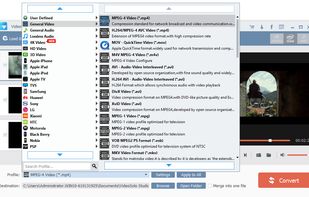
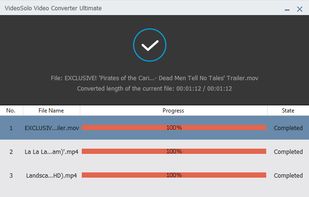
VideoSolo Video Converter Ultimate’s primary function is converting video files from one format to another. This software also allows you to download, edit and enhance all types of video files from nearly any source.
 Hong Kong SAR China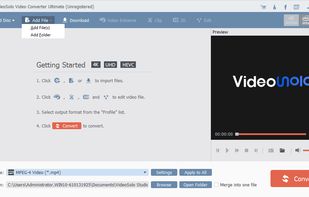


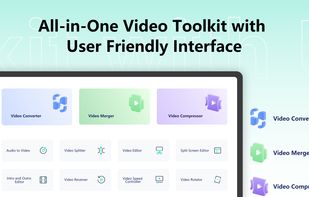
An all-in-one video toolkit with an easy-to-use interface. It provides 15 tools to help you convert, edit, merge, split, rotate, and compress videos with ease.
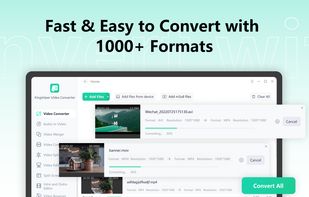




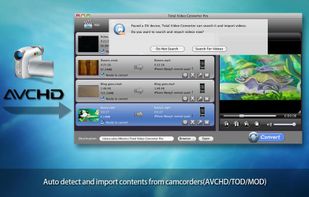
An extremely powerful and full-featured video converter which converts any video and audio to mp4, avi, iPhone, iPad, mobile, PSP, DVD... and burns video to DVD, AVCHD, Blu-Ray and more.
 China
China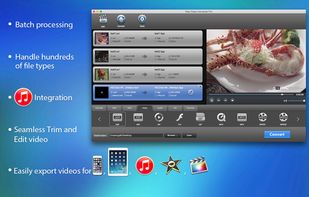

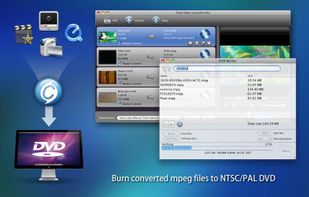


QtlMovie is a graphical frontend to FFmpeg, DVD Author, telxcc, CCExtractor, mkisofs and growisofs.
 FranceEU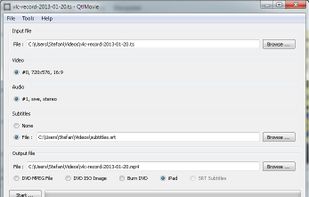


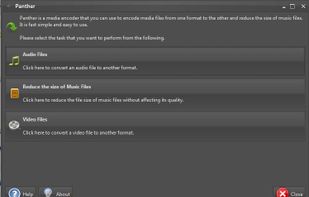
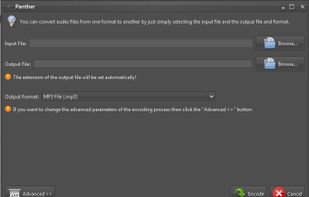
Panther is a free and open source program that you can use to encode your audio and video files from one format to the other. It has a simple user interface and should be very easy to get started with. It can even reduce the size of music files.


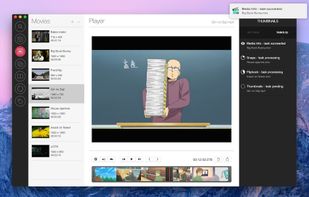
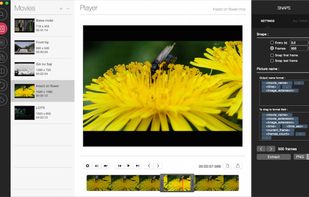
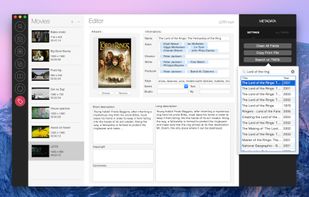
VideoToolbox allows you to have all your tools easy to access in a beautiful and clear interface. You no longer need to launch Quicktime X or Final Cut Pro to simply extract a picture or convert a movie.